Other settings
X Configurator
This funny and somewhat frightening name belongs to another very useful utility accessible from the Control Panel. It allows you to setup your graphic driver, memory, the mouse device, and the monitor settings easily. Best of all, you can test any configuration before you commit, which means you can play around without the fear of breaking your xorg.

Xfce Settings Manager
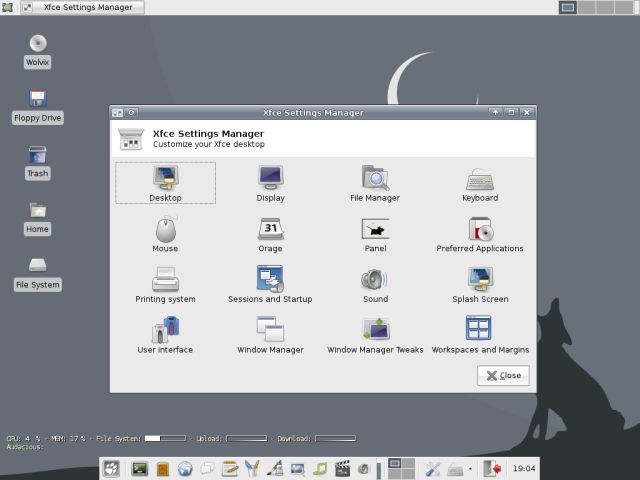
In addition to the Control Panel, another powerful aspect of the centralized control is the Xfce Settings Manager. It allows quick access to core desktop functions, allowing you to customize your environment with simple effectiveness.
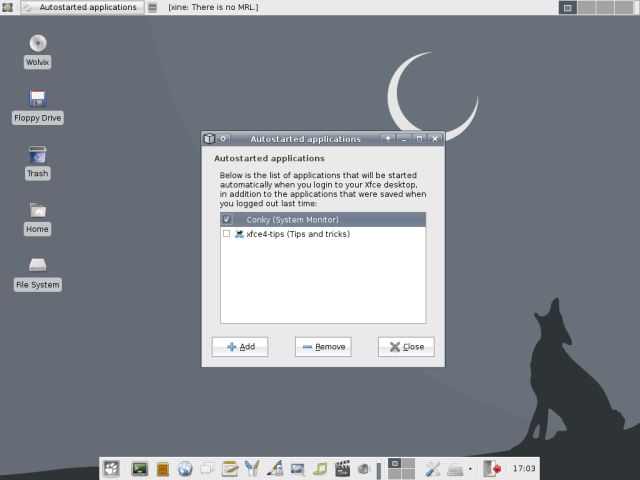
For example, you can setup the auto-start programs:
Firewall
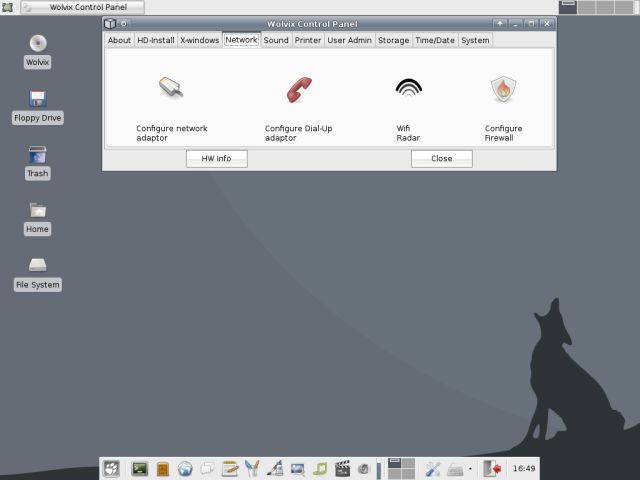
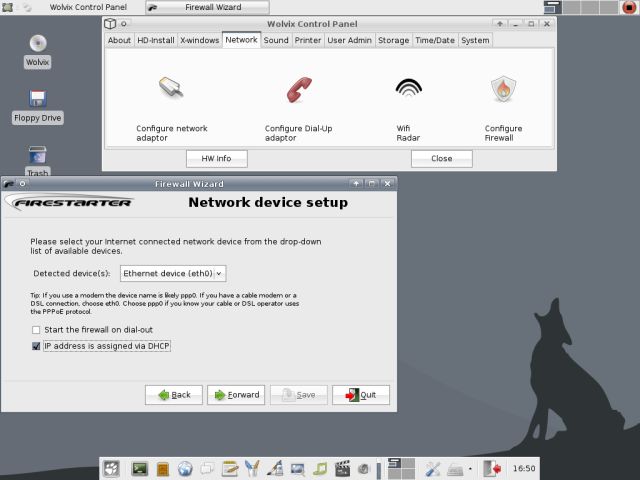
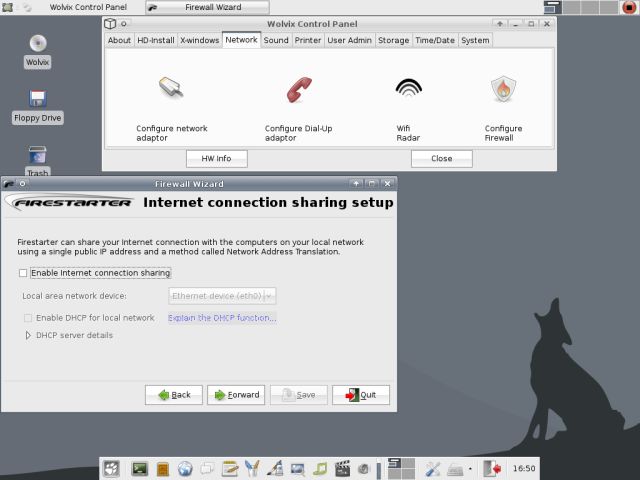
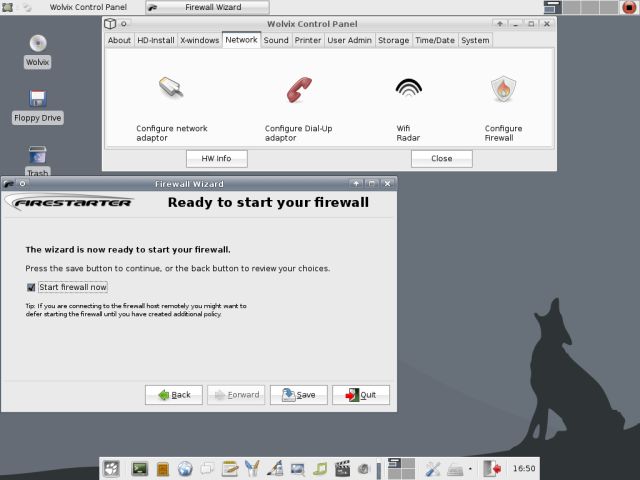
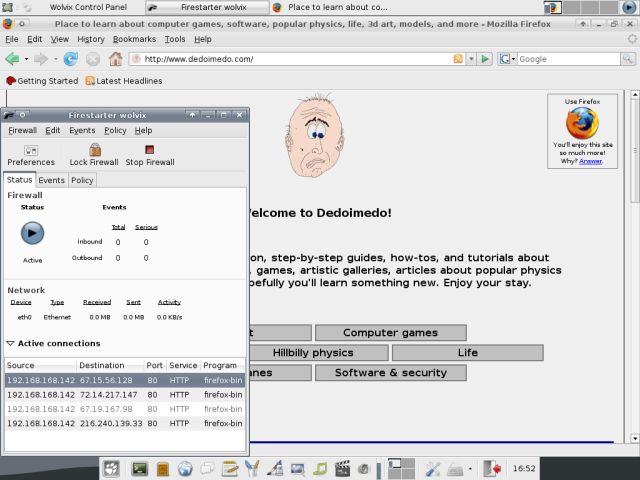
In the Slackware tutorial, we actually wrote one! Yes. We used a script that updates the iptables rules. This is no longer required. Anyone familiar with basic firewalling from Windows will absolutely love Firestarter, one of the friendliest front-ends for the iptables.
Updates
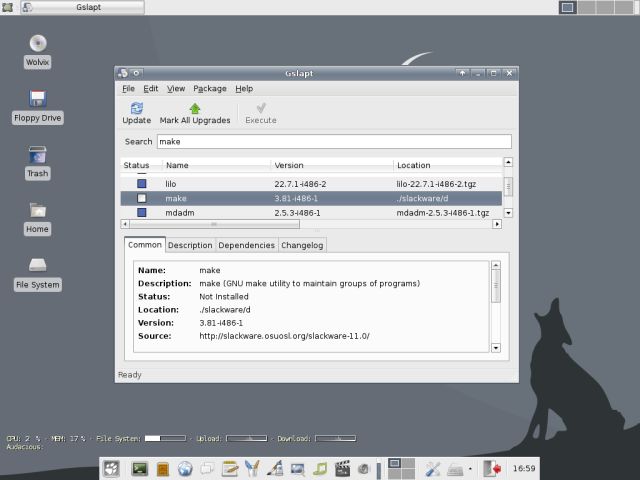
Again, we can see and appreciate another leap toward friendliness and simplicity. Similar to the excellent Debian apt-get, Wolvix features slapt-get!
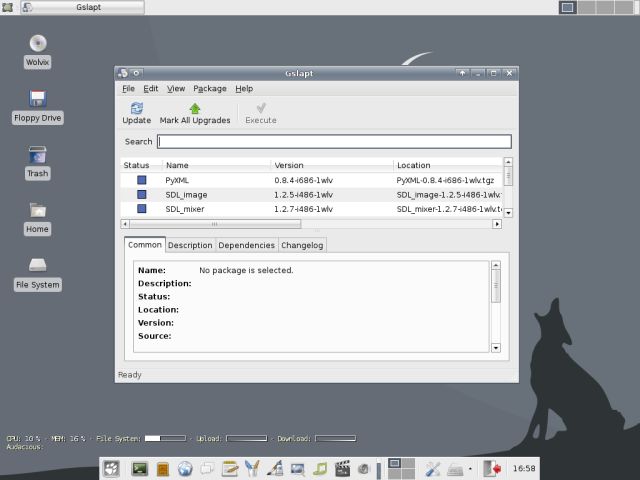
Here, for example, you can see a typical search for the make package, which is necessary if you intend to compile sources.
Applications
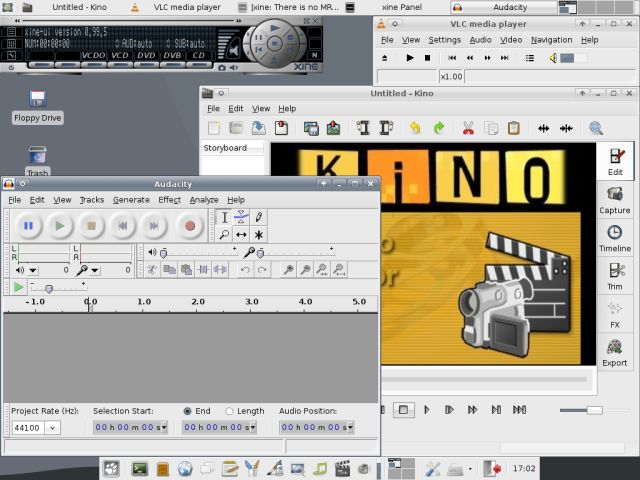
We have already seen a few screenshots showing the range of goodies this mighty distros offers. Let's see a few more. Some of the multimedia programs that Wolvix comes with - Kino, Audacity, xine, VLC.
You can also make your web pages using the powerful Bluefish HTML editor.

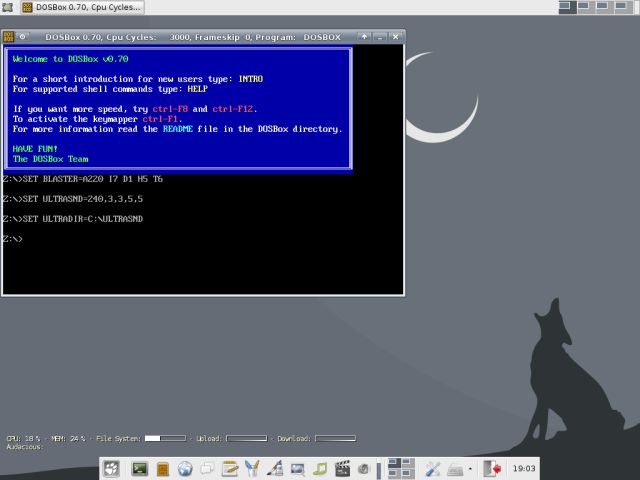
Or you can play DOS games with DOSBox. It comes installed, as well.
Conclusions
Wolvix is a fast, robust and simple distro. Best of all, it's very friendly to use. Slackware has never been the domain of newbies, but with Wolvix, for the first time, it has become a distro for the masses. No special skills are needed to master Wolvix.
Furthermore, it runs lightning-fast. The combination of Xfce desktop manager and a careful selection of programs leaves little to be desired. You will have a fully functional distro from the start, with everything you might need and more. Wolvix is a great choice for everyone. Hopefully you have enjoyed this tutorial and learned something new. Cheers.
Links:
About Slackware Package Management