Updated: September 9, 2026
Every few weeks, Mozilla releases a new version of Firefox. Every few weeks, I must content with subpar UI ergonomics, mostly because, for some silly reason, people in the tech world believe that pale gray text on gray background represents the pinnacle of human design. Case in point, Firefox 151, where I showed you the necessary CSS tricks to get the address bar to be white. Why so, you ask? Because I like my contrast, and I don't like the world to be one giant blob of depressing gray. Colors exist for a reason. The brutalist concrete fad needs to stop.
A few days ago, boom, another Firefox, this time 153 (and by now, 155). And once again, they changed the class and id declarations ever so slightly. Urlbar this, urlbar that, so annoying and inconsistent. Disheartening, and also a waste of time. If I want a normal look and feel, editing the defaults does not seem to be the right choice. Well, Firefox has supported theming since forever, allowing you to clad your browser in the colors you want and like. Technically, problem solved. Except, what if you don't want themes from random people, but rather, only something officially released by Mozilla? Follow me.
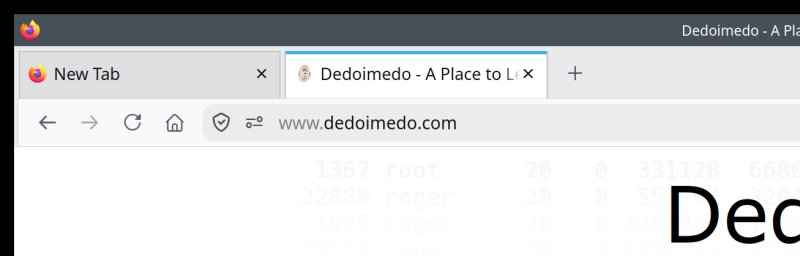
Look at that address bar. Why so much gray, gray, gray, gray?
This article shouldn't exist, and yet here we are
If Mozilla actually did a slightly better job at promoting its own themes, I wouldn't need to be sitting here, typing this. But the thing is, inside Settings, you only get three themes by default - Light, Dark and Alpenglow. If you want anything else, then you need to manually head over to the Mozilla add-ons site, highlight Firefox as the chosen developer, and then go through the listings. Funnily, searching for themes by Mozilla returns both official results and a whole bunch of unrelated content. Yup, it's nerdy and not how it should be. Hence, this article.
Get only Firefox's Firefox stuff
Let me save you some time searching. Go to the following link:
https://addons.mozilla.org/en-US/firefox/themes/category/firefox/
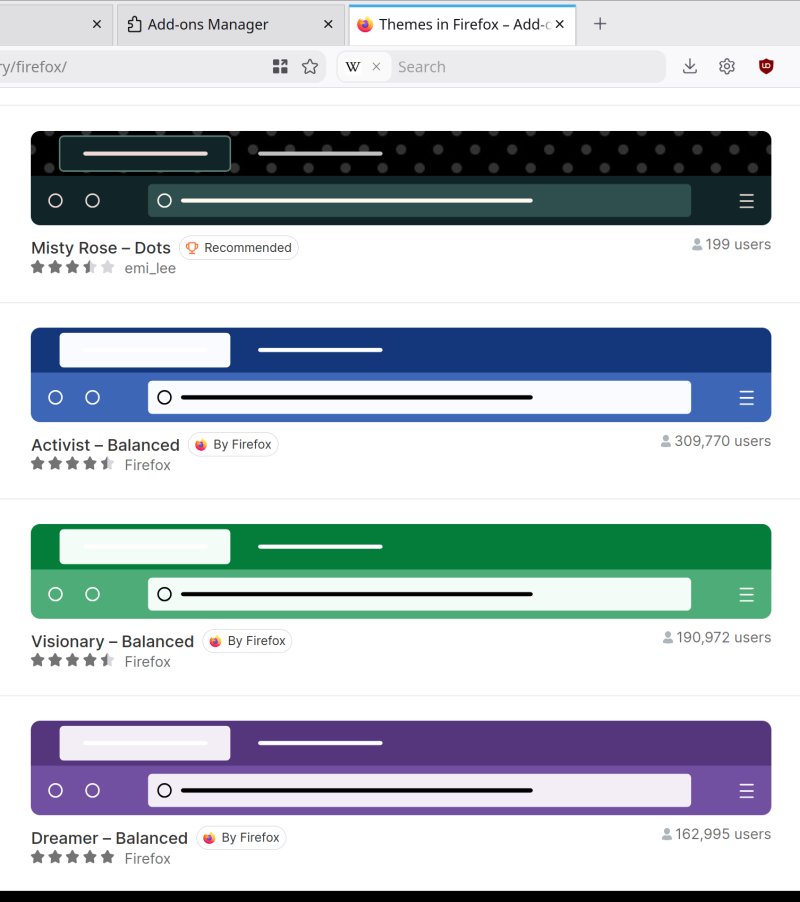
This will show you all of themes by Firefox (as the developer) for Firefox (the browser), but you still need to be careful, as random entries might sneak in. Now, technically, Bob's your uncle, look for what you like, and more importantly, what renders nicely on your screen, plus it gives you good contrast. For me, in particular, I want the address bar to be nice and visible and clear.
For me, Activist and Visionary seem like nice choices. These themes were last updated in 2023, but they seem to work and render just fine in Firefox 155 in 2026 (at the time of writing). More importantly, they also blend nicely with the rest of my CSS tweaks, including per-container coloring for tabs. And the address bar (urlbar) and the search box both come with the white background. Now, there might always be an odd problem here and there, so don't expect perfection.
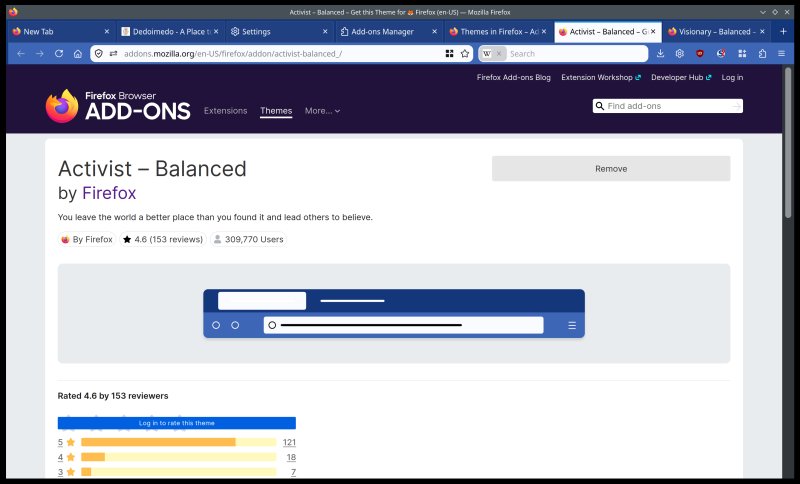
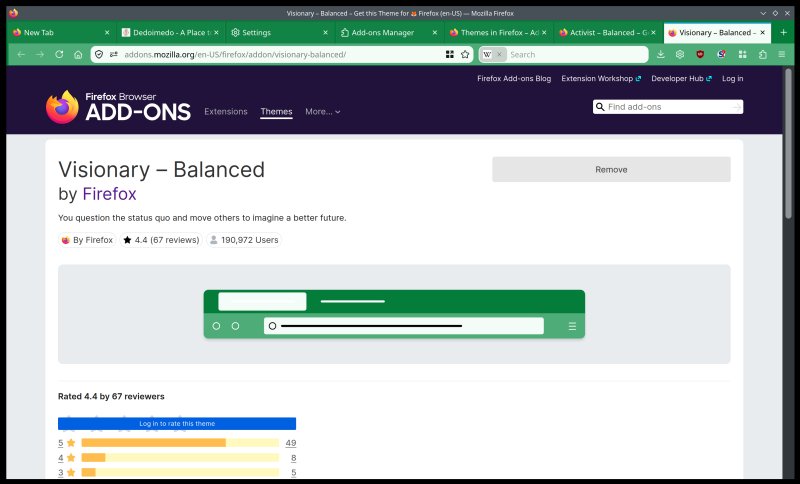
Fingerprinting ...
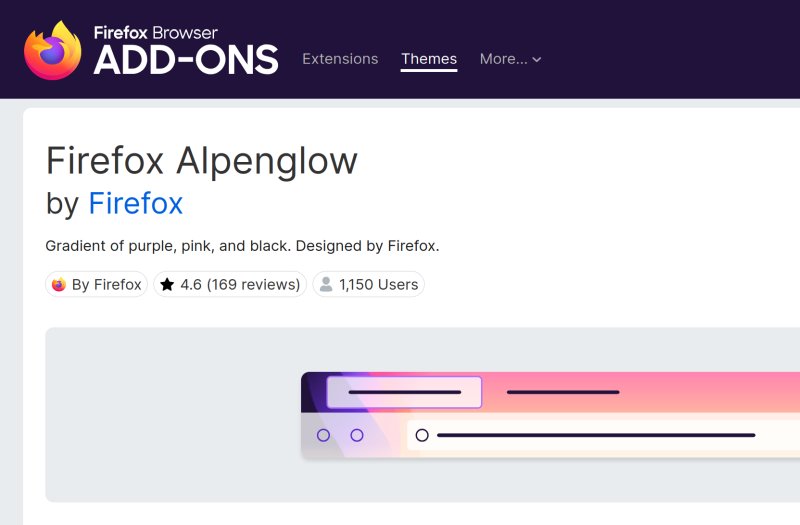
There might be one small issue with this ergonomics improvement "trick". You suddenly make yourself more unique. The default Firefox is used by tens of millions of people, but if you choose one of these themes, then you suddenly become one out of ... say 200,000 people. You increase your uniqueness by a factor of 1,000 or so. Now, I'm not 100% sure what sort of information Firefox gives websites, or if websites can derive your theme from any of the available data, but that's something to consider. Funnily, Alpenglow, which is offered as one of the default three, has seemingly only about 1,000 users. That sounds ... weird. Either the usage numbers are wrong, or this theme really isn't popular.
Now, let me add to your confusion
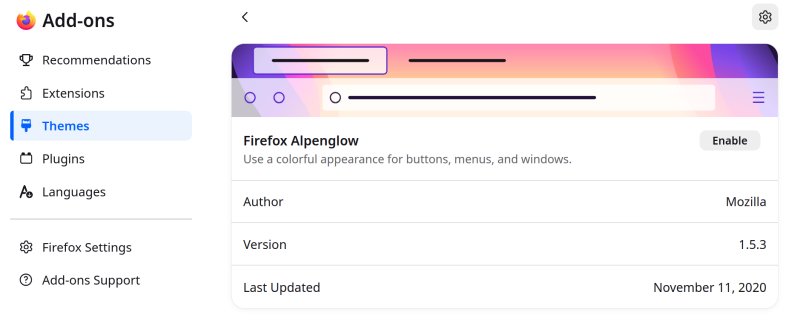
This article is also, indirectly, a wee (or not so wee) criticism of how Mozilla/Firefox manage their browser. Alpenglow is one of three default themes shown, but it has minuscule usage. It's also been last updated in 2020, according to Firefox, which means Mozilla updates the browser look & feel without regard for default themes. Similarly, Light and Dark, the former which is the default, has also last been updated in 2020.
Alpenglow's author is written as Mozilla, no link. If you install say Visionary, the author is Firefox, with a link that takes you to the add-ons site. If you consult Firefox badges, "By Firefox" means developed by Mozilla, but then, why not say it like that? Similarly, why doesn't Alpenglow bear the same author information?
Here's Alpenglow under Themes inside the browser:
And on the official site:
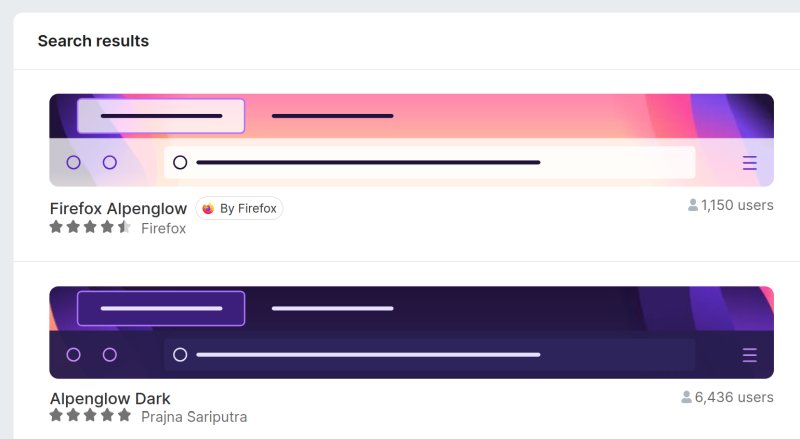
Notice the difference between developers - Mozilla and By Firefox - and yet, they are one and the same.
Visionary, under Themes, and with a different count of reviews and update stamp than the official site:
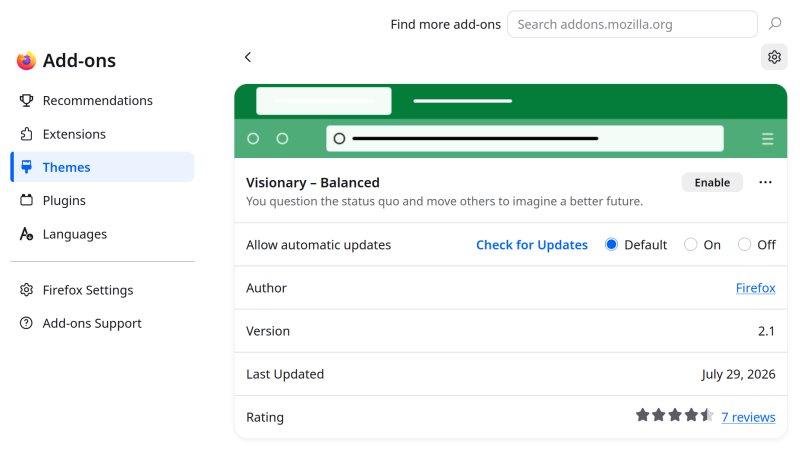
To wit, the Add-ons page:
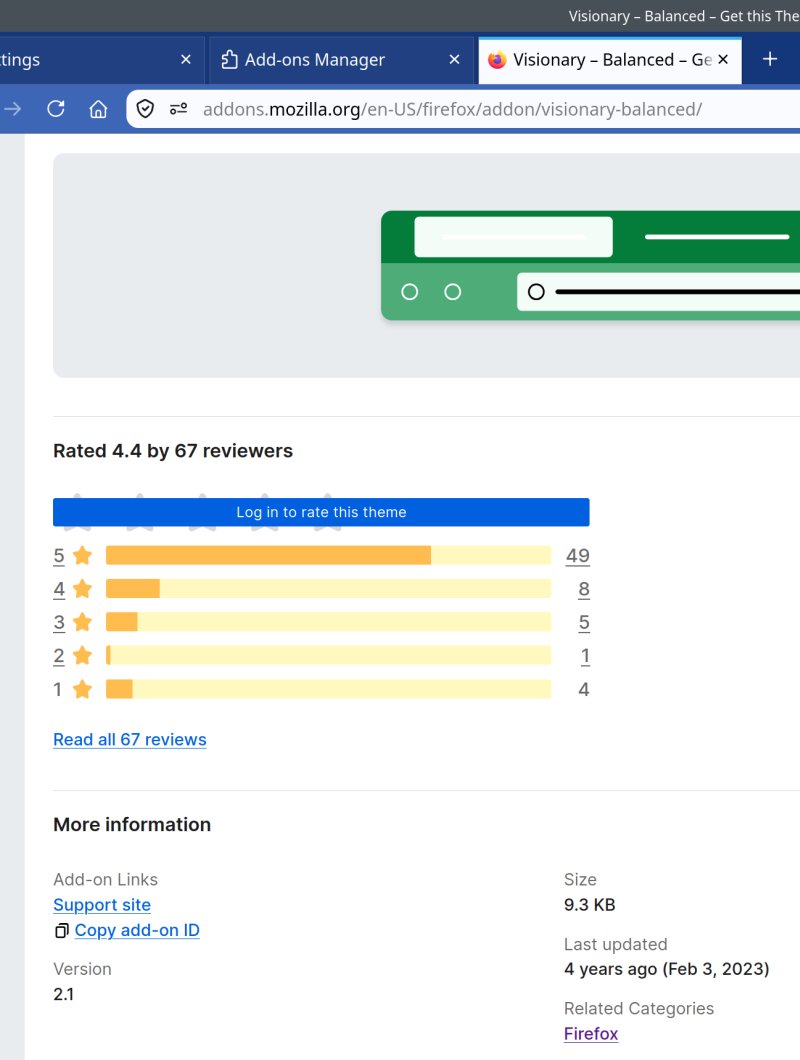
All of this is quite confusing, and unnecessary. It sure does not inspire confidence, but even more importantly, makes the browser management less fun, more cumbersome. Why simply not add a color wheel or picker inside Settings, and let people change their hues on the fly? Then, the default theme can be as gray and depressing as it needs to be, but the users can set their own ergonomics, including more vivacious colors and better contrast.
Conclusion
Life would be so much simpler if Mozilla stopped messing up with Firefox's looks. It's very simple. For years now, Firefox has aped Chrome's rather bad style. For years, this has not helped Firefox regain its market share. The obvious mathematics at play are that copying Chrome's bland UI does not translate into improved user numbers. If anything, the opposite is the true. Making things less obvious, less visible, less everything does not improve the browser. The so-called tech minimalism is pointless, ugly, soulless, and it runs counter to every usability and ergonomics study done in the last 50 years. If Mozilla let Firefox be a simple, clear tool, there would be no need for any tweaking.
I do have to admit I feel tired with my post-Proton games. I've introduced dozens of CSS tweaks since Firefox 90 or so, all in an attempt to make Firefox suck less. Using a non-default theme seems like a quick escape from this ordeal. But beware the potential increase in your visibility (maybe) due to your unique choice, and be careful searching and installing themes. If anything, Mozilla should at the very least align their metadata, so that every page or menu shows the same information. Otherwise, the whole idea of vetted and recommended content becomes moot. So, there you are, my ergonomic-loving readers. Party on.
Cheers.