Updated: October 28, 2026
Ahoy, me hearties! Avast, ye landlubbers. Do you remember the fantastic little city building simulation called Tropico 2? I do. And do you still play it? I do. But how, you ask. Ah. Well. That's why we're here. In today's article, I will show you how you can set up and run Tropico 2 using Linux and Steam. Specifically, I'll use Kubuntu 24.04 on my Slimbook Executive, and employ the fantastic Proton compatibility layer to get this sweet 2003 title, made for Windows, to work fabulously in a modern-day Linux system. There are some snags and issues that we need to solve, hence the tutorial.
Before we dig in, I would like to tell you that I've been having pretty good success with Proton on multiple Linux systems. You may also want to look at my 2023 report, which covers many excellent and complex titles, plus links to individual tutorials, each with its own specific quirks, including how to import old game saves, mods, scenarios, and then some. Since, things have been quite peachy. Tropico 2 shall be the latest entry to this growing list. Begin, we commence. Anchor away.
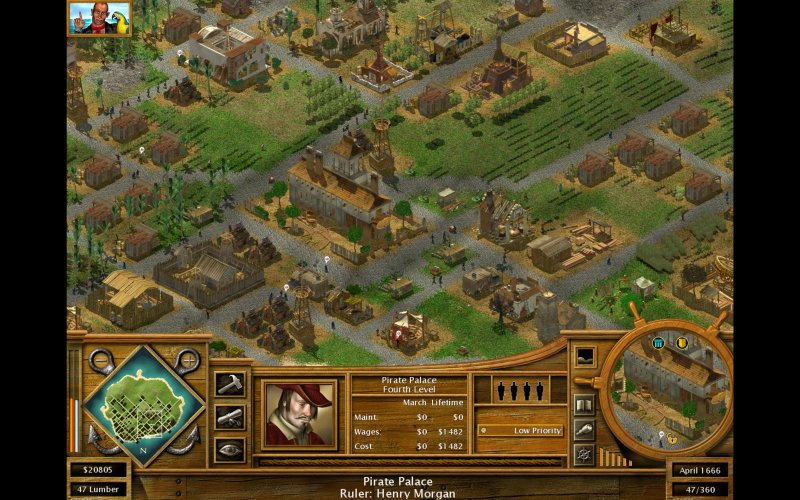
Enable Proton, install
This part of the process is quite straightforward. Install the game. Don't worry about any which version of Proton you choose, the results will be identical. The game will install and even run. But then, you need a few tweaks to get everything working smoothly.
Reconfigure Tropico2.ini
As an old game from more than 20 years back, it was designed to use graphics cards that no longer really exist. Thus, it will frequently crash if you keep the defaults. We need to switch from hardware to software acceleration. Open the game configuration folder. Something like:
~/.steam/debian-installation/steamapps/common/Tropico 2
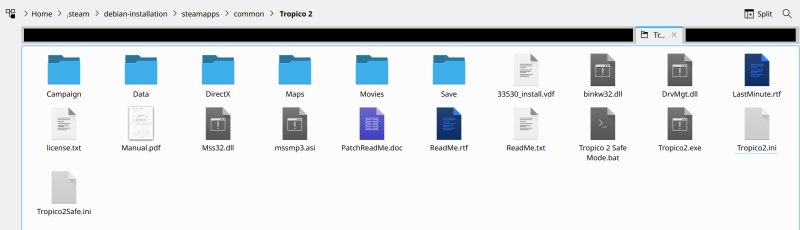
This path will depend on your actual Steam configuration, or if perhaps you use the snap package in Ubuntu and friends, or if you use Ubuntu at all. In my case, I use Steam from the repositories, installed via apt. Now, open Tropico2.ini in a text editor and look for the following section:
[DDraw]
SoftwareDevice=0
TextureManage=1
Change the SoftwareDevice from 0 to 1, namely:
[DDraw]
SoftwareDevice=1
TextureManage=1
In-game changes
Save the file, launch the game. Next, start a sandbox scenario or a campaign mission. Any one will do. Then, once you launch the map, go into game settings, change the resolution to whatever you like (you can go up to 1600x1200px), sort out your sound volume, mouse scrolling speed, and also, importantly, under Graphics, tick the option: Reduce Graphics Shifting. This will also improve stability some more, and allow you to reliably alt-tab out of the game, if needed. Tropico 2 will always run full screen, and you won't be able to use the borderless window option.
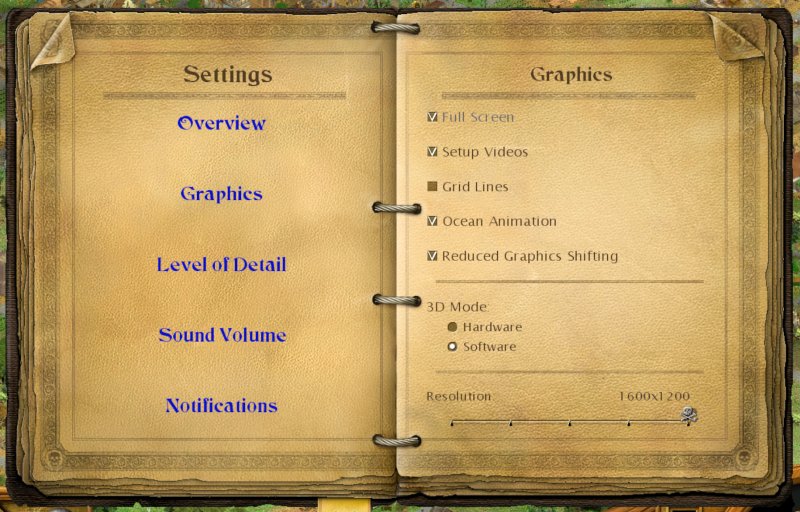
You can also see here that you have the option to control the 3D Mode, and switch from hardware to software, and vice versa. This is exactly what we changed earlier. The problem is, the game might not be stable long enough for you to make the change through the GUI, hence the earlier ini file tweak.
Steam Overlay incompatibility
The last thing is to disable Steam Overlay when playing Tropico 2, or simply avoid taking screenshots through Steam. The game simply does not cooperate well with this functionality. If you hit F12 (the default key), Tropico 2 will freeze, usually with some dramatic artifacts like below:
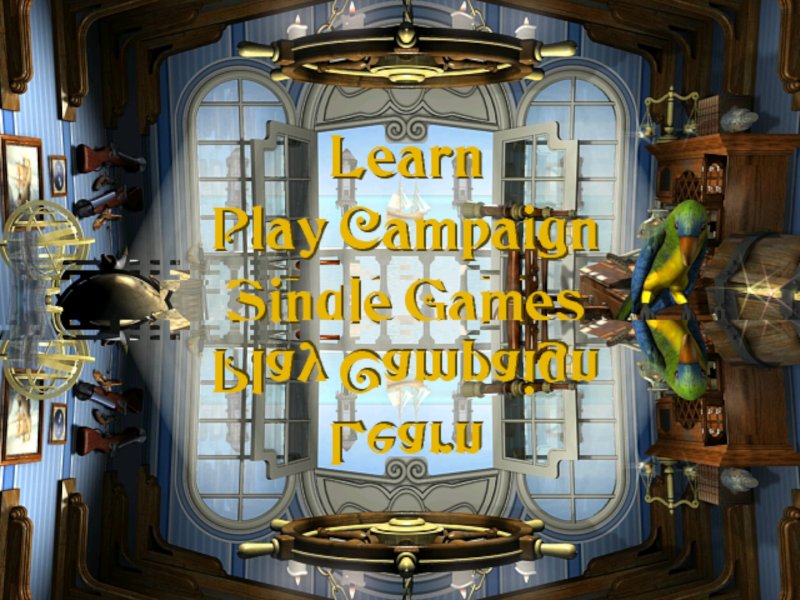
However, you can use any Linux tool to take screenshots, like perhaps scrot, set to run in a loop, taking a PNG image say every 15 seconds, with a random name. This works fine, without any issues, and it won't affect game stability, even if you aggressively alt-tab. Oh, I only tested in X11, I didn't try Wayland, so, take this into account.
Conclusion
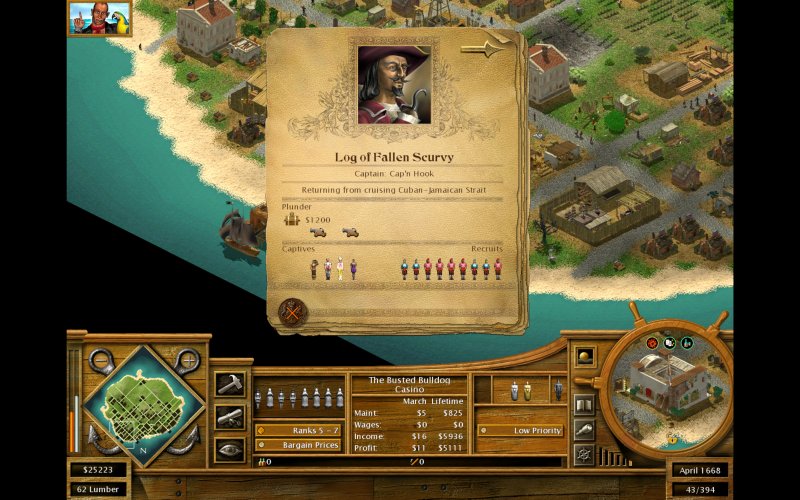
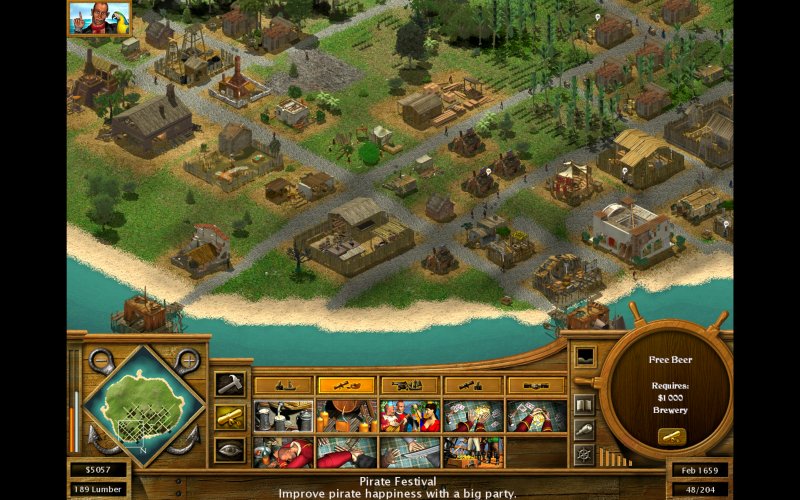
This article adds another lovely item to my Steam Proton list. Lovely jubbly. I'm quite pleased. It's been nigh two and a half decades since Tropico 2 was released. Yet, you can play it in your modern-era Linux, thanks to Valve's work. Sure, some small changes are needed here and there, most notably the software drawing tweak, and make sure you don't use Steam screenshots. If you abide by these simple rules, you will enjoy hours and hours of maritime fun.
Now, you know what all this means? Yes, I'm back to playing Tropico 2, and it's as good as ever. A delightful game that balances all the right things. They don't make them like this anymore. The late 90s and early 2000s were truly peak simulation era for anything urban or strategy. But let me pine not any longer. I promise a full game review very soon. Meanwhile, enjoy this guide, and hopefully, it will rekindle your love for this fabulous pirate-themed builder. See ya.
Cheers.