Updated: May 29, 2026
Are you being treated fairly? Ha ha. Well, if you're a smarthpone user, the answer is probably most definitely not. The smartphone is designed for on-the-go convenience, and as the favorite entertainment toy for the masses. Hence, if you're ever so slightly less simian, you will feel indignant by the state of current affairs, and seek refuge in something that promises more fun, less pain. Fairphone is one such formula. An Android-based device, with repairability and longevity as its main selling points, plus a rather clean Android experience.
My review of Fairphone 6 shows that this is a capable and interesting mid-range device. But the operating system is the weakest link. Thus, it ain't enough doing just one quick test. We need the long-term results. With about 8-9 months of lightweight usage under me proverbial belt, I'd like to share my latest findings on this phone. Some upgrades, lots of new and fresh annoyances, general usability, and all that. Let's begin.

Many many upgrades
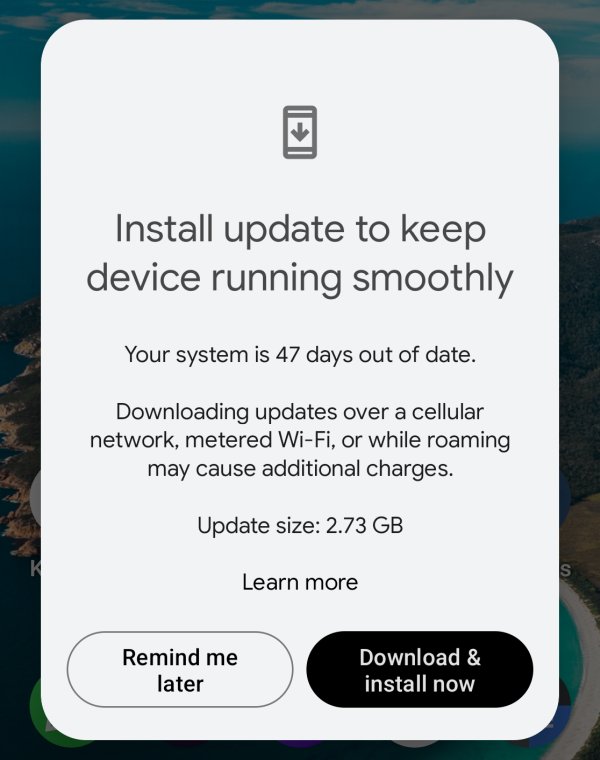
Purposefully, I let the phone do "nothing" for a while. I wanted to see what happens if I let the updates linger a bit, and how well the system copes with such a situation. It turned out to be a rather interesting experiment. One, there was a massive 2.5GB Android 15 update. It went quickly and smoothly. Then, there was a subsequent Android 16 patch. Again, it was rapid and problem-free. Very nice.
Exploring the vanilla flavor of Fairphone
With Fairphone offering a rather "pure" feel of Android, with minimal bloat, it was interesting for me to see how it feels and runs, especially since I've already had a taste of this version in the Samsung guise. I must say I'm not pleased. Visually, ergonomically, Android 16 is worse than its predecessor(s). Yes, I've said it many times before, and I'll say it again. Peak Android was version 10, in terms of simplicity, looks, seriousness, and actual usability. Ever since, we're moving deeper and deeper into the crayon territory, with cutesy design that does not bring any joy or extra productivity. True across the board, to be fair.
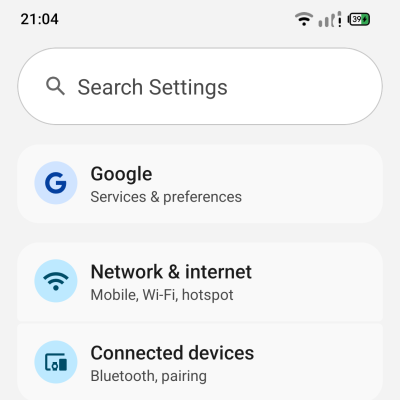
Best example, the status bar. Holy molly. Just look at what you had in Android 15 and then 16, side by side:

Look at the icons. Old battery icon, nice, legible, clear separation between icon and percentage numbers. Now, in the new version, the best description I have is: you get something that looks like Xfce desktop icons circa 2015, when you change the desktop scaling, and everything goes weird. Yes, font color is better in version 16, but everything else isn't.
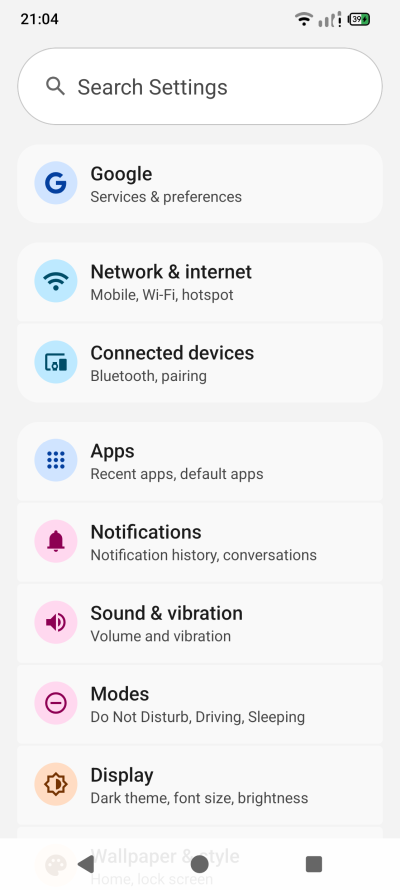
Not only that, the overlay menu has DIFFERENT spacing and padding than ordinary menus. And let's not forget the amazing ergonomics of white icons on gray background. Yup yup. I mean why even bother with having a display even?
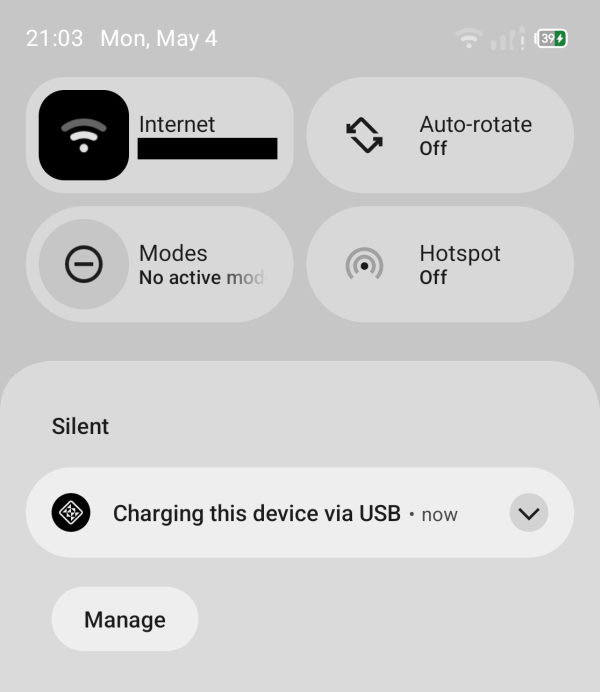
That Manage button not being aligned to the notification above aggravates me.
Here it is, side by side, for the unbelievers - feel free to copy, paste, overlay, use ruler, whatever:
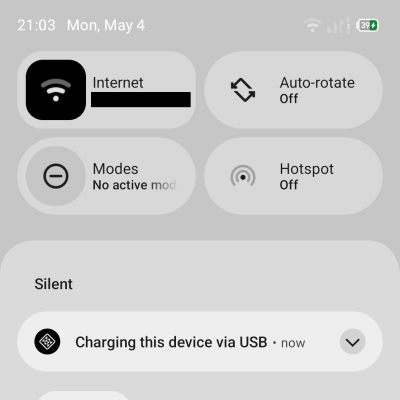
Do Not Disturb is now "Modes". One, this ain't original in any sense, as I had this on my Nokia E6 in 2011. Two, if you want to make your phone go quiet, now it's two taps rather than one. The overlords expect you to have a busy and rich digital life, and to use modes to empower yourself or whatever. The solution is so simple. Keep the old icon and functionality as is, and then add a new one called Modes. That way you don't disrupt existing workflows, and anyone who wants to use the new feature can. And those who consider phones a necessary evil can ignore the modern hyperactiveness.
I noticed one can also use monochrome icons. The classic look is called Themed.
To hone in how bad and depressing this gray-gray design is - and also, badly tested - notice this nugget. The Premium SMS thingie, which for some reason, was suddenly available, and it wasn't ever before. But the menu where you choose what to allow is unreadable. A total, total ergonomic fail. I guess it was only tested with the dark theme, if at all. We shall see more examples of this nonsense soon.
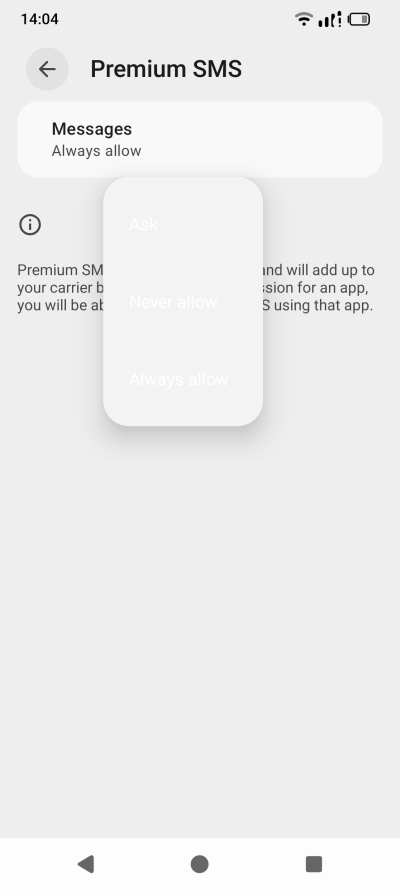
Why is always allow the default, hm?
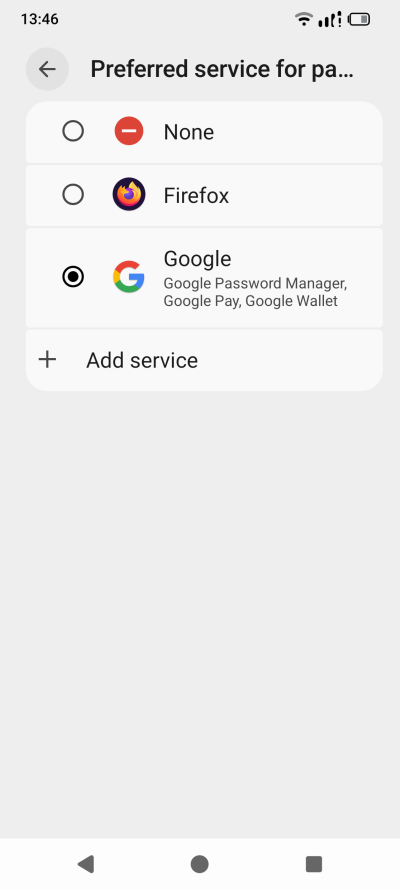
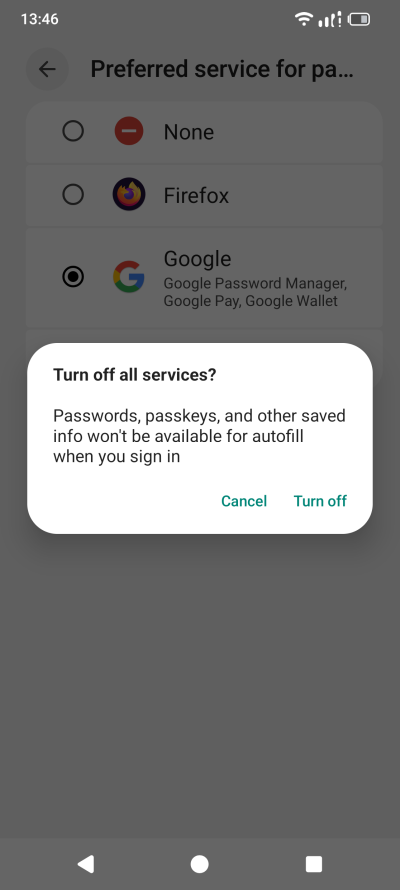
Google also wanted to make itself my password manager, yet again, even though I've already disabled this option. Naturally, I had to go through every single setting, to make sure nothing was added, changed or whatever, for my benefit, of course. Ah, it's so simple. If it says passkeys, I don't want it. And so: None.
Security and privacy
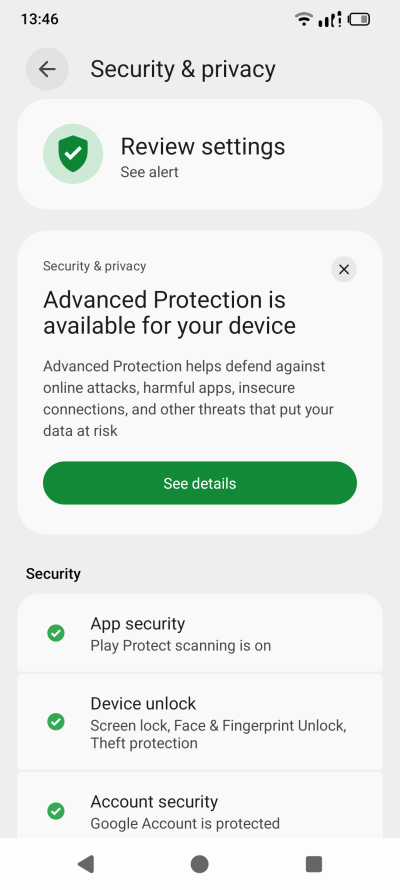
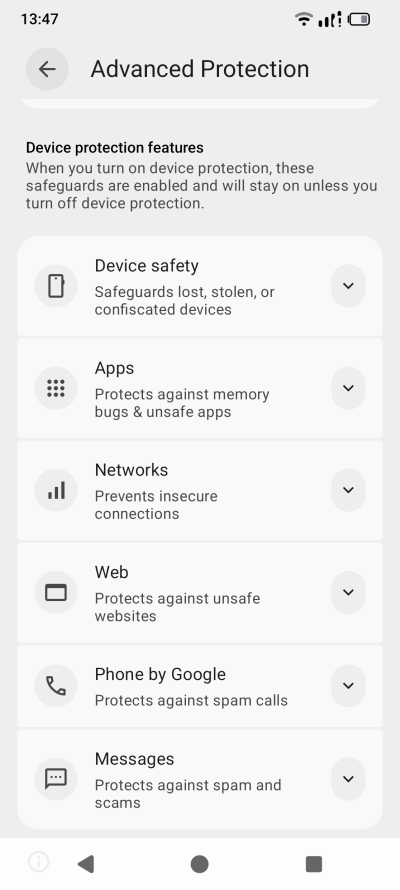
I also went through this section. There were a few new things introduced in Android 16. Extra protection, which I already mentioned in my Samsung A54 reports. Technically, for the most part, you can activate most of the mitigations on your own if you like. The big problem with the Advanced Protection toggle is that it's all or nothing. For instance, Web safety really requires the use of specific browsers. The same goes for messages and calls. This means you are "forced" to use certain apps to enjoy the full gamut of protections. That makes them nice to have, and not really critical. Again, there's no reason not to have a system-wise toggle and per-app toggle. That would allow people to enjoy the security regardless of their choices of apps.
I had to dimiss tons of semi-alarming warnings. The whole "you may be at risk" is so annoying. It means nothing and everything. And of course, you get a whole bunch of Hollywood drama stuff, like trackers, crisis, and such. Now, let's also focus a bit on the Crisis Alerts thingie:
- The would-be human form looks horrendous. The use of white on gray means you can barely seen the hair or the leg of the character, unless this thing was designed to be used with the pointless "dark theme", which is peddled on by default.
- Moreover, the would-be human character jacket design makes it look like ... well, something your doggie would deposit on the pavement.
- Finally, you need location turned on, of course. But why? Public emergencies can be easily declared by cellular antenna grids. There's no reason to track phones. Also, why is there such panicky need for disasters in modern phones? To instill fear in the plebes and control them better?
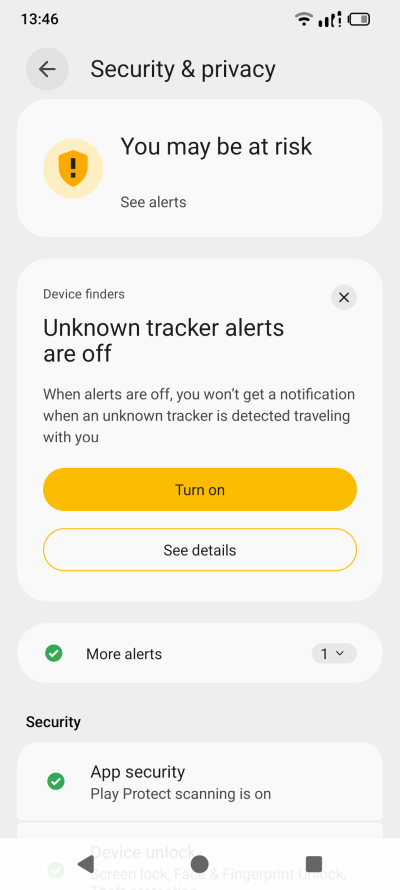
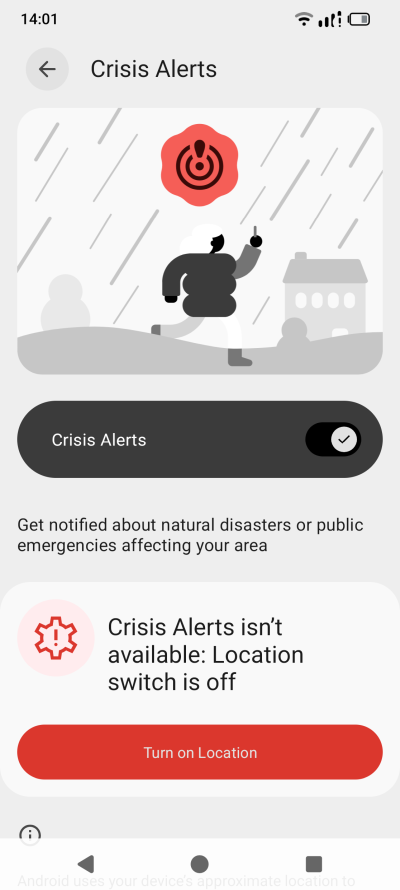
Trackers? Please. What am I, Jason Bourne?
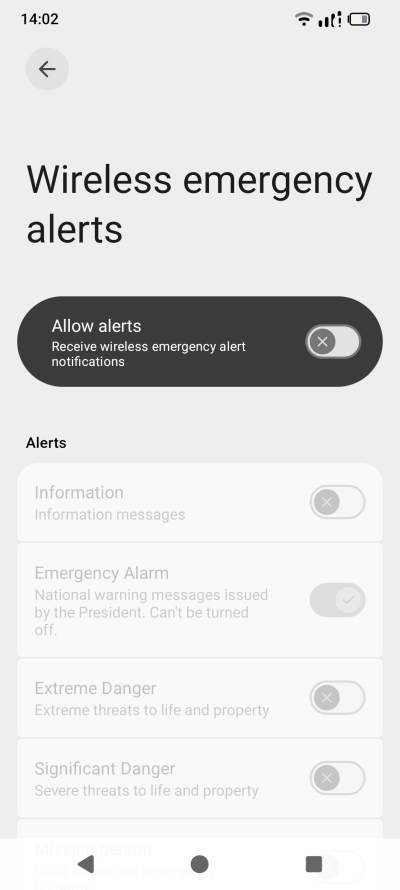
The emergency alert from "the President" is still there. Such a lovely Californian centric view of the world and its political hierachies, including the fact many countries do not have presidents. Also, Wireless emergency alerts make the Crisis Alerts unnecessary. But then, hm, yummy yummy location data.
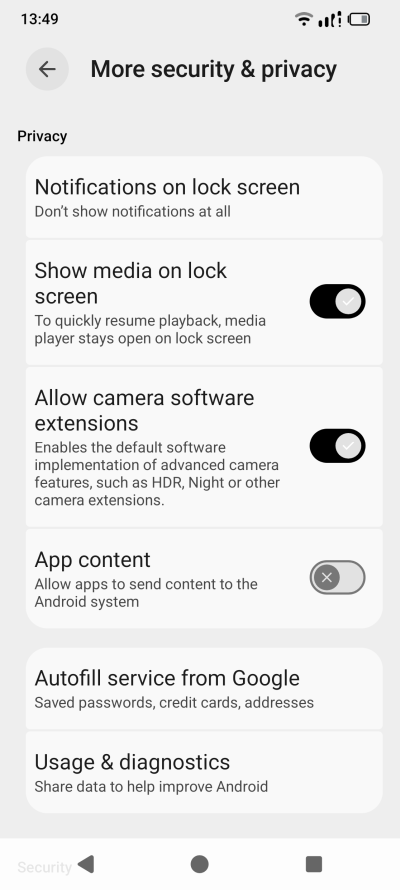
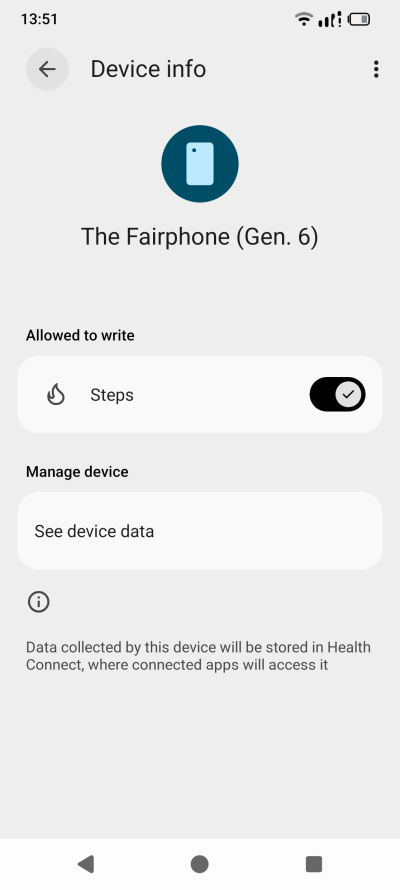
At the same time, your camera is allowed to have extensions, apps are allowed to send content to the Android system, whatever that means, and by default, both Autofill and diagnostics are on. And then some nonsense called Health Connect can "collect" your steps. Never asked for it, nor do I want it. Apparently, there's a whole maze of health-related stuff, because I guess this is valuable data. Google Play services are allowed to read Vitals. What? Why is this turned on by default? Did I give you permission to do this?
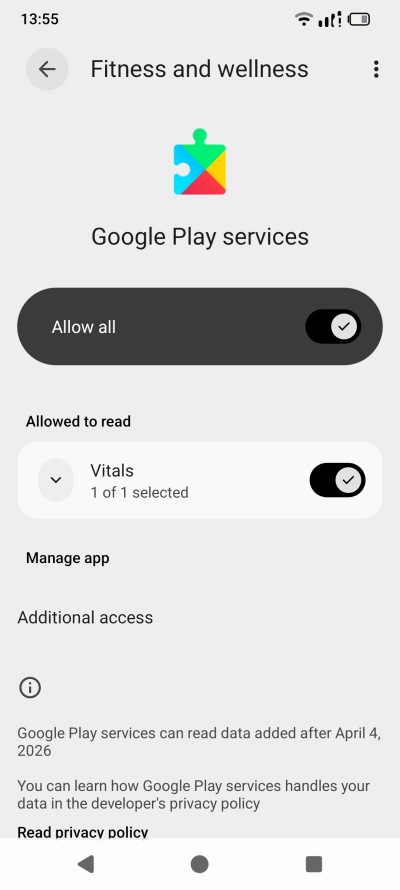
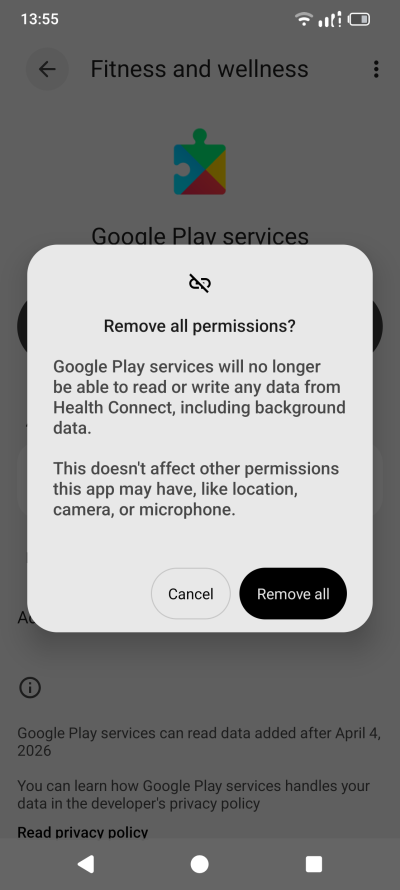
Also, Digital Wellbeing is an app you can neither uninstall or disable. It tells you that you're a peasant. But you can remove its permissions, at least. To some extent. But yeah, I had to spend time purifying things and removing access to this or that app.
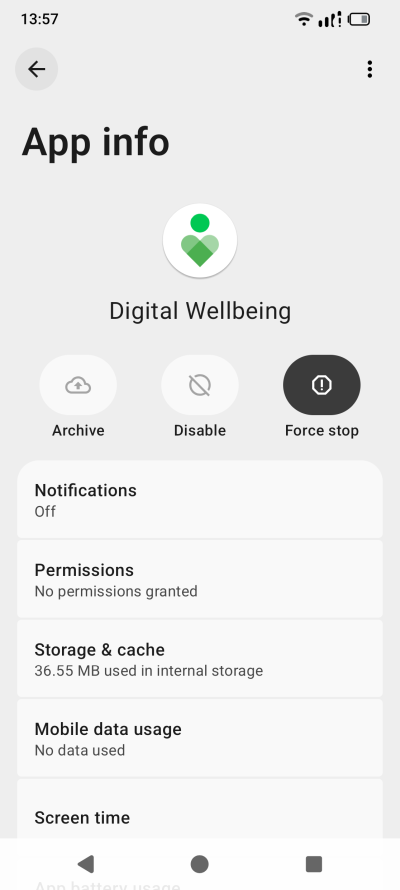
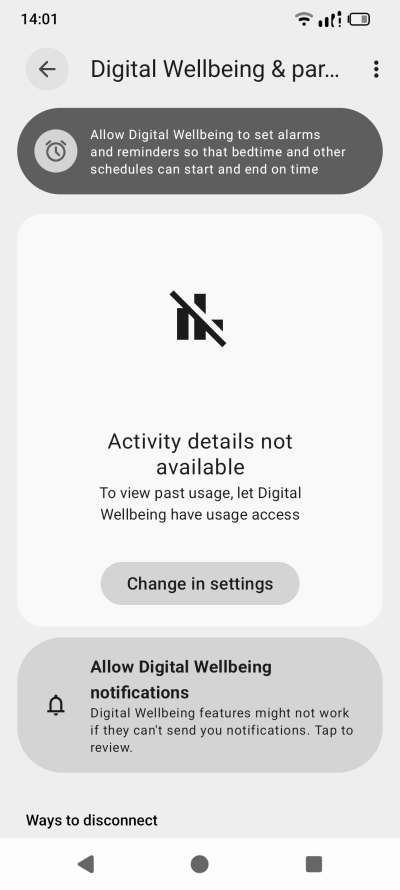
No access for you. Nope.
Let's not forget the oldies and the goldies. Google App swipe, which you cannot disable, as the toggle is grayed out, and AI scene detection in your camera. I did disable the Google App, so no, no left swipe for you.
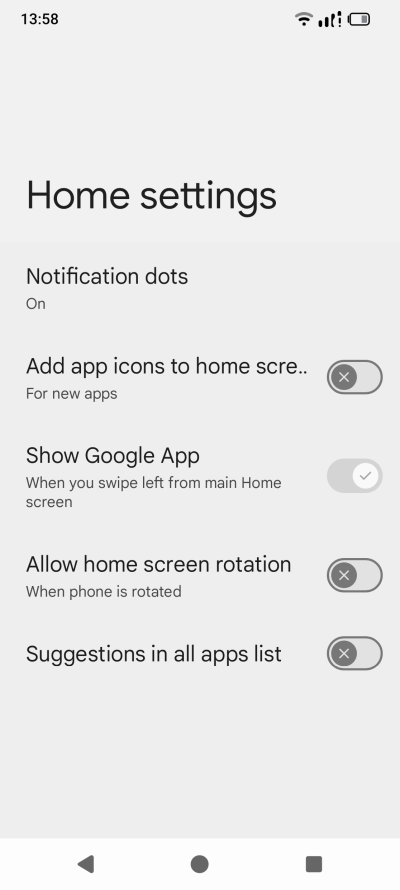
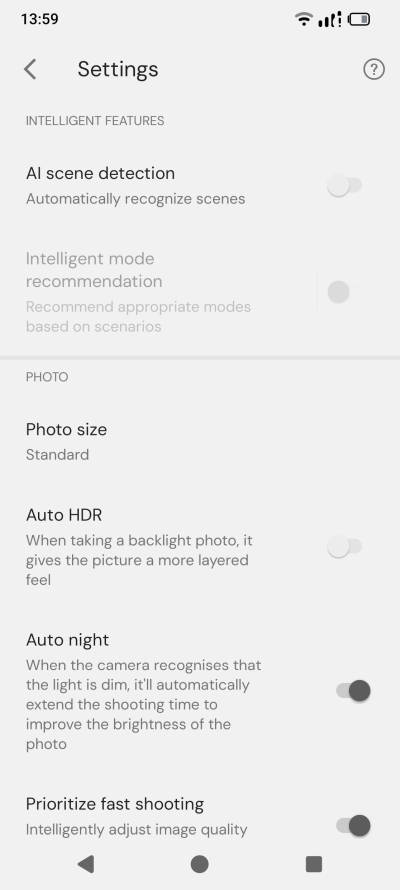
Why would I want "AI" to automatically detect scenes? Why? I know where I am and what I'm photographing. Who does this information benefit then? Where does this hallowed "AI" run? What does it do with the data? GTFO with this modern nonsense.
Everyday use
And now, we get into using the Fairphone. Well, nothing new to report here, really. After I finished taming the device once more, I felt tired and exhausted from the absolute crap that is the modern software development, the dejecting grayness, the ugly design, the lack of passion and color, the horrible visual bugs, the overload of privacy annoyances, and the rest of this Dystopian turdonics.
How is this relevant to Fairphone? Well, it is. You get a vanilla experience, but this does not mean much if the vanilla flavor is spoiled. If your default clean setup is dirty, you won't get far, will you. There's not that much advantage to this setup, because the operating system is still invasive and in-yer-face. Why did I need to waste my time defending my peace-and-quiet baseline with the Android 16 upgrade? Why do I need to worry and dread and actively hunt for fresh snags and traps that will ruin my usability?
But yeah. The phone works fine. No complaints otherwise. No news since the original review.
Conclusion
When it comes to Android, I'm starting to realize that there's a ceiling, and you will asymptotically be trying to reach it. Not a very high, lofty ceiling at that. Nope. The mobile operating system is hectic and annoying and becoming more and more so every day. My Fairphone 6 first long-term report is the best evidence I have so far. On one hand, you get this European phone, promising sustainability and peace to its users, if they are willing to pay a bit more for the hardware. But then, on the other, the operating system is every bit as crude as it can be, and the illusion of the separation bubble evaporates. The vanilla experience is meh.
I do have to focus a bit on the phone side. The early patches did deliver lots of improvements. But since, nope. In fact, Android 16 is totally average. The big yellow Switch button still has no "None" function, which would probably be my big gripe when it comes to the hardware. Other than that, it works as you expect. Fast, cool, with okay battery time, okay camera, okayish sounds. Solid plus. In the philosophical scope of things of who you give your money to, Fairphone is as good choice as any, perhaps even better. But that Android will be the thorn in your side, don't you forget that. Fairphone wise, so far so good. Otherwise, whatever, man. I shall keep you updated. Perhaps I ought to try e/OS? Indeed.
Cheers.