Updated: July 24, 2026
I have never been a fan of cloud office suites. Sure, they have their uses for collaboration and such. But the whole concept of your browser is your work desk, nah. That said, I'm not opposed to cloud apps, and I've used some, here and there, as warranted. I tried them all really, and I find them all more or less equally missing in speed, convenience and ergonomics. Without fail, the local office suite is a superior solution, hands down.
But, being the eternal optimist that I am, I like to keep exploring and testing. Now that I have /e/OS installed on the Fairphone, and now that I'm using this de-Googled Android, I decided to give Murena Workspace a try. Since Murena is the parent company behind /e/OS, and since they collaborate nicely with Fairphone, it makes sense to try their cloud setup. After all, it's free! I mean, the basic tier with 1GB storage is there for anyone willing to sign up. Let us commence.
Getting started
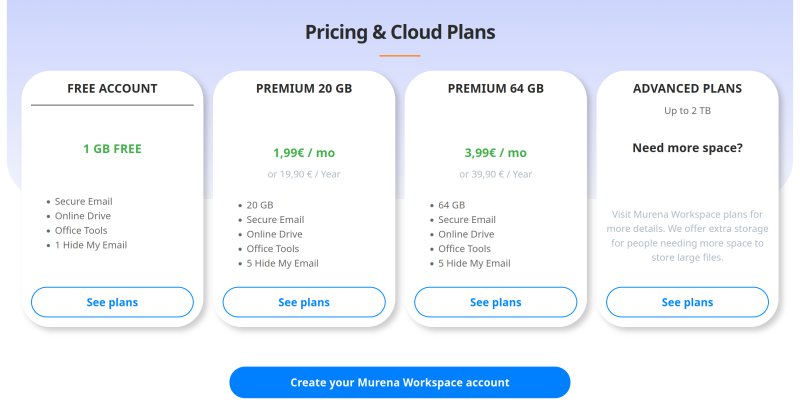
Before I show you the technical details, let me give you just a tiny, tiny overview of what you ought to expect from Murena. 'Tis a European company, with data hosted and stored in Finland, beholden to EU rules and regulations, including GDPR and associated privacy perks. You can create a free plan for your Murena Workspace, which entitles you to 1 GB of storage, one email address plus one hide-my-email alias. But you can also pay for more data, up to 2 TB. Sounds like an interesting option. In terms of pricing, per GB, this is more expensive than most big tech offerings, but then, this also means you are also not using a big tech offering, for better or worse.
The sign up is simple and anonymous, but you do need to add a recovery email address, and then verify it within 30 days. As far as draconian measures go and how much private information companies require, this is fairly tame. I was indignant for three seconds, thinking "hey, why do they need my email", but then I realized that this is 1/100th of what most companies demand from you, plus it shows how jaded and allergic I have become to any sort of data-related activities, exactly because of the greedy behaviors by greedy companies. Murena's approach is very sensible.
I registered, using my Linux desktop, and then signed in on the phone. Here, I would like to add that Murena uses CAPTCHA to verify your humanity. And CAPTCHA requires WebGL, which I normally disable in my day-to-day browsing (using Noscript in a so-called normie mode). Why WebGL? That said, Murena's site has zero naughty trackers. Zero. Clean experience, without any tracking whatsoever. This makes the CAPTCHA a bit ironic, because you can do very nice and unique fingerprinting with WebGL.
I then enabled 2FA, and while the Workspace warns you, perhaps confusingly, that you will need to create both an app password and provide your main one for the mail sync functionality to work, I had no such troubles, so far. The account seemed to work fine, without issues.
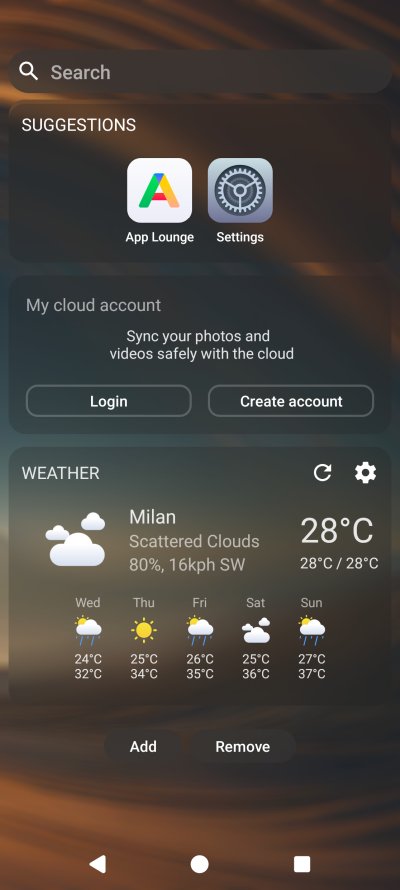
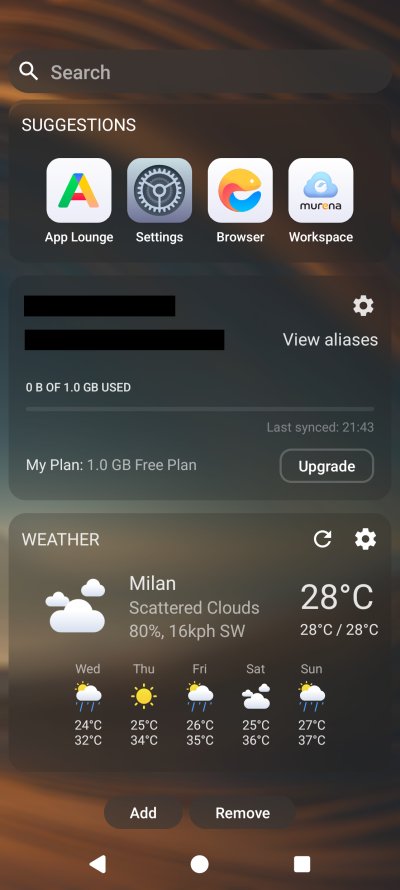
And my quota is almost gone!
About a minute or two later, I checked my storage, and it said almost 900 MB were in use! What! I haven't even started exploring the office tools, and I was already almost out of capacity with the free tier. But how and why? What has just happened? You do have to admit, this feels quite alarming.
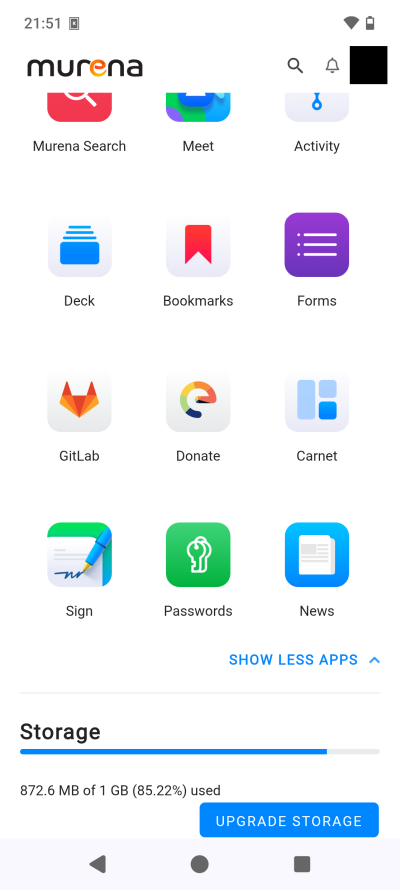
Show less or fewer? Hm ... Maybe just Show less?
I then opened the Files section in my Firefox (on the desktop), and I discovered that the system had automatically backed up all my files to the cloud, without my explicit permission. Worst yet, it uploaded music, and also, my pictures, the one thing I never EVER want uploaded to any cloud.
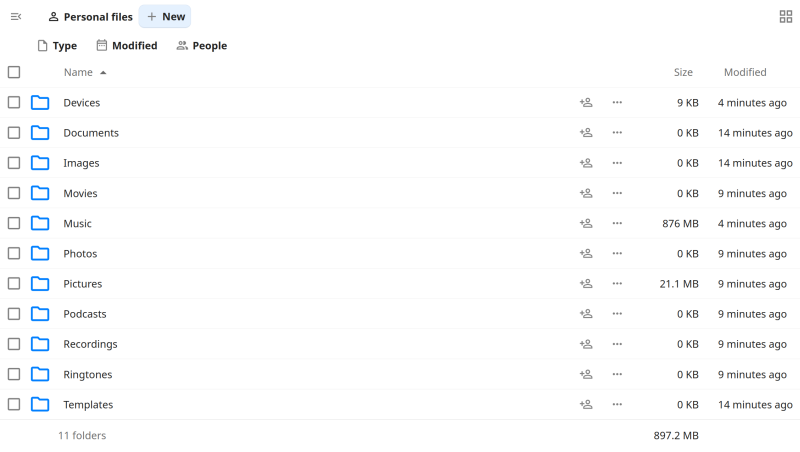
I was furious. Furious! What if I had screenshot some sensitive personal info? What about my personal photos? Even Google, for all their hunger for data and photos, they ask you before you enable any cloud backup. But here, it was done without my consent, without any sort of granular approval, without any notification.
Luckily for me, the pictures were only screenshots of my test setup with /e/OS, and they did not include anything sensitive. But the notion of an automatic "slurp" of data is maddening. Now, Murena Workspace storage is not end-to-end encrypted. This means that once is up there, it's up there. The process of data backup in this manner is absolutely 100% unacceptable.
The right workflow should be:
- Account signed in, prompt CLEARLY if the user wants to enable backup. Set to off otherwise.
- Prompt CLEARLY what categories ought to be backed up.
- Do not immediately start the backup. Give the user time to think, to decide, to prepare themselves, to explore on their terms before doing anything. I would say a grace period of at least 24 hours. After all, the user can always manually sync their data.
Data categories are confusing
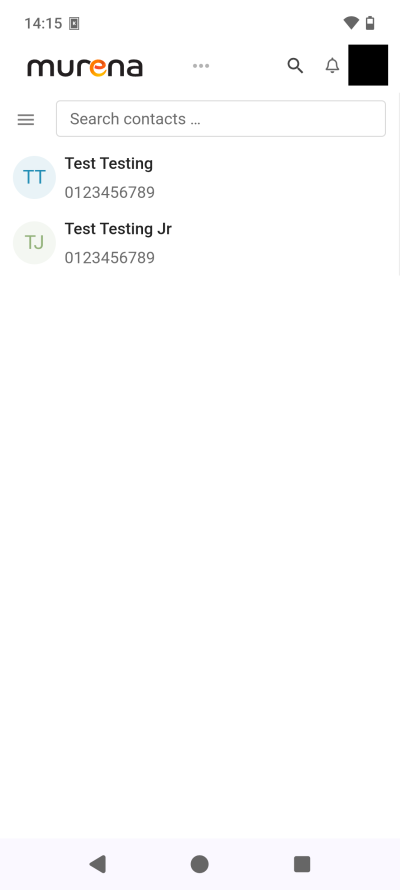
I deleted everything. Yup. Still, it took a while for the browser session and the phone session to sync up. On the phone, the data free-up showed up relatively quickly, but in Firefox, I had to sign out and back in to see my 1GB reclaimed. I then checked under Accounts, and noticed there are two Murena Workspace accounts. One is for the device backups, and it contains Contacts. The other is just for Contacts. This is where things get weirder.
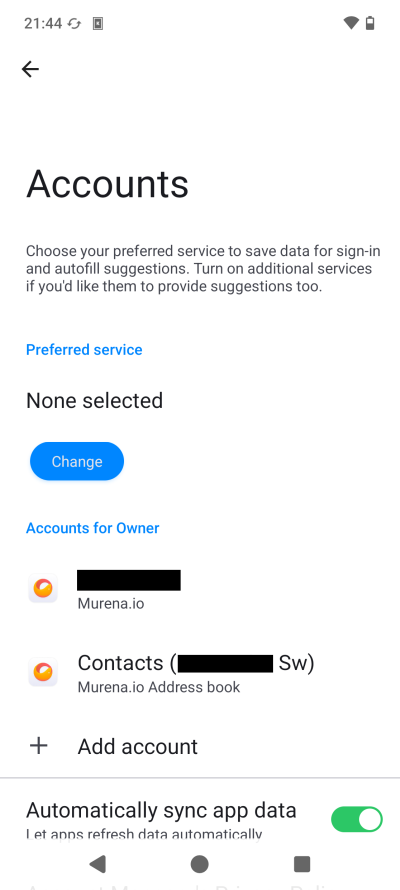
Both Contacts categories will sync contacts ... but only contacts you save under the Sw account. In other words, if you have contacts saved locally on your device, they will not be backed up. That makes me realize that anything stored in the phone's "deeper" databases will not go into the cloud, for better or worse. But if you expect certain things to be shown in your Murena Workspace, you need to be aware of the limitations.
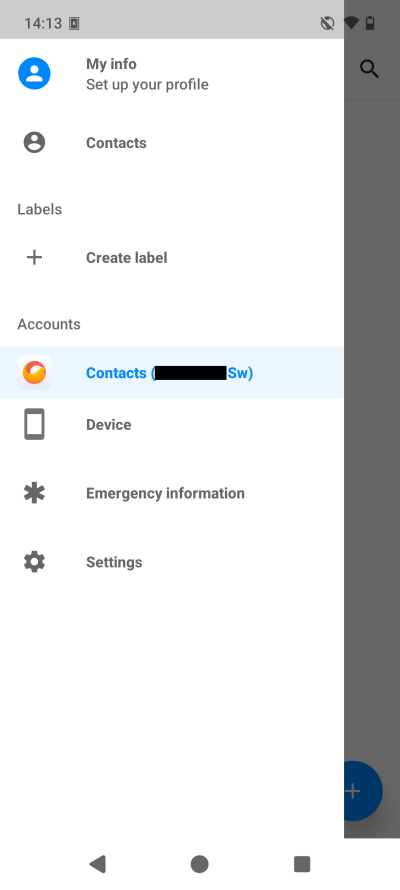
Now, if you look under the "ordinary" account, you can toggle certain categories to on or off. There's no separate toggle for Music, though. Does this mean I cannot back up my device then, as it will always pull the media up? For the second account, the sync would always turn itself on. I'd disable it, but then, a few minutes later, it would be turned on again. I'm pretty certain this is a bug, but it's not fun.
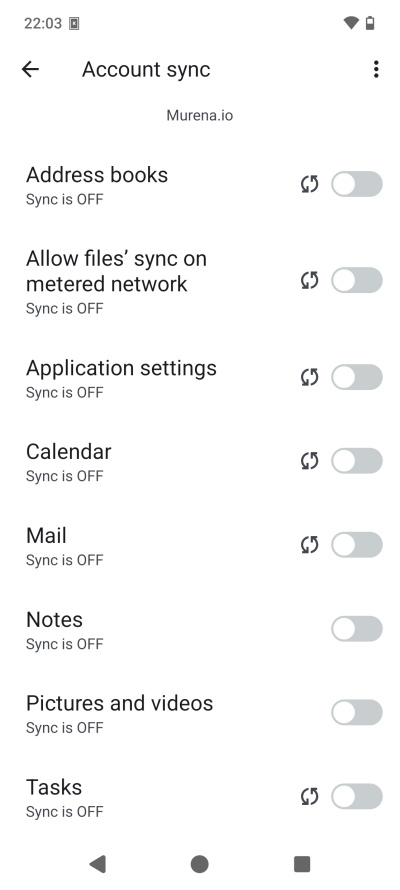
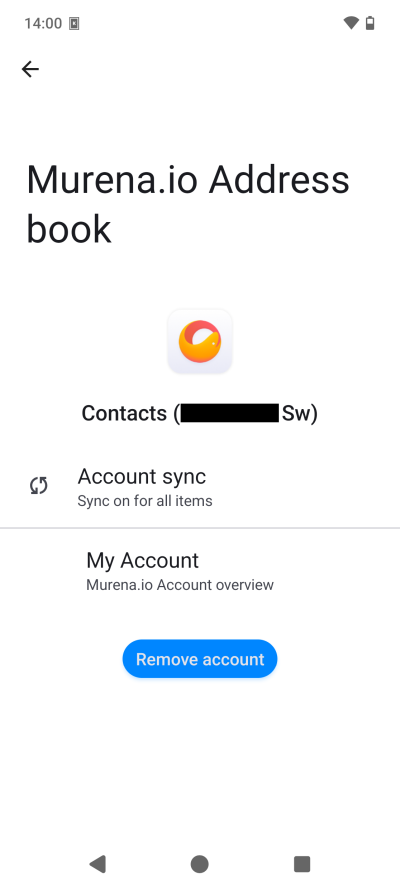
On the left, you can see there's no Music category. I disabled the functionality on purpose, after the first-time use fiasco. On the right, it says sync on for all items, but the only item for this Sw account (Address Book) is Contacts, a duplicate of the Murena.io Address books (plural) for the main account. And it will always turn on, no matter what. Disable it, go away for five minutes, and the sync will be on. I also have a tiny pet peeve, and that's the alignment of items. Notice the difference between Account sync and My Account. Grrr.
A few weird things happened before things quieted down
After I deleted data fully, my usage showed correctly as zero. But then, the next day, it still said zero, but there were two empty folders inside Files in the cloud - Pictures and Photos. Entirely empty, mind. I deleted them again. Please note, the sync is off, and there's nothing inside these folders. Confusing.
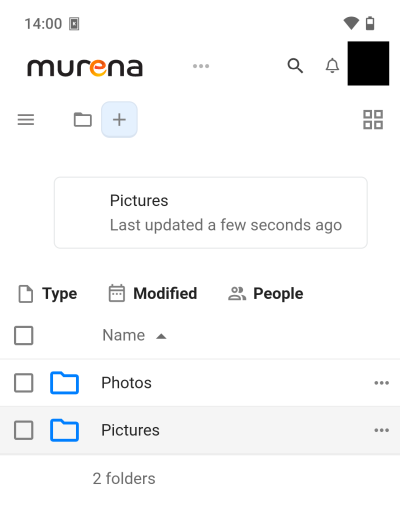
Note: you must also delete data from your Trash if you want to deduct the usage from your total quota. I had to do that with my music early on. And it seems impossible to do so on the phone, i.e., clear the Trash, as the interface is semi-transparent, and I simply couldn't click correctly, and thus, I couldn't access the Deleted files. I had to do the data cleanup using my desktop (Linux, browser). Not a problem, but hey.
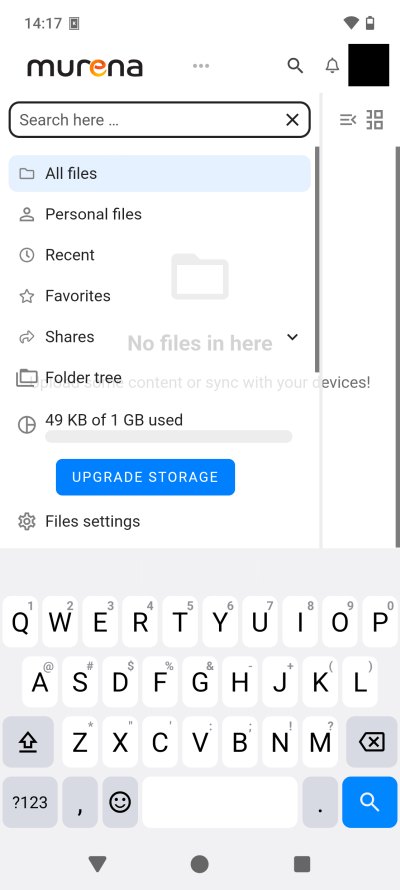
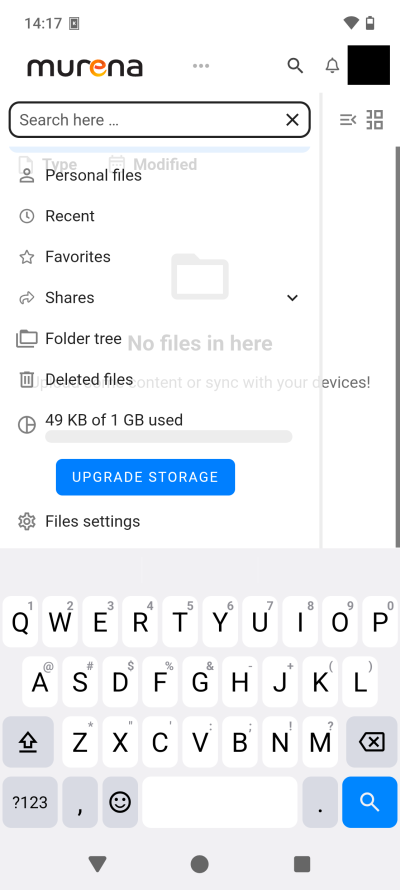
Deleted files is right there. But if I try to tap it, it simply goes back to Files. Impossible to clear.
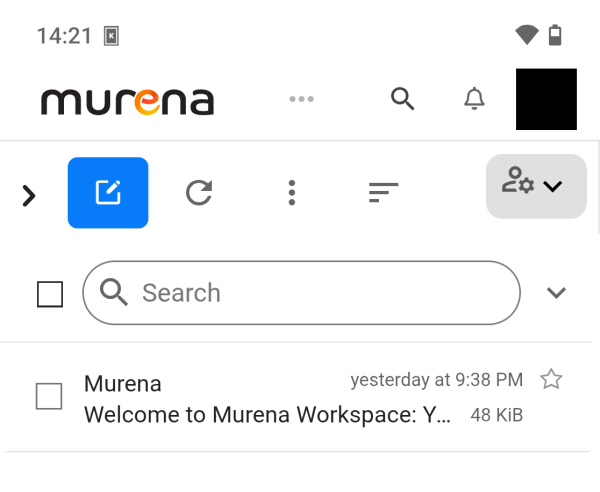
Then, I noticed that my storage was using 49 KB. But where? There was nothing in Files. Then, I discovered a Welcome email from Murena, but there was no obvious notification about this, nor any indication as to the storage quota use.
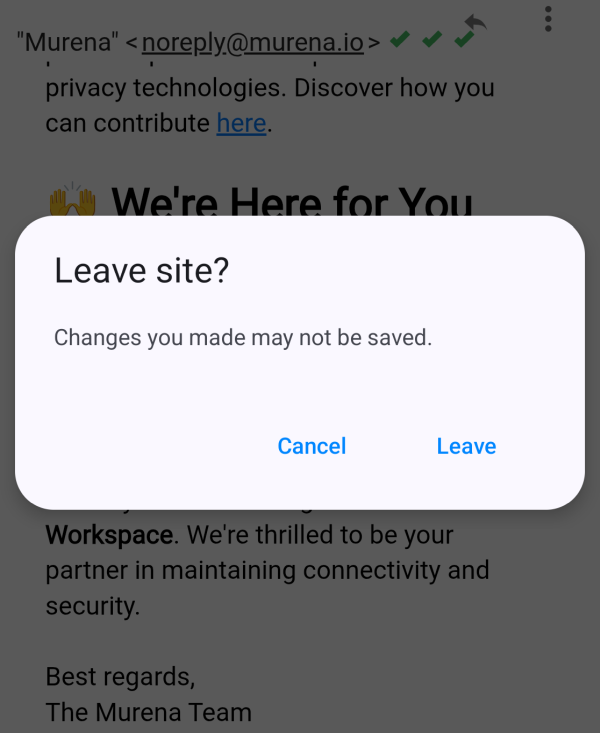
I read the email. And when I tried to go back, it warned me that changes may not be saved. But I've not done anything! And there's no option to save these changes, whatever they may be. Does that mean I need to wait for the background sync to kick in? Slightly clunky, yes.
The suite comes with many apps
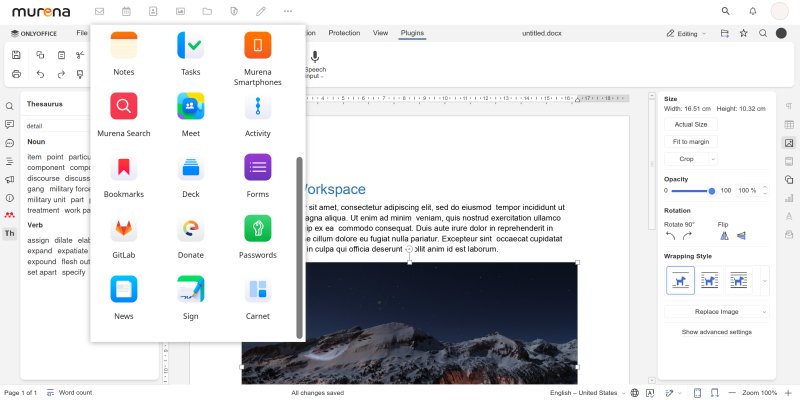
Once I calmed down, I started exploring. The app suite is quite rich. Murena offers the whole gamut. You have email, calendar, contacts, gallery, files, vault (this one is end-to-end encrypted), documents, spreadsheets, presentations, search, notes, tasks, link to the Murena smartphone store, meet, activity, deck, bookmarks, forms, GitLab, Carnet, passwords, news, digital signatures, and donations.
Now, I wonder, what's Carnet? And what's the difference between Vault and Passwords? But no matter. Let's start using the stuff. The mail functionality is pretty straightforward. You can even hide your user agent in the email headers, and images aren't shown by default. But, the UI displayed my inbox twice, marked with two different colors. Seems like a duplicate entry, with no difference in behavior whatsoever. The calendar app does allow you to add all sorts of calendar protocols. Not bad.

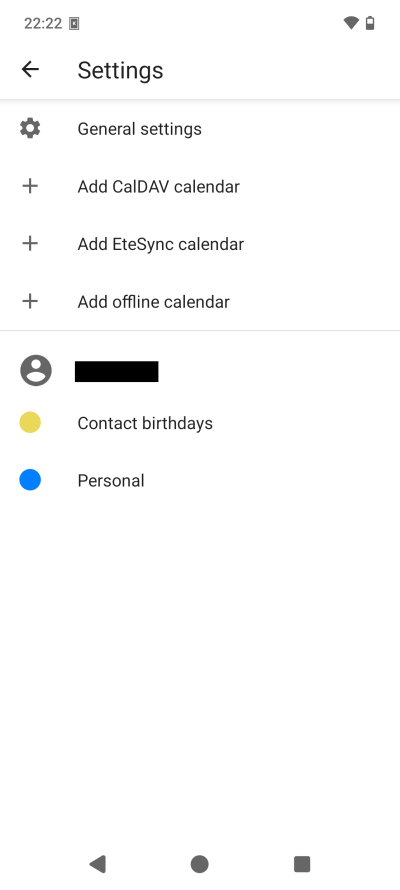
You need to believe me, but those are two identical inboxes.
Next, I tried the proper office part of the suite. You get OnlyOffice, which I tested many times before. Nice. Not a bad option. But then, you don't get these items installed as individual apps. Or rather, some are there, like mail, calendar, contacts, notes, tasks, and such. But no office tools. I guess some of these are configured to live solely within the cloud workspace?
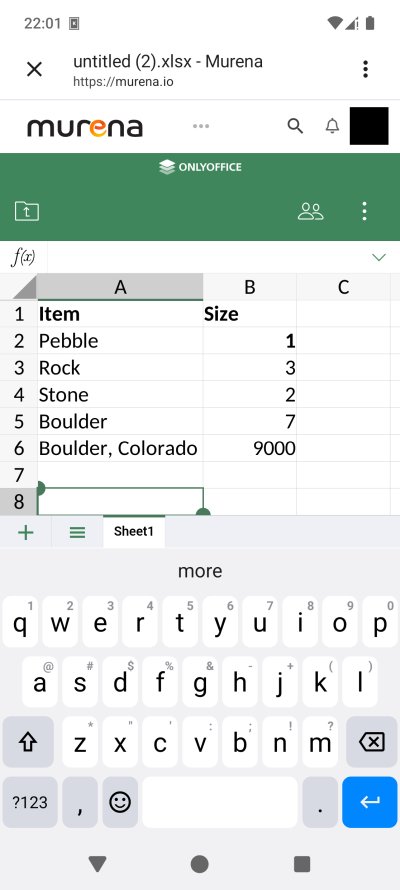
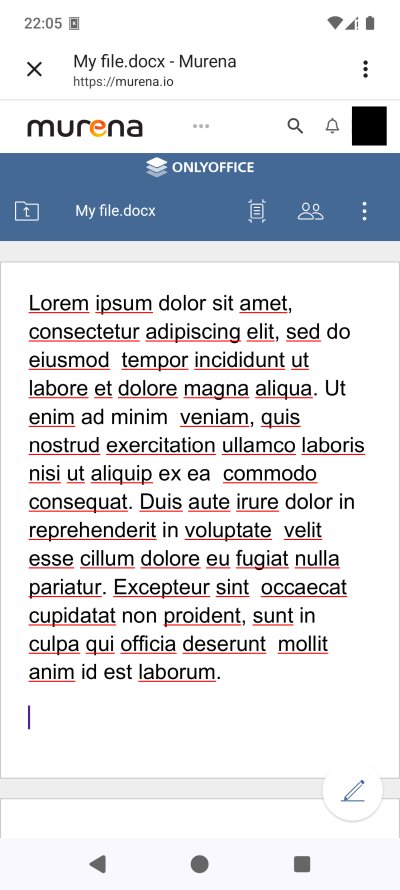
The office suite logo font size for the two apps isn't identical ...
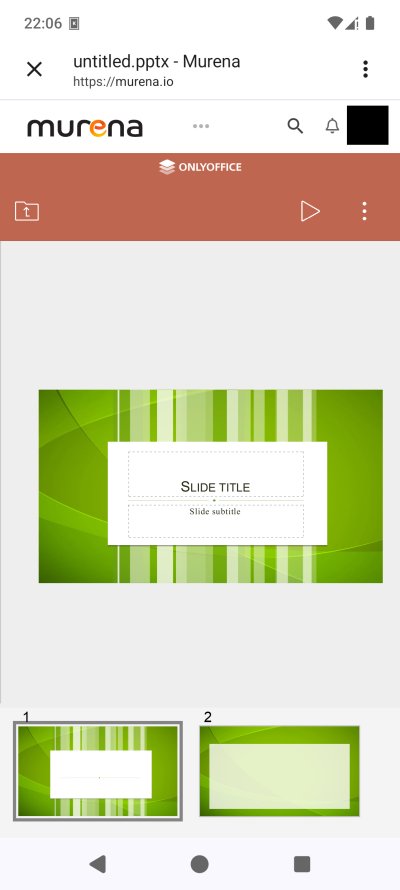
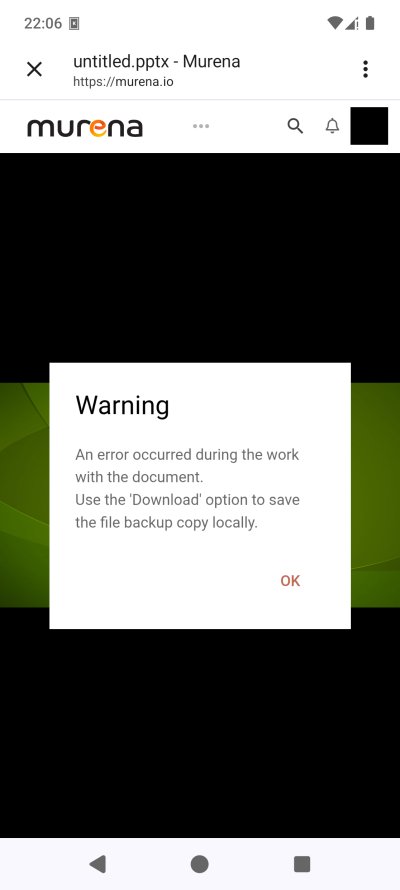
I also tried to load a presentation, and when I clicked the Play button, the workspace complained about an error (well, 'twas a warning really), but then, it correctly displayed the file, and I was able to move between slides without any issues.
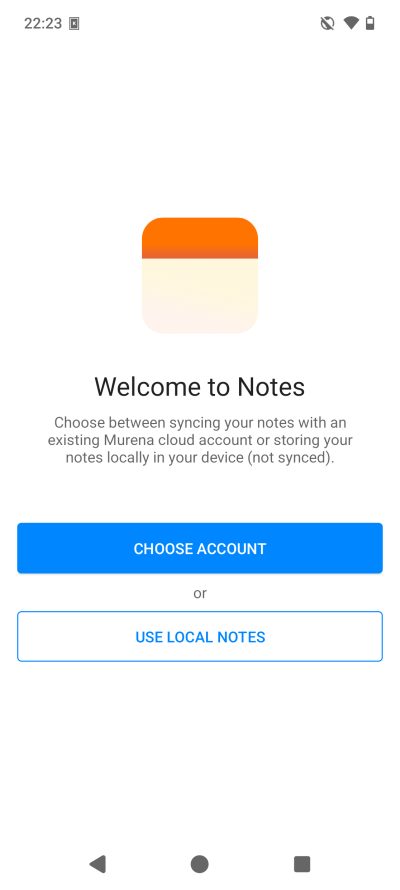
Notes, no sync, no Murena account
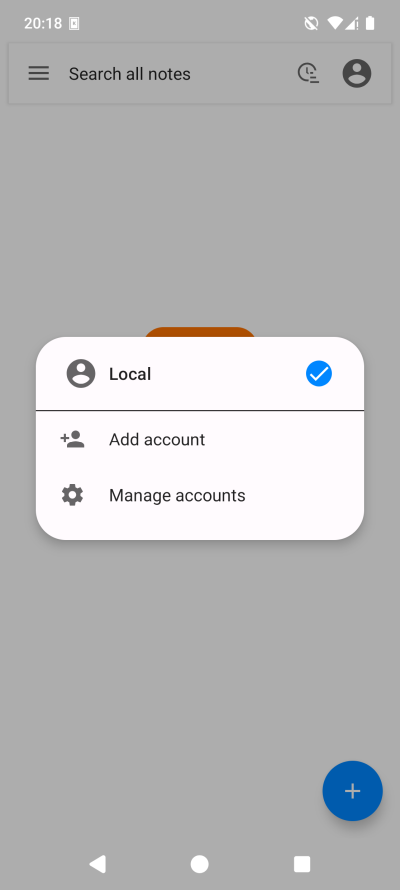
I encountered problems with the Notes app, and the corresponding Workspace functionality. When you open the app the first time, you can choose whether to log in with the local account, or use a different account. The app will suggest the Murena account. But then, nothing happened. When I restarted the app, it said it had no network connection. I checked the app permissions, and I enabled network. My bad.
But still, nothing. I then went into the Murena account settings, and I enabled sync for notes. Still nothing. On next app launch, it asked me how to log in. Whenever I tried to use the cloud account, the wizard would reset and go back to asking the same question, over and over. It seems the only option is to use the local notes. Perhaps this is the results of my tweaking, but there.
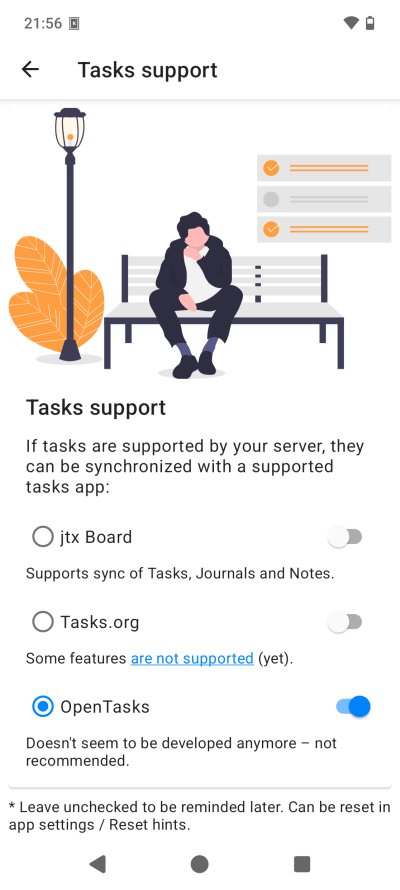
Tasks? What tasks? My corporate PTSD is kicking in ...
I then looked at Tasks, but I'm not sure what this is. Some sort of project management tool? Apparently, you can choose what sort of tasks to synchronize, but the one preselected option is marked as Not recommended, and yet, it's toggled on. Another option seems to be work in progress. Confusing.
Some minor visual bugs, workflow bugs
I also noticed a few aesthetic and ergonomic issues. One, the transparency as mentioned earlier. Two, the main page has the greeting banner, which is too big, and your name/surname are split over two lines. It would make more sense for the greeting to read: Welcome back (first line), actual name (second line).
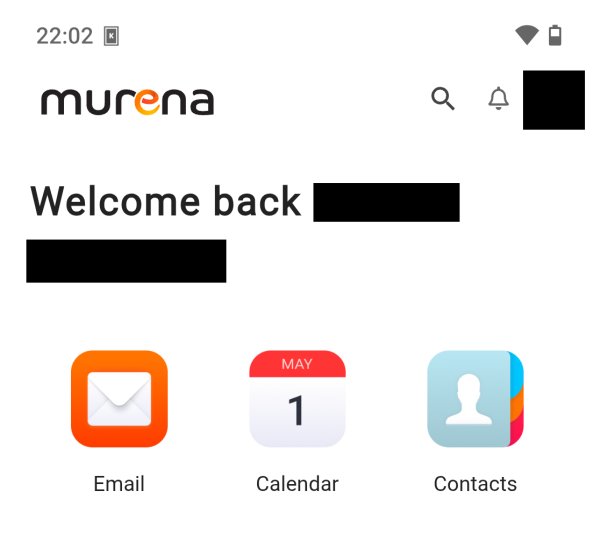
In the top right corner, if you look at the icon with the name initials, the border isn't a proper full circle, or if it is, it's truncated by whatever element contains it. Perhaps this isn't visible if you use a photo for your user, but it's extremely noticeable with the initials there.
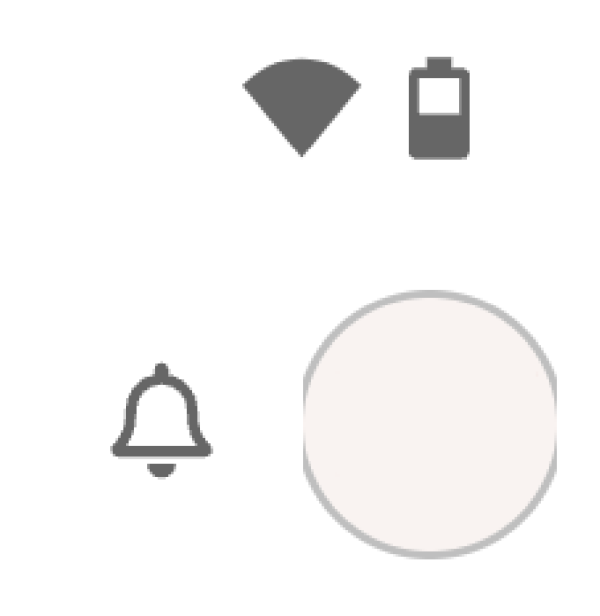
I blanked the initials, but I didn't touch the circle corners.
The navigation inside the Workspace (on the phone) can be confusing. Basically, the screen equity is tiny, so you only see one thing at a time, and you need to click the Murena logo to navigate back to the main menu for other options. Clunky. Then again, it's a smartphone. Which brings me to the most important point ...
Scratch that, on the desktop, everything is so much nicer!
The main reason why I decided to explore Murena Workspace is because of /e/OS on my Fairphone. And that's a phone, a touch device. And as I've always said, a billion times before, normal keyboard-and-PC interfaces are superior. So I thought, slow down, before I pass any judgment on the suite, I ought to check how it feels and behaves in the browser, on a proper machine, with a large screen and the comfort of many keys.
Indeed, here, in my Firefox in my Linux, I actually had a pretty good time with Murena. For me, and I guess for most people, the critical elements of any cloud suite is the mail + calendar + office combo. And so I launched the different OnlyOffice programs and began dabbling. Yup. Excellent.
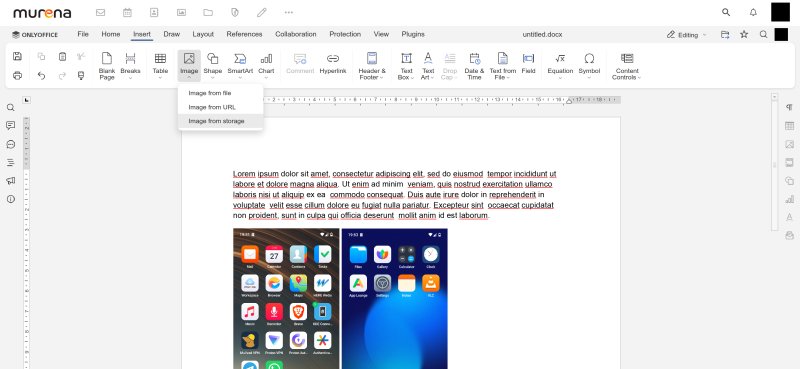
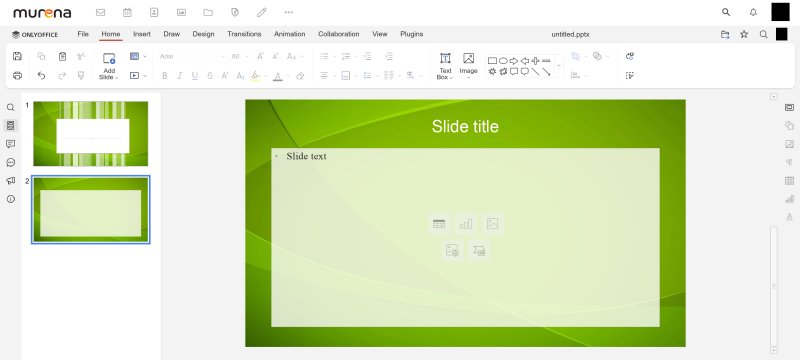
In the Presentation tool, you also get all the usual and expected shortcuts. Noice.
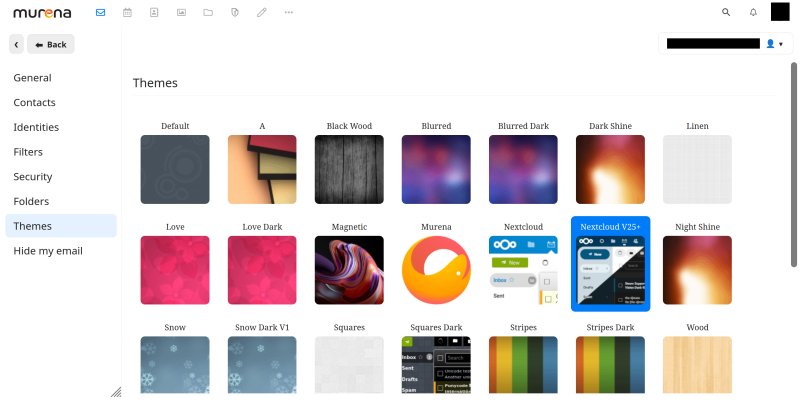
Mail client themes; you can also disabled HTML and CSS styles.
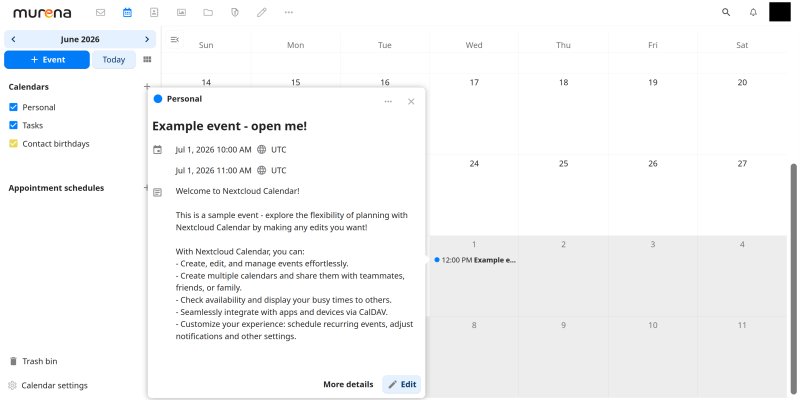
I have to say I was positively surprised. In fact:
- Murena's cloud OnlyOffice programs feel "nicer" than the desktop editors. I know it's the same set of programs, but the Web-integrated version simply seems a bit more mature, for whatever reason. And I'm saying this as a local-first person.
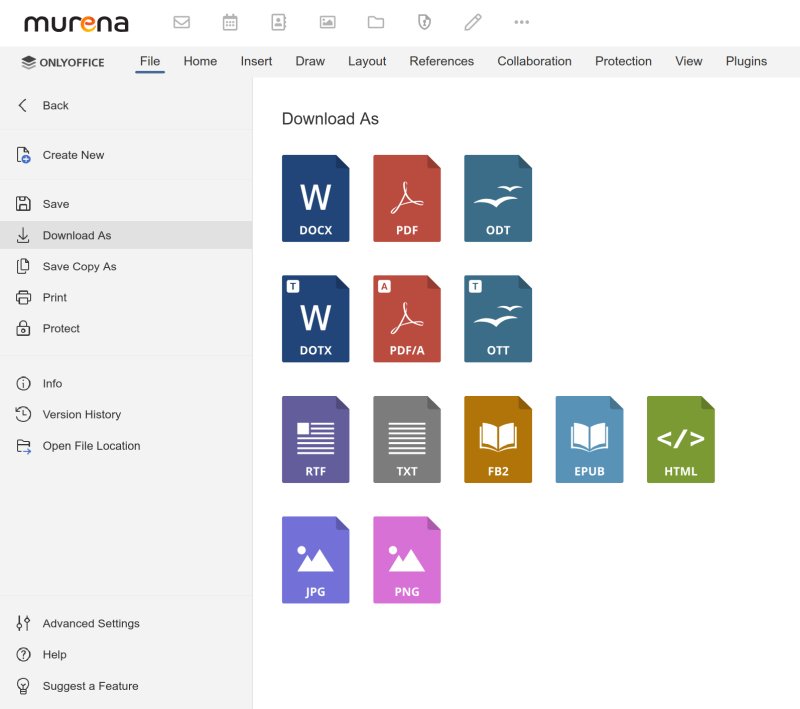
- The speed and responsiveness of the utilities was excellent. I even created a couple of documents, added local files, no problems. You get numerous export options, and you can easily rename files, but you do need to refresh the view to see the new names. I also tried working on my files on the desktop and the phone in parallel, and the updates are instantaneous, and you see the name of the editor working on any particular change. Good for collaboration.
- I found this experience more pleasant than what I had with Google Docs, for instance. Go figure. As it turns out, I've tried all sorts of cloud collaboration tools, and I've written documents in pretty much all of them, including Microsoft Office Online (in Linux). And somehow, it seems that OnlyOffice delivers the least annoying implementation. Truly, go figure. An unexpected twist.
Conclusion
And this brings me to the end of my first Murena review. There is a lot to be said. Overall, I am pleased by Murena Workspace. This is a novel approach to offer a non-big-tech cloud collaboration framework that actually works, feels reasonably mature and useful, and respects the user privacy. My initial impression was somewhat lukewarm, which can be dangerous for new users, but then, I slowly warmed up to the solution, especially once I stopped playing on the phone and switched to the desktop, as one should.
My biggest gripe is the automatic backup upon account login, without any waiting period, and the lack of complete granularity in what should go into the cloud and what shouldn't. The existence of two backup accounts is also confusing. Not really sure why contacts (address book) need to exist in both places, or even as a separate entry. The /e/OS integration isn't perfect either, with niggles and bugs and problems. Phone wise, if you use OnlyOffice to create documents on your desktop, expect visual compatibility problems, unless you switch away from mobile view to desktop view.
By and large, the suite works well. The "office" component is strong. The other programs are less mature. Of course, there are rough edges everywhere, and in my head, perhaps it would make more sense to have fewer apps but have them properly polished rather than a wide, broad but middling array of tools. All things considered, I can see myself using this workspace. Like I said early on, I'm no fan of cloud tools, and it will probably take me months, maybe years to get to any sort of medium-level trust with this or any other online suite. But given the repertoire of available solutions, sure, I like it. There's a distinct Linux feel to it, but it's quite good, with lots of neat features. Better than I expected, to be fair. Thus, I say, keep the momentum going, and perhaps this might become a superb alternative to the mainstream options one day.
Cheers.