Updated: September 30, 2026
To boldly go where few have gone before. This ought to be the motto of every odd duck trying their luck with non-mainstream smartphone operating systems. But hey, as a former Nokia slash Microsoft Lumia user, I'm one of these weirdos. Never having liked Android or iOS too much, and to this day, I still find the former quite odious and the latter restrictive, the choice of /e/OS as the mobile system sounds almost too good to be true. Hence, my escapade with the Fairphone 6, which has the privilege of from-the-vendor firmware with the de-Googled Android called /e/OS.
So far, my journey has been wild and rough. The first taste of the system was a bit confusing. Then, I tried the upgraded version 4.0, and that was okay, but not perfect. Everyday use, tough and bewildering. There's more, of course, a lot more, and you really should spend a few minutes reading these first couple of reports before you delve any further. Today, I've got tons of fresh information to share. In a span of just a couple of months, I managed to accrue lots of new data with the phone. Commence, we must.

More monthly updates, /e/OS 4.2
Last time, I was rather happy with the Fairphone patching. It merely took 10 minutes, done. This time around, it took forever. First, the download got stuck at 190 MB. I tried again. The update failed at about 33%. Tried a third time. Eventually, it succeeded. Then, it took another 10 minutes to prepare for first boot, whatever that means. Reboot. Another update. The July patch was about 2.4 GB, and now the August patch was also 2.4 GB. At least, this one introduces the brand new /e/OS 4.2, and it completed in one go. However, it took another ten minutes to get going. All in all, I wasted close to an hour patching the device.
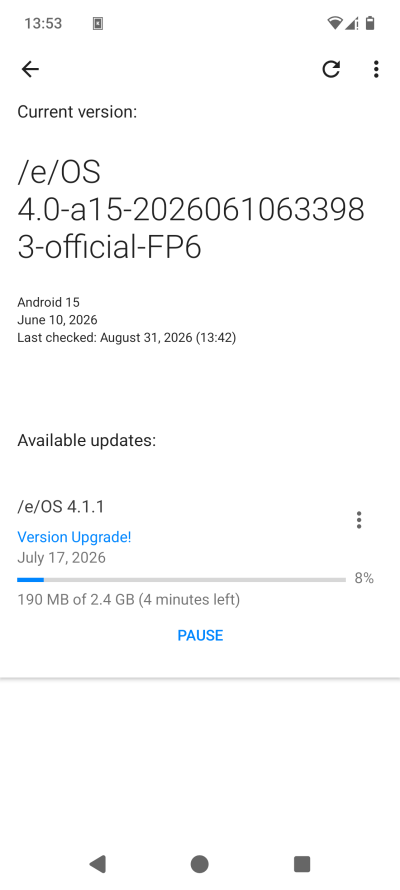
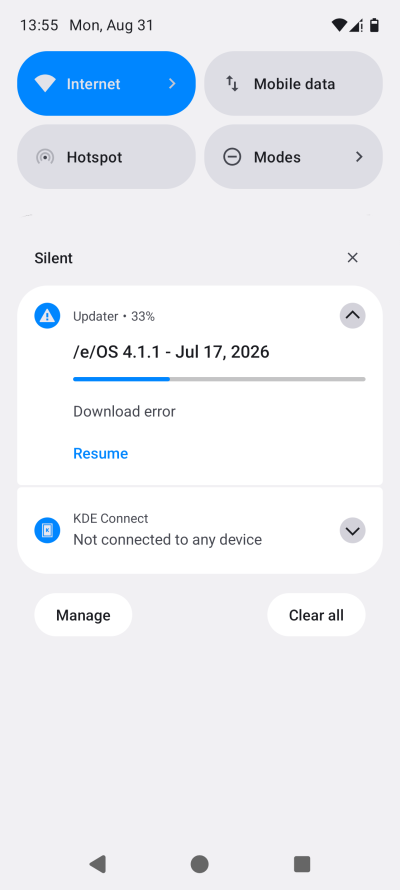
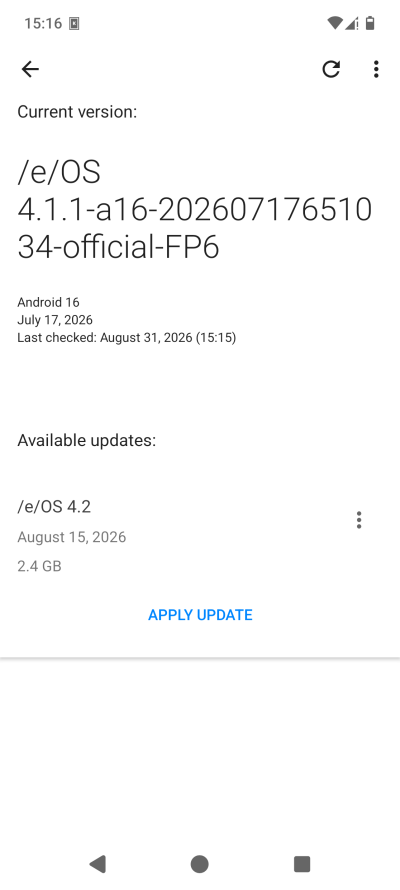
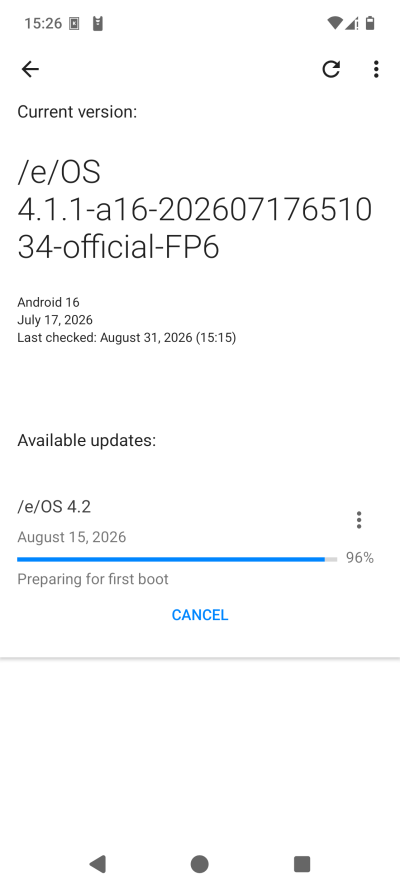
This also brings about a philosophical question. Why did the phone install July and August patches sequentially. Why not use culumative delta or whatever? Why are the patches so big? And what happens if someone doesn't update their phone for say a year? Will they now have to suffer through twelve monthly patches until they get to the current level?
To make things worse, in parallel, as I was battling updates, the phone notified me that my Murena Workspace account credentials were incorrect. This also became an ordeal, which I will explain shortly. But before that, another snag.
No mobile service anymore ...
After I installed the August patch and rebooted, my phone lost its carrier. No service, it said. My SIM was no longer recognized. I had to power the phone down, remove the SIM from the tray, reinsert it, and luckily, the SIM showed up on next boot. But this happened two days before I intended to take the Fairphone 6 on the road with me. What if my SIM function had somehow gotten botched completely? What should I have done then?
The /e/OS 4.2 update didn't resolve the Murena issues. More noise.
So, what's new?
From what I've been able to discern, /e/OS 4.2 exposes yet more toggles and options to tweak your Androids. Lots of so-called "hidden" options that you don't normally see. That said, there were also several problems. For instance, the power button was set to activate the camera on double click. Nope, not what I wanted. The DND mode is deactivated every reboot. Nope. BlissWeather still works sporadically, and it occasionally forgets the selected custom location (with Location services turned off, that is). Very annoying.
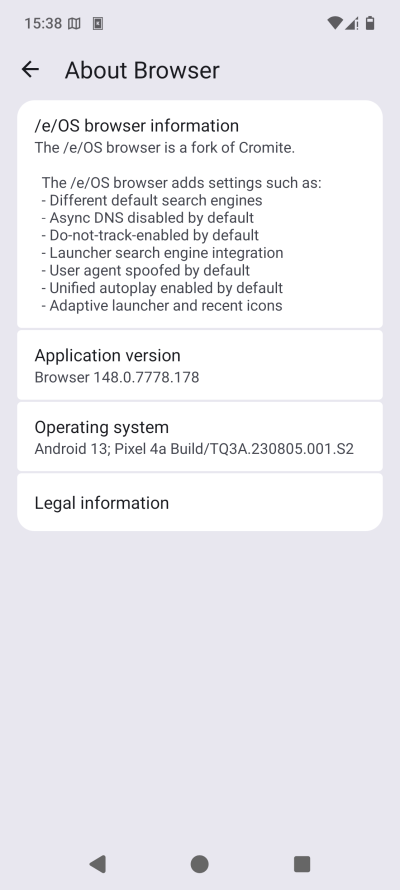
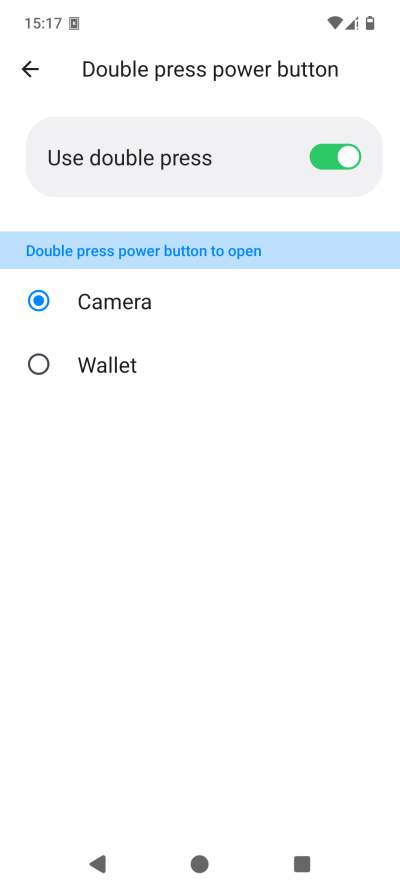
The browser still says: Android 13; Pixel 4a. What. Why? And no, I don't want the camera activated thus.
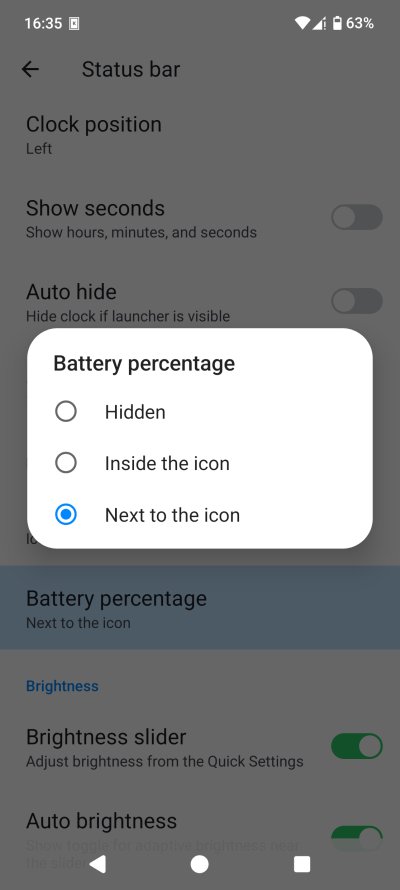
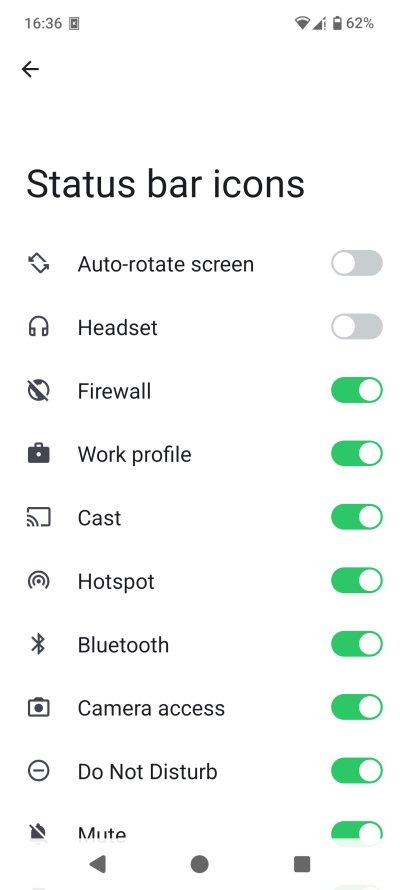
I don't recall if this option existed previously, but you can show battery percentage, inside and next to the icon. Very cool. And then, you can also choose what icons you wish shown in the status bar. Again, if this previously existed, I missed it, but I doubt it. And this looks so much nicer than stock Android 16, which feels like Xfce in 2013, at least when it comes to status bar icons.
Murena Workspace woes
For a few weeks, every time I'd boot the Fairphone, I could use the Murena account. All of a sudden, it decided to misbehave. On the desktop, everything is fine, and the logged-in session works. But on the phone, now and then, the app would alert about incorrect credentials. However, if I'd go into the app itself, I could normally navigate and use it, without any problems.
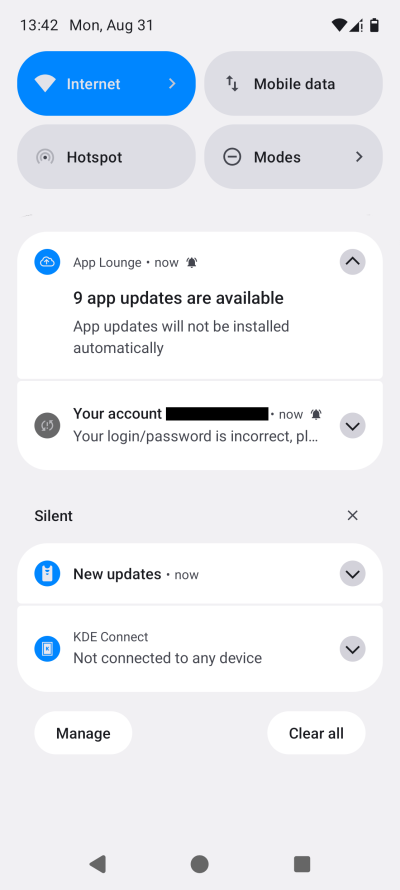
I then tried to "reauthenticate" myself, and Murena itself warned me that someone might be trying to "trick" me. What? Anyway, I logged out of the account, deleted the account on the phone, started fresh, and still, the issue was there. The desktop security log does not help, as it looks quite alarming. Eventually, I ignored the Murena warning, let the phone app access my account, provided the 2FA token, and then, seemingly, things settled. But all in all, this was a rather annoying experience. If I had any real, important data in my Murena account, I would not have proceeded, and I'd simply stop using the app.
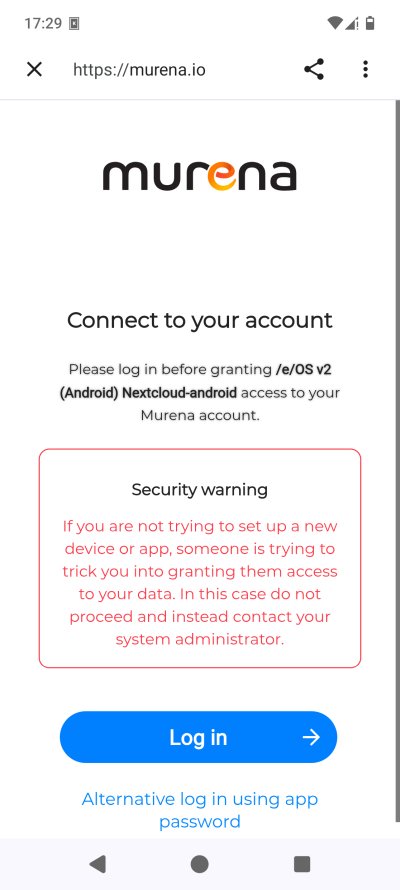
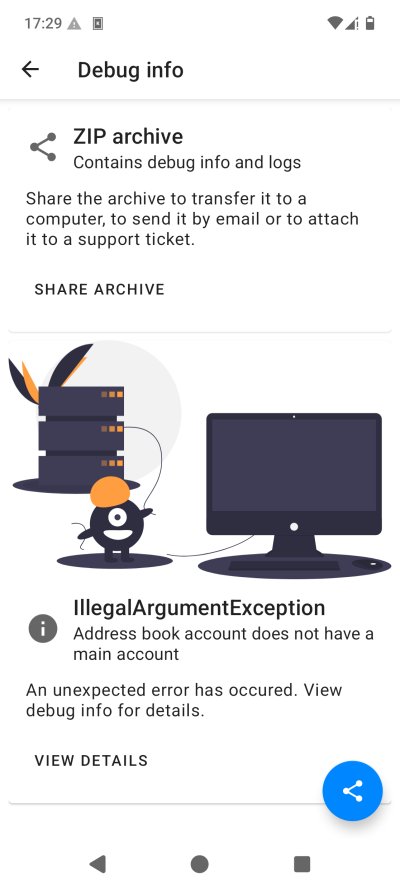
The alarming warning and the weird error right thereafter. Not very inspiring, eh.
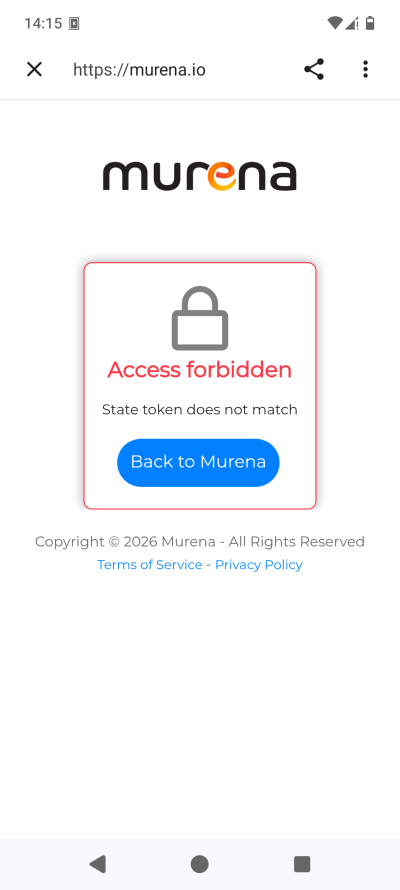
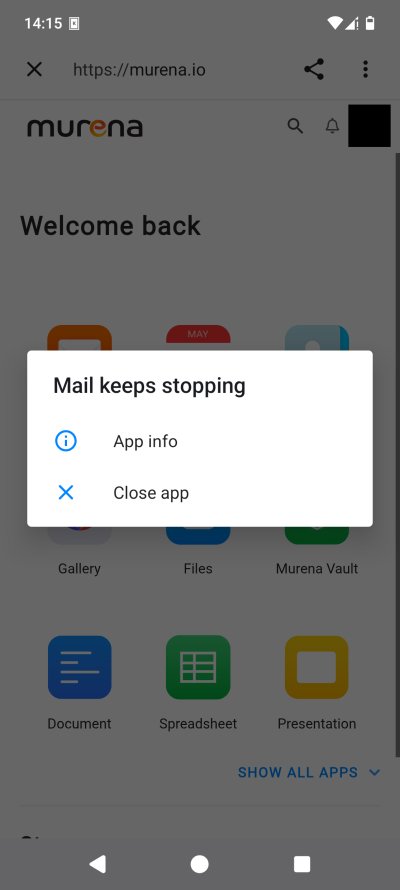
Weird stuff happening. None of this makes me want to use the app. At all.
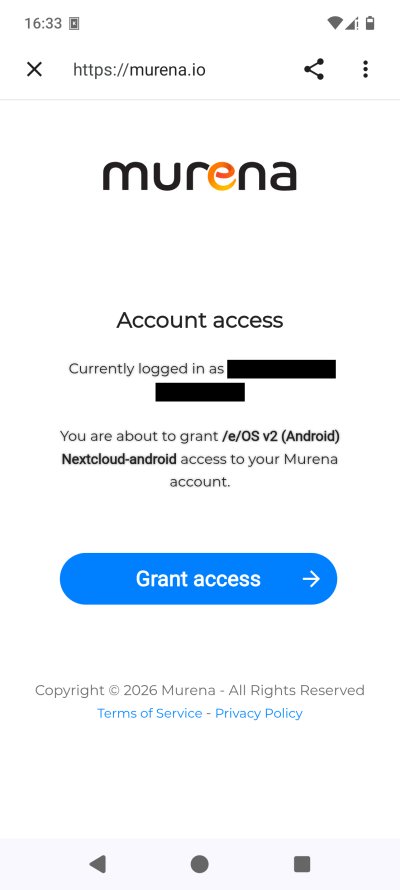
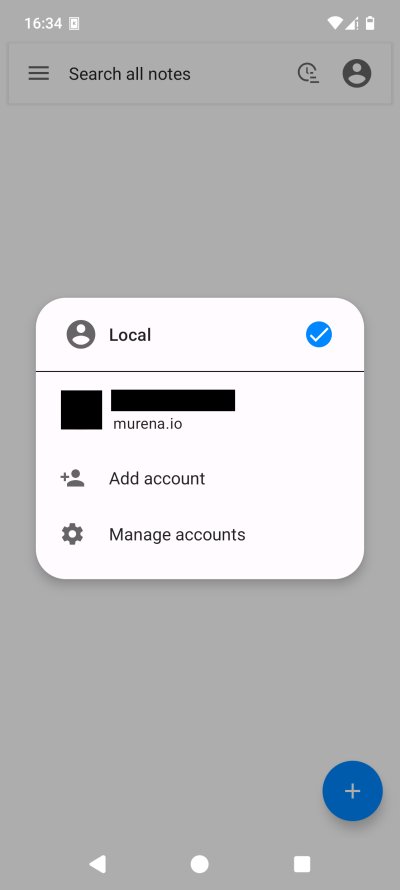
Finally, I was able to proceed and get things working. But I don't feel confident.
Also, when I tried to re-login, the session read Chrome. Apparently, Murena uses Chrome for its workspace or some such. Either way, I don't like it, because my default browser is Firefox, and all and any authentication needs to happen there.
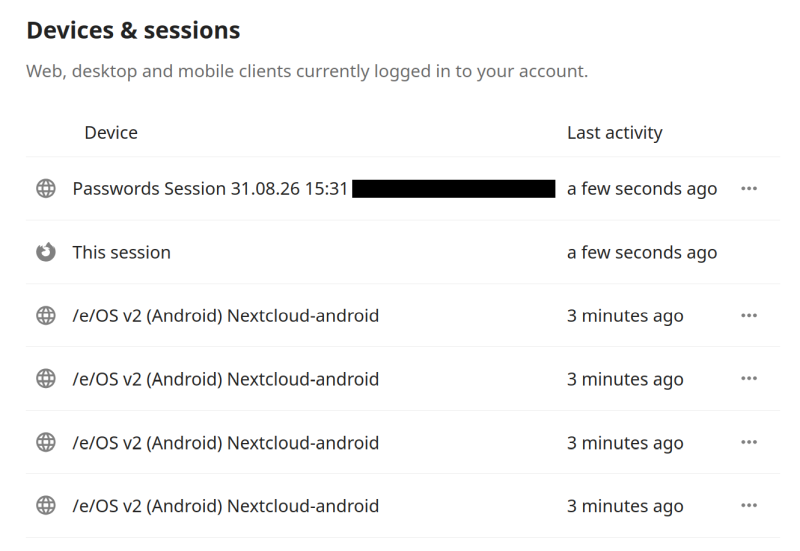
The security log looks frightening, and it doesn't help me understand what's happening, and what my devices are trying to do. What's "Password Session"? What does it even mean?
On top of that, the account sync was turned on, again, without my permission. I had to disable it, across all the different permutations and manifestations of the account syncing. At the same time, I also noticed that the operating system had re-enabled Passwords for password management, even though I had explicitly selected None. This feels very intrusive, very big tech. Lastly, with the account "sorted", cloud and local notes in the Notes app finally work correctly.
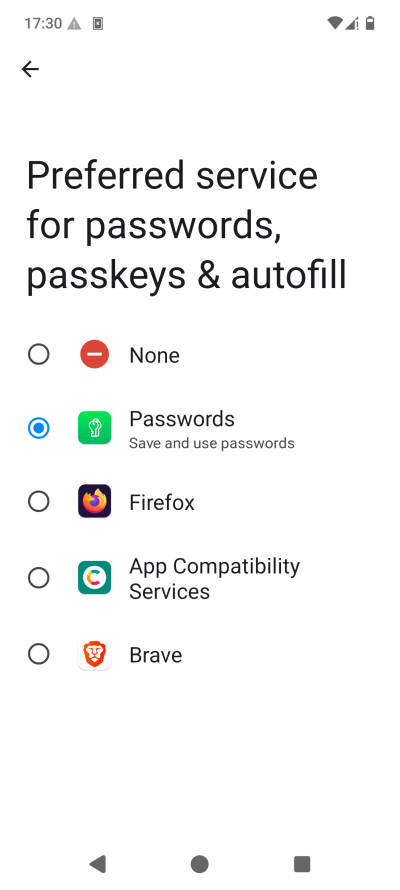
Nope, why did it re-activate itself?
Maps, navigation, or rather, not quite
I decided to try using the Fairphone to get around, both with my preferred app, Here WeGo, and also with the default /e/OS Magic Earth. In both cases, I tried the apps in offline mode, with maps downloaded in advance, and Location services only turned on if and when needed. I did allow satellite data download, but I disabled Wi-Fi and Bluetooth scanning. I absolutely detest these "methods". The phone does not need to scan the world to figure out my location. GPS and friends exist for a reason. Anything else is just nonsense.
Magic Earth disappointed me thoroughly. One, the app has mobile data activated by default. Two, when you're downloading maps, there aren't really any proper indicators how it's going, and you don't get a quick, easy overview of the maps you already have. Three, it has something called AI DashCam. Nope. The app also couldn't search for any location that isn't included in the downloaded maps (without network, that is).
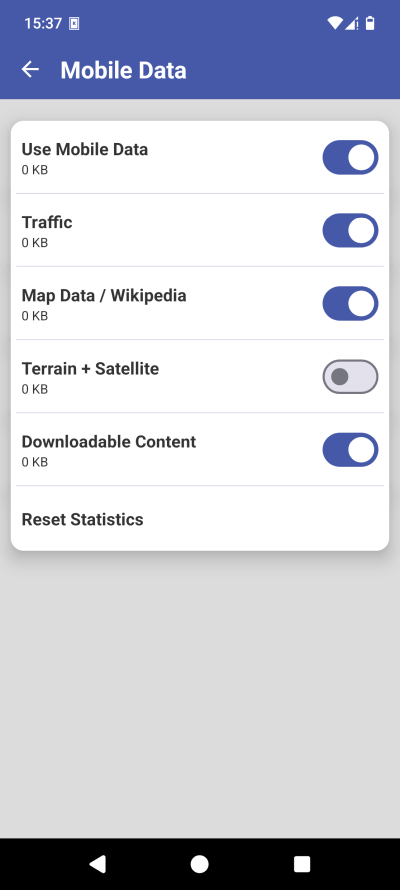
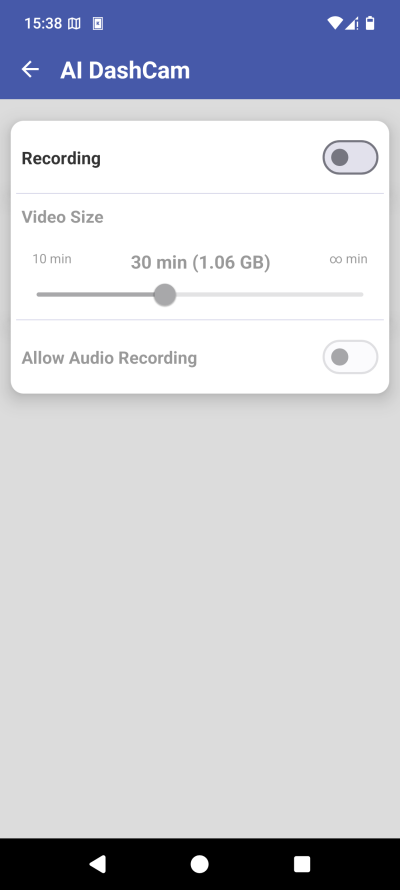
But the worst part is, the actual navigation. The app simply refused to do its job. First, it complained that it had no location. Then, it complained that it needs high accuracy to work, but this option is enabled, sans Wi-Fi and Bluetooth scanning, of course. Worse yet, Here WeGo did manage to navigate just fine. Exact same conditions, exact same restrictions.
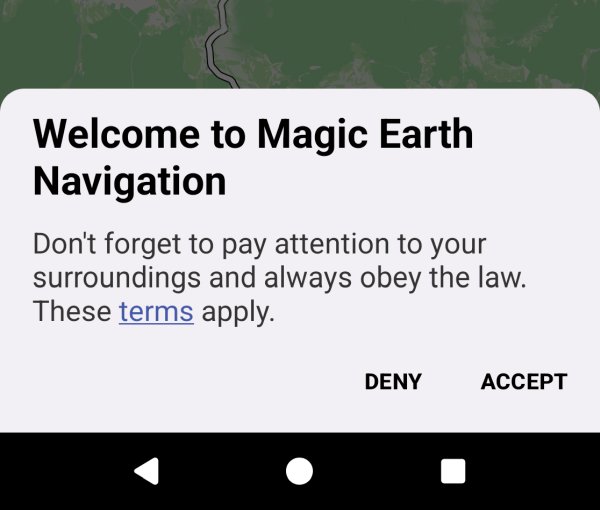
This pointless would-be legalese nonsense ...
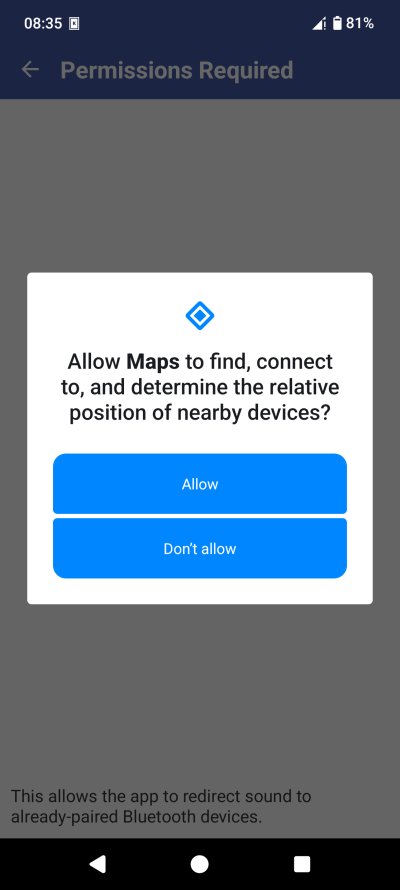
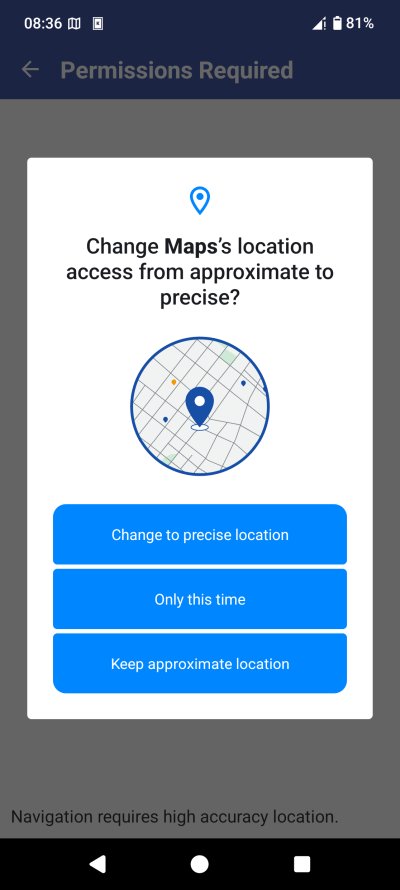
No to nearby, of course. And precise location was already active.
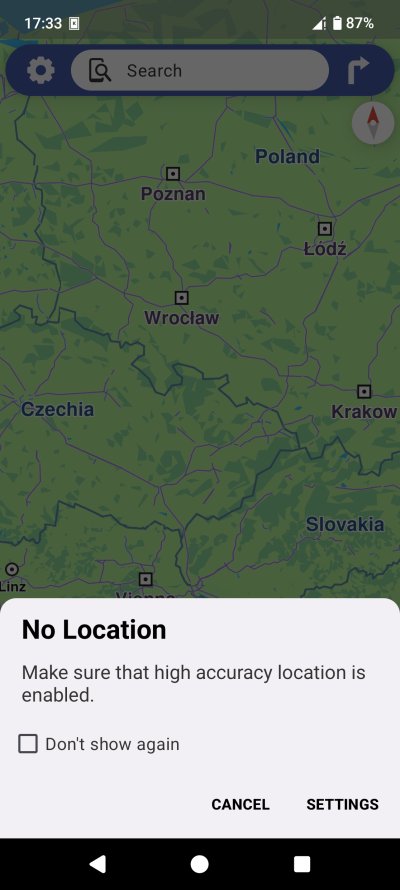
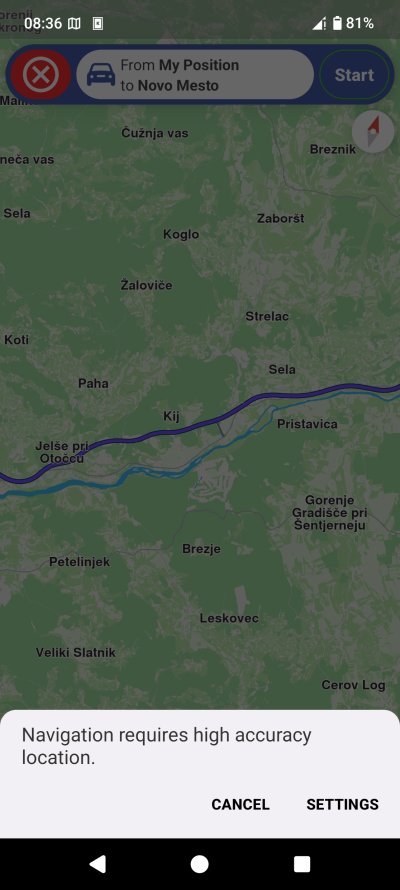
No matter what, it wouldn't navigate me without its own definition of high accuracy location. Nope.
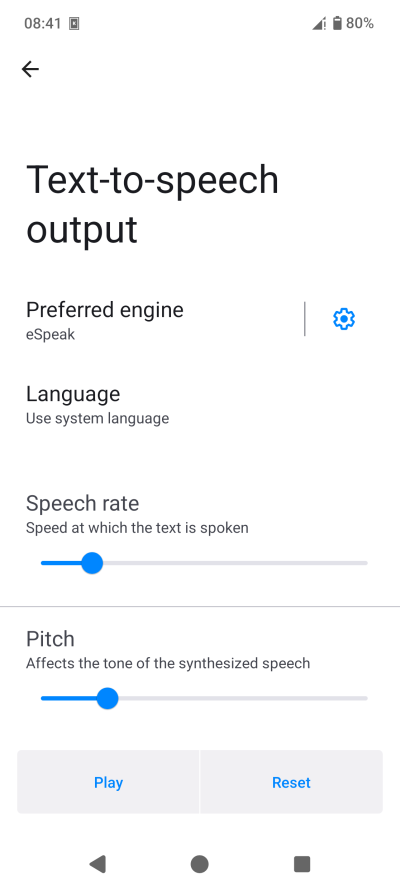
Now, when I did use Here WeGo, the voice instructions were awful. Synthetic garbled voice. Yes, this is auto-generated, but it's horrible. On my Samsung A54, for instance, the speech synthesis engine works well, and the audio quality is excellent. You don't get the old Nokia English UK RP, which is the pinnacle of navigational voices, but it's close. Here, you can't even understand what the machine says.
Music is still meh
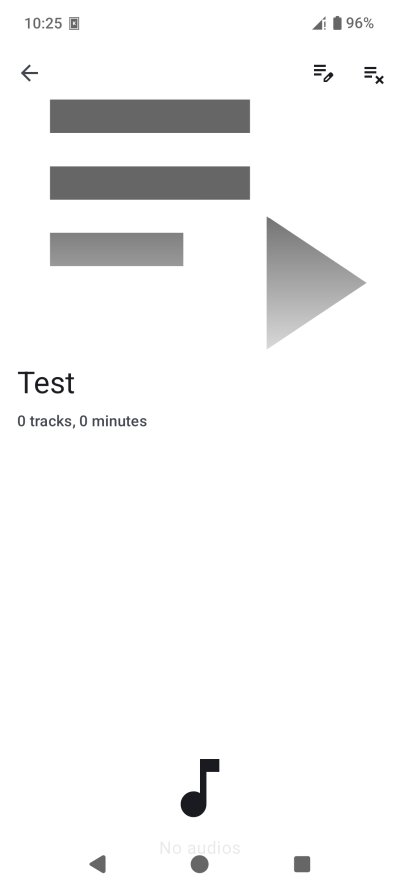
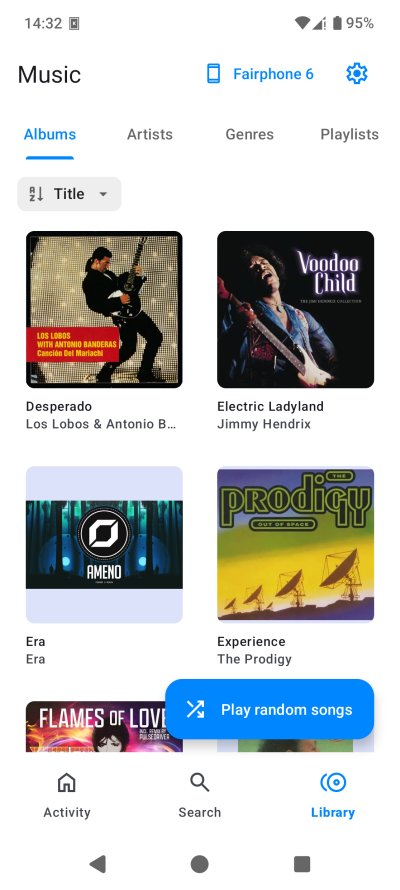
I went back to this app, to see if I can use it. Nope. There's still no option to only show tracks. But I said, okay, perhaps I can create a playlist with all the songs, that would do. Except, I couldn't find a way to actually add songs to a new playlist. There simply isn't a button or a toggle or whatever that does this. And if there's a way, then I missed it, which is equally bad. VLC does the job marvelously, as it is.
Why does a music app need to be so complicated?
Google account on the /e/OS device
Yes, yes, I know. The heading promises much merriment. But here's a legitimate question for you. How difficult do you think it is to create a brand new Google account in 2026, with Fairphone 6 with /e/OS as your handheld device? I decided to try this, just to see what happens.
First, I started the processs on the desktop, in Linux, as one should, and also, why not. Quickly enough, though, my workflow became rather convoluted. Hint, I "needed" phone to complete the process. But let us proceed slowly and gingerly.
Account creation, your name, your birthday, your gender, your password. No different than 2006. So far so good. But then, Google asked me to scan, you guessed it right, a QR code! For security reasons, it said. I guess the fact I was using Linux and Firefox plus my ISP's choice of CGNAT probably tripped the algorithms, making me stand out as a non-normie, who must be "punished" for his wicked non-mainstream ways.
Google's QR code page said that they would not associate the information used during the final step of the account creation with my identity. True, you could ask a friend to help you, and use their phone if you really must. But for most practical purposes, you will do it with your own device, if you have one.
There was no alternative option to verify my signup. No option to call, send a message or anything of that sort. Only the QR code mechanism. I tried using Google Help, which is powered by "AI", and even this glorified chatbot couldn't offer anything meaningful. It did tell me to try the incognito mode and such, but there was nothing concrete and useful there. So, what do you do if you don't have a smartphone?
On its own, this is mega FAIL, and a stark reminder that we must not let our lives become too digital, because once that happens, game over, you belong to the "corporation". Now, I decided to "cooperate", and I used the Fairphone to scan the QR code. This QR code is actually a big, complex link, with lots of interesting identifiers and variables. If one wants, one can use this to very easily map users, devices and whatnot.
The QR code link (opened in Firefox mobile in /e/OS) told me that I need to send a text verification message to Google (at whatever local cost). Basically, you get a template text with a unique code (like XYZr4432), which you need to SMS to a phone number (one of many that Google uses, e.g.: +33 1234 5678). When I clicked the relevant "send text" option, the phone asked me whether to open the Message apps. I said, sure, let's do it.
Here, things got weird. For some reason, the /e/OS Messages app malformatted Google's phone number, changing the leading international call code (+ or 00) to //, followed by a number. And of course, my phone failed sending this text. Soon enough, the verification process timed out, and I tried again. Same result.
Next, I tried editing the phone number, replacing the // set with + or 00, but for some reason, the Messages app used the cached data, and again, the SMS sending failed. It took me many long trials to get this done, and here's what I needed to do to resolve this:
- Before sending the message, I would quickly "save" the phone number. I would then edit it, and make it into the correct format.
- Then, I would copy the contents of this message aside into the Notes app.
- I would close the Messages app, open it again, create a new text message to the saved recepient, and paste the saved contents from the Notes app, all within 90 seconds you have before the verification process times out, and you need to start afresh.
- Eventually, this succeeded, and I could complete the account creation.
Not very fun, eh, on all accounts.
Everyday use
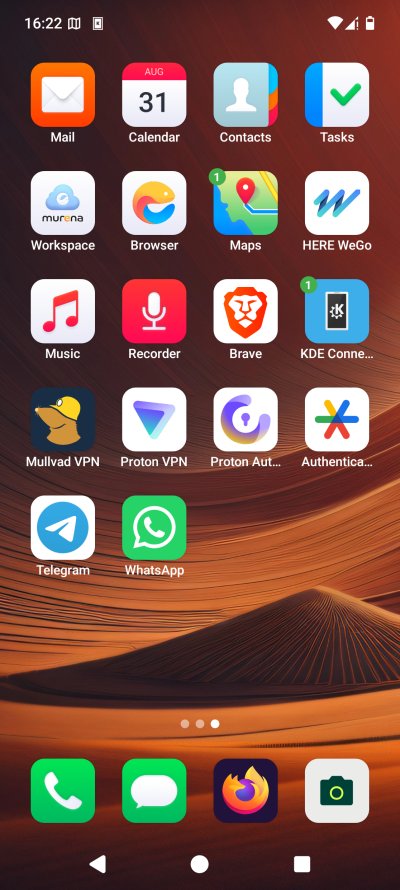
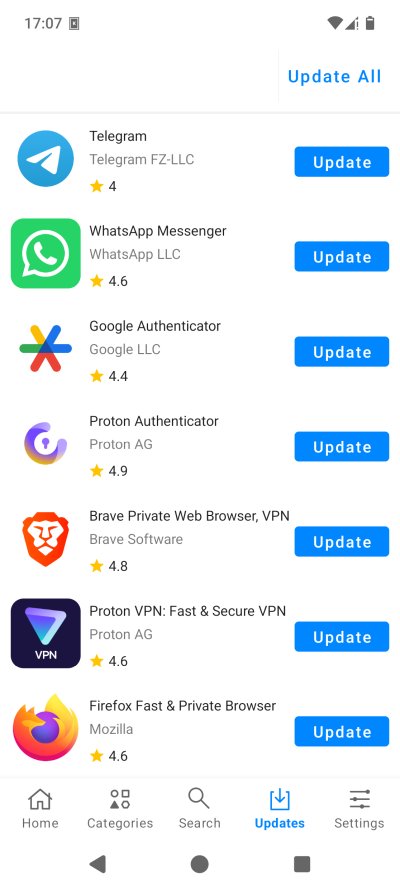
Apart from ALL of the above, the actual phone did okay. Alarm clock, decent battery life, nice looks, peace and quiet. I updated tons of apps, tried them all again, and they all worked. And they worked better than most of the stock options. It's the Linux desktop story, replicated onto the phone, sadly.
Conclusion
My second report with the /e/OS is quite telling. There were a lot of bugs and problems. I found the experience interesting, exciting, but also fragile and frustrating. If there's ever going to be any sort of challenge to the mobile phone duopoly, then the alternatives have to at least as good, as the critical condition for success. You can't have buggy, nerdy tools foisted onto the masses, and hope they somehow manage to find their way out, to say nothing of the fact that bad software shouldn't be, period. As it stands, there are lots of rough edges to the /e/OS, across all the strata of usage. From updates to connectivity to navigation to sound, there was always something to prevent me from having a seamless, fun experience.
I want to be able to use this operating system daily, but then, recall my app management woes, take into account the navigation, the SIM problem after update, the flaky updates, the less-than-optimal weather app, the less-than-good default apps that fall behind the proprietary mainstream choices. Then, add the uniqueness factor that makes you stand out and actually lowers your privacy, add the friction with the Play ecosystem, and that means lots of hard work to try to have a slightly more normal and fun smartphone usage. As things stand today, I honestly cannot commit to the /e/OS. That would be idealism over logic, over proven results. I feel like I'm recreating my Linux desktop saga, all over again. But persist, I shall, and hopefully, things will improve over time. Whatever happens, stay tuned for future reports detailing this adventure. So long.
Cheers.