Updated: May 15, 2026
What's life on the Patrician side of the fence, you ask? Well, let me tell you. Late last year, I unpeasanted myself. I bought a Macbook Pro, which entitles me to bragging rights and being addressed as m'lord in public. On the hardware and software side of things, I've been using this new machine for a while now, and I want to share my findings. In much the same manner as my long-term reports with the Titan and the Executive, two Linux-only Slimbook systems, I want to tell you about my Mac experience. The good and the bad, mind, because I'm no fanboy, nor do I wish to become one.
You've already gotten a taste of this would-be neutrality in my first report. It is time for a sequel. Today, we will talk about yet more fun (or lack thereof) with Liquid Glass, some dot release updates and fixes, some odd behavior here and there, some actual problems, believe it or not, overall satisfaction, and all that. Let us commence to begin then. After me.
Tahoe 26.4 upgrade
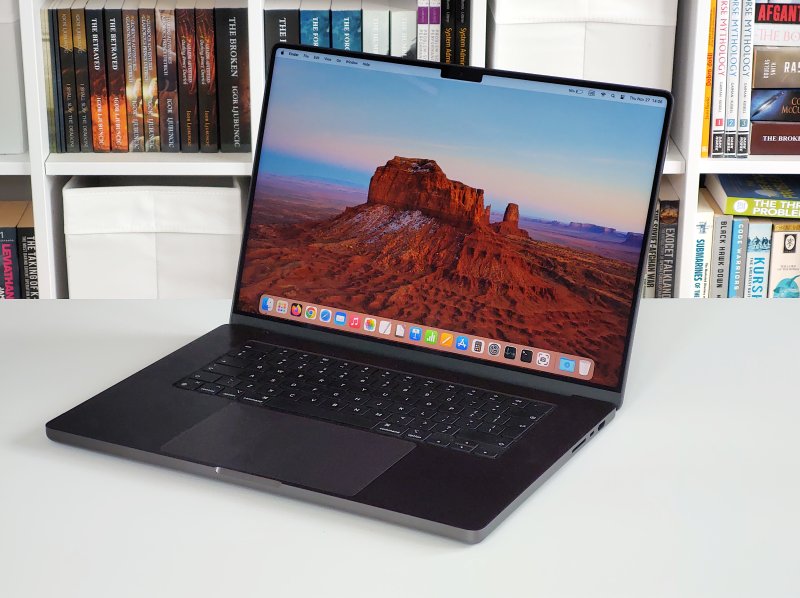
My system had some 12 GB worth of patches waiting. I let them drip in onto me box. Fast forward fifteen minutes later, and my machine had been updated, including various important bug fixes. Most importantly, the Samba shortcut bug is gone. I can now access Samba shares pinned as shortcuts in the Finder sidebar without any problems once more. Excellent.
I performed the update on battery power, and the entire procedure took maybe 4% of juice. I did have to decline Analytics and Apple Intelligence once again, but no setting was touched or changed. A far cry from other "modern" operating systems. Now, moving on.
Various problems and niggles and such ...
Okay, in no particular order. Here's what I discovered. Actual issues. When you use CrossOver, and you want to explore the C: drive contents for any one Bottle (installed program), this pops up a Finder window, like any other. If you switch away from this window, for whatever reason, it will "disappear" from the view. You won't be able to find it, even if you tab through your open programs, including Finder. In some ways, the popups become popunders, not unlike the same issue with Explorer window Properties in Windows.
Image viewing is quite annoying. Double click on an image file (say JPG), and this will open Preview. You get no ability to see any other images in the folder, and the Arrow keys do naught. One image, and one image only. Infuriating. The remedy is to select an image in Finder, then hit Spacebar. This will behave more like a classic image viewer you expect, and you will be able to use the arrows to advance back and forward through the photos and alike in the current folder. I find this quite clunky.
Speaking of photos AND CrossOver, one of the programs I have installed is IrfanView. This awesome little app can also play videos, believe it or not. However, in macOS, for me, for some reason, this didn't work. Irfan couldn't do this. Image files yes, video files no. Why? I don't know, but there you go.
I use an external multi-port adapter for my USB-A mouse. I had already allowed this dongle to work in macOS, as I mentioned in my previous report. That said, once or twice, the mouse would not work. The dongle seemed unresponsive. I had to disconnect and then reconnect it to sort this out.
If you have any files that have no extension, and/or contain the comma character, say rather than saving a text file as dedo.txt, you accidentally mistype and save it as dedo,txt - in this case, if you double-click on it, macOS will try to open this file in Terminal. Quite weird and slightly alarming even. This is what the output looks for me:
Last login: Thu Apr 9 16:46:38 on ttys000
igor@Mac ~ % /Users/igor/Documents/example\,txt ; exit;
Saving session...
...copying shared history...
...saving history...truncating history files...
...completed.
[Process completed]
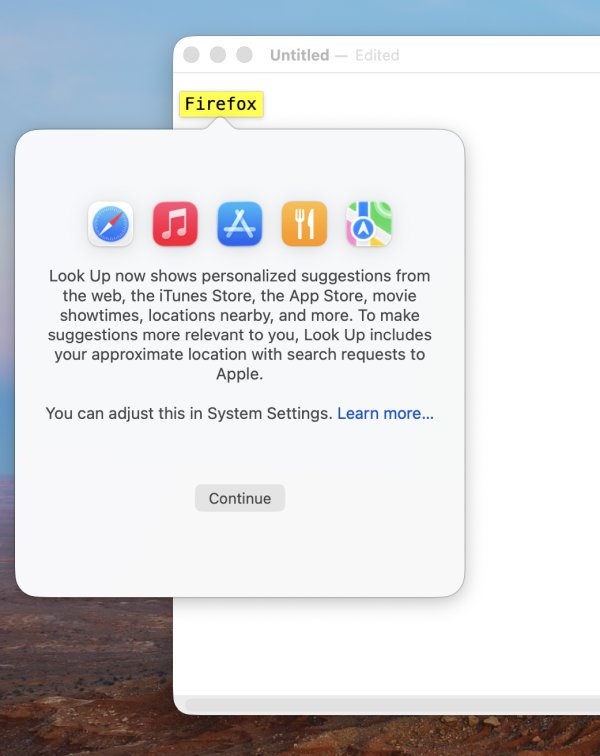
I dislike the Look up and Translate options in TextEdit via right-click. They feels alarming. You could accidentally click on them after having selected a piece of text, which might even include sensitive personal information like say a unique hyperlink or even a password. What happens then? Sure, I don't have these services enabled, and there does seem to be a mid-step warning, but still. Why not have a toggle to remove right-click context options?
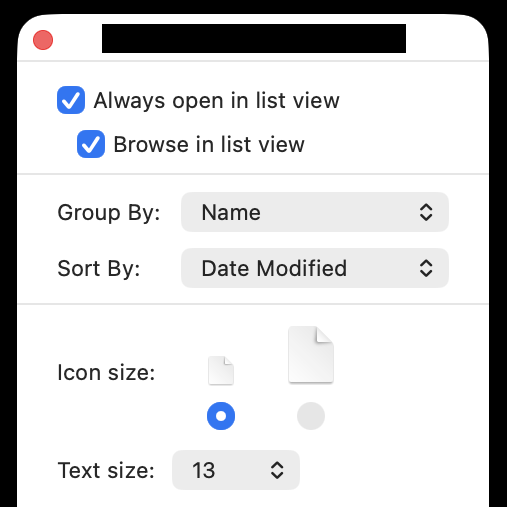
I also struggled a little with Finder remembering view options for various folders. I actually had to go into Show View Options, click on Always open until it showed the list view, and then click "Use as defaults" for desired folders to get the settings to stick in between sessions. Annoying, I have to say. In this regard, I find the Plasma Dolphin file manager to really be the most flexible solution out there.
General usability
Let's move on to positive things. I don't have any big complaints. On the hardware side, the experience is truly spotless (except the dongle issue, hihi). The battery lasts forever and then some, and I've probably charged the device a mere dozen times in the last few months. There's almost no heating, everything is snappy and responsive.
The system does not nudge or ask any nonsense questions. I'm not using any cloud account or anything like that, and I don't care. As I've shown you, too, I've got a whole bunch of Windows programs working quite nicely on my macOS. Very neat.
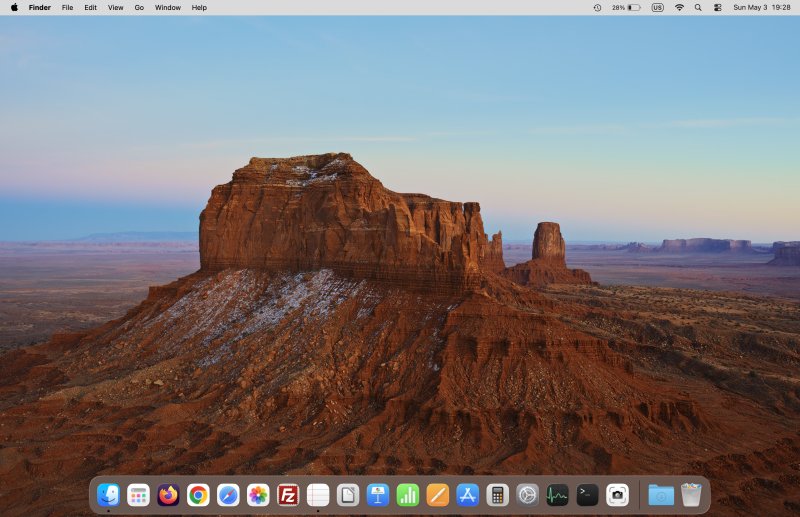
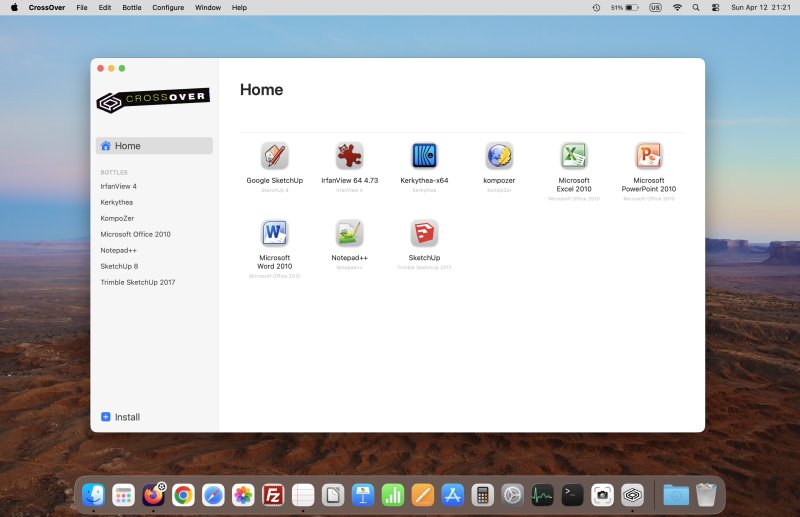
With transparency and motion disabled, Liquid Glass is quite all right. I'm still getting used to various keyboard shortcuts, but, by and large, it's fine. The paradigms are somewhat different, and I don't want to unlearn my Windows and Linux habits, as I am still using these systems, this way or that. But, it ain't bad.
And that would be all, I guess.
Conclusion
If you expected a dramatic bombshell, I must disappoint. If you think about it, the whole purpose of me getting this machine is because I so desperately want peace and quiet and consistency. I had lost desire to keep fighting operating systems and constantly undoing low-QA oddities and regressions. Hence, an eventless long-term report is exactly the kind of thing I was aiming for. Yes, I did discover some niggles here and there, but I am yet to shout or swear at this Macbook. Gotta be a record in my computing life.
For me, most notably, the Tahoe 26.4 upgrade brings in a bunch of improvements, the hardware is stellar, and I'm having fun. Some programs do have dubious defaults, and it would be nice if the operating system had more flexibility when it comes to options and settings. A few more toggles wouldn't go amiss. All in all, it's been a pleasant journey so far. See you soon, and stay tuned for the third report, whenever it may come.
Cheers.