Updated: March 11, 2026
Over the years, I have grown to dread and resent operating system upgrades, across the board. They usually bring pain, regressions, problems, and new usage paradigms, for no good reason. In particular, with Windows, you can expect hours upon hours of undoing low-IQ crap. In Linux, you can expect tons of breakages, because quality is a forbidden word in the nerdy cycles. When I realized I needed to upgrade my Macbook Pro from its Sequoia (15.X) to Tahoe (26.X), I felt somewhat uneasy.
Then, I remembered my experience with the iPhone, and how reasonably seamless the whole process was. And now that I also have a recipe for how to tame the unholy elements of Liquid Glass, perhaps the ordeal won't be too arduous. Furthermore, Apple have implemented various changes and improvements in Tahoe, with two dot releases (at the time of writing) meant to have fixed the early bugs and annoyances. With optimism in my proverbial step, I set about doing the system upgrade. After me.
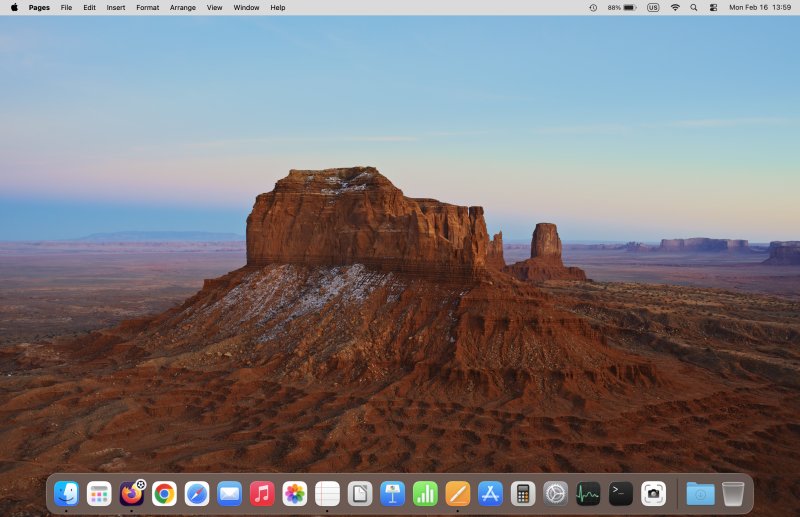
Twenty minutes ... and done
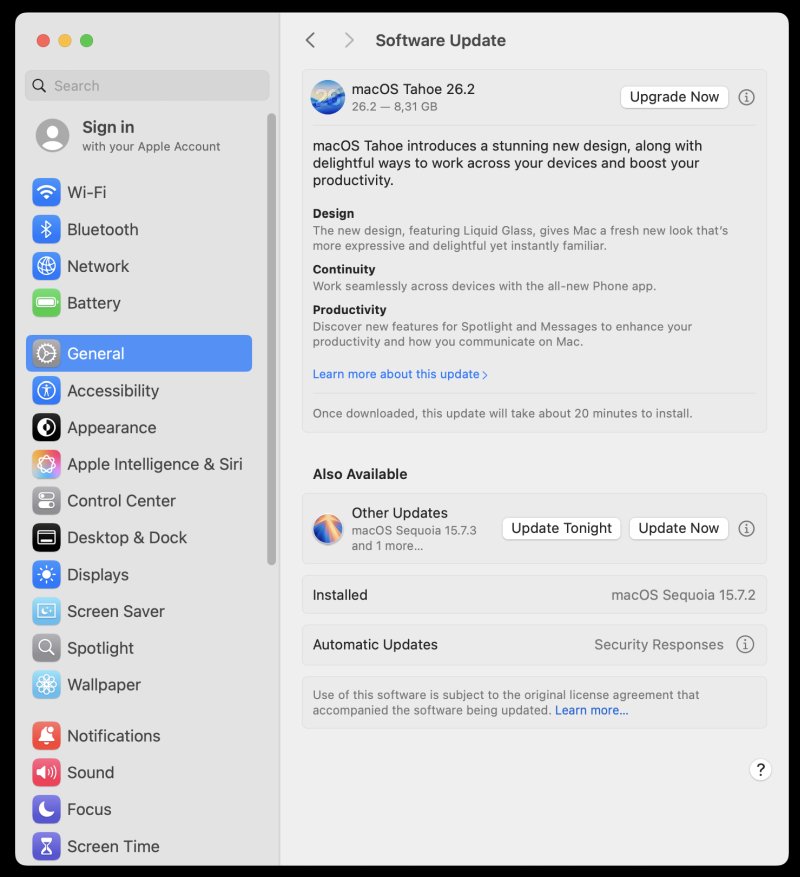
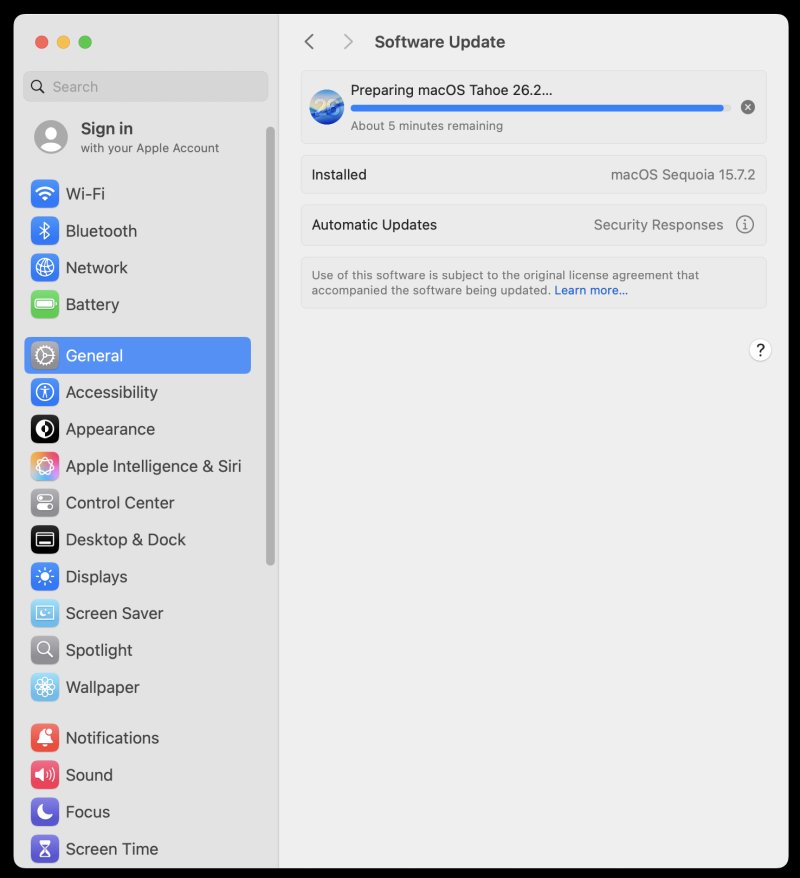
I opened Settings > Software Update. It offered me both a security patch to Sequoia, and a full upgrade to Tahoe. I chose the latter. The actual update was about 12 GB. It took about fifteen minutes to download, another five minutes to install, and believe it or not, that was it.
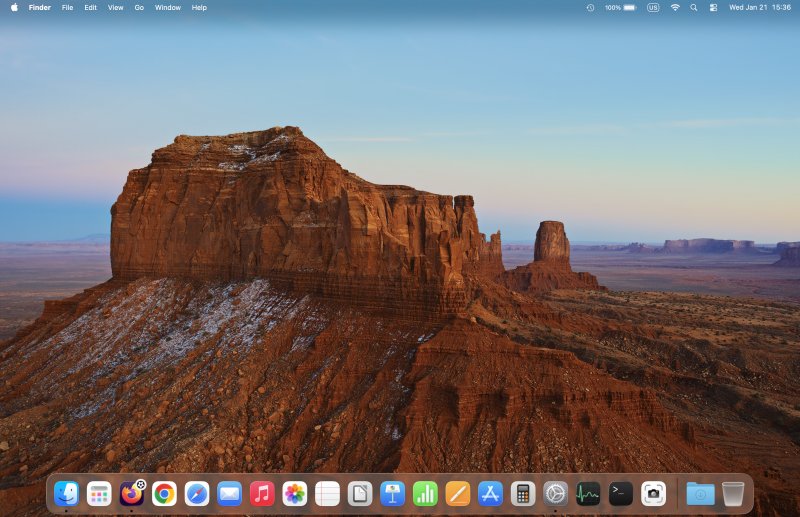
The system asked me two or three questions - Apple Intelligence, Analytics, nope, move on. There was a quick tour. And then, my desktop loaded. I didn't need to tweak any settings. I didn't need to uninstall any pointless apps. There are no prompts about anything. By and large, everything looks and works the same.
Problems? Surely, there must be some!
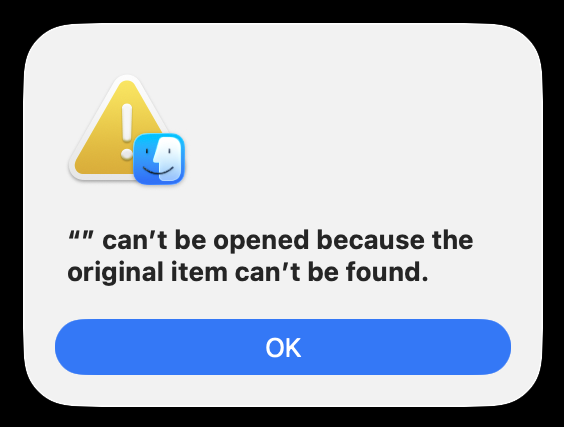
Well, one. I had one. The Samba share shortcut I had added to the sidebar in Finder was broken. I had to reconnect to the share, and re-add it. This is truly the one real problem post-upgrade. I'm not sure why this broke really.
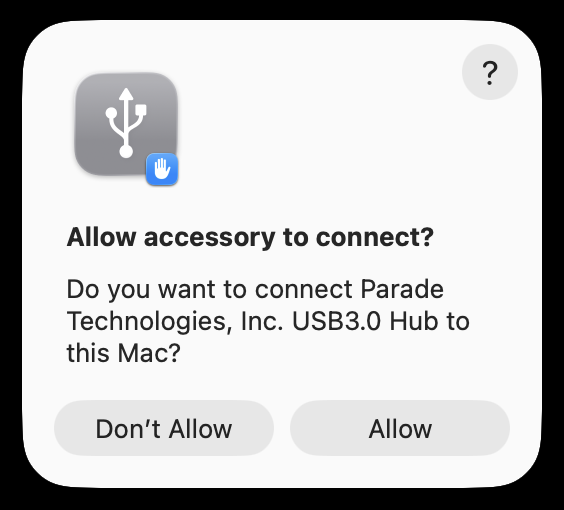
The system also asked me to allow the external USB-C-to-everything hub that I use. There was no such prompt in Sequoia. But here it was. I couldn't use my external mouse until I had allowed this. Feels a bit strange, but it ain't a problem per se.
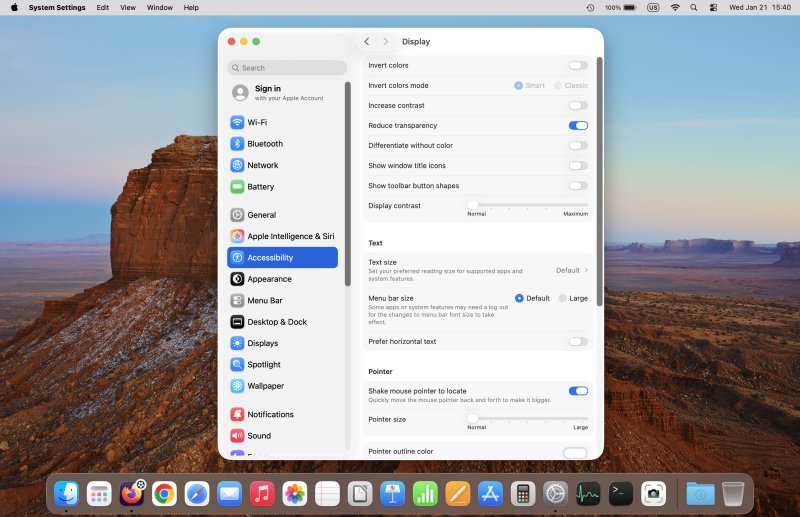
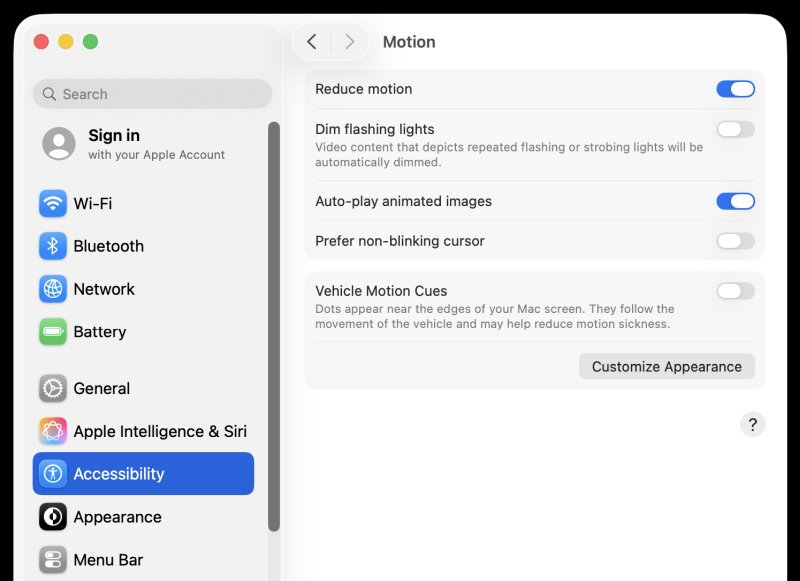
On top of that, I changed transparency and motion under Accessibility in Settings - see my iPhone guide above for the exact same tweaks in iOS vis-a-vis Tahoe. This actually resulted in even better desktop clarity and contrast than in Sequoia. So now, I have an even more ergonomically sorted session. Lovely jubbly.
The fonts are nice and clear, but the various glassy elements are meaningless.
Rounded corners? Meh. They look pointless, but I guess another release will fix this, soon. I still can't edit the toolbar in Finder. But I've not figured out how to do this in Sequoia, either, and I still don't know how to do this in Tahoe. Sure, the Customize option is there, but the icon drag 'n' drop doesn't work. We shall see.
I am not too fond of the copy/download animation, as the progress bar obscures the dock icons, but not in the most elegant of ways. You also have "two" notifications, as the Download folder and the browser icon both show the same info, in a way.

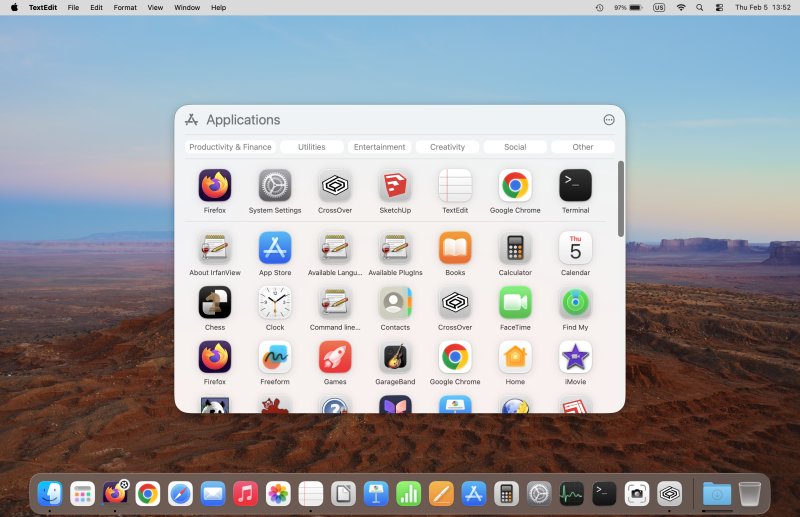
Launchpad is gone, there's a new menu in town. Mkay:
Lastly, the username logo and password field are still shown at the bottom of the login screen. I've read somewhere that Tahoe has moved these back up, to the center, but not in my case. Not a biggie, but again, we shall see.
And ladies and gentlemen, believe it, this is it!
In comparison
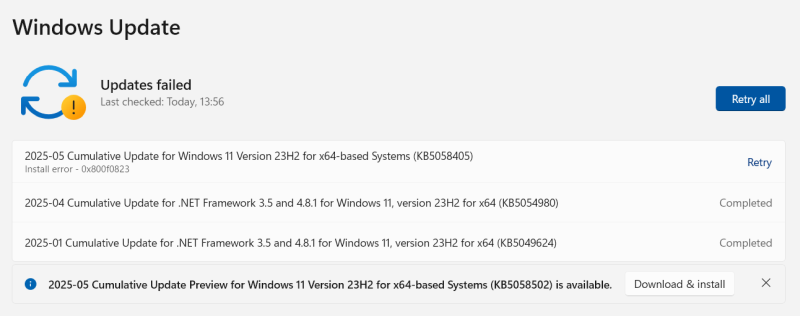
Now, please consider any one of my Windows 11 endeavors. A travesty of time, wasted reboots, and then hours of removing "apps" and sorting out permissions, because my local-only account isn't "properly" configured for maximum cloud boogaloo. Great success.
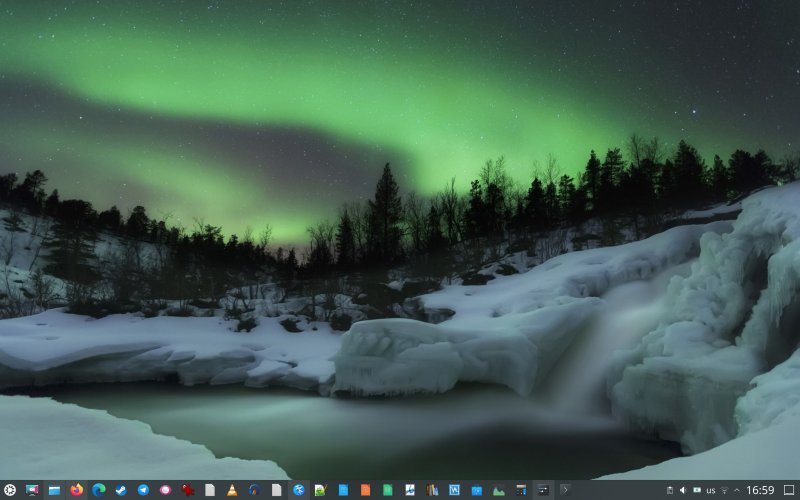
Now, please also consider say my Kubuntu 22.04 to 24.04 upgrade. It took time, a bunch of my apps were removed and not preserved, even though they come from official Ubuntu repositories, a bunch of software sources for third-party software got broken, plus there were a dozen other errors of all sorts. Ah, system administration, my favorite pastime. Forget writing books, tweaking Konsole and Kate is my jam.
Conclusion
I am mightily pleased with the macOS upgrade. This is how a system upgrade should look and feel like. Speed, simplicity, and most importantly, the quantity and quality of post-upgrade breakages. Linux never managed to capture this. In fact, things are becoming worse over time. Windows 11 is awful on its own, and then, its upgrades are even more awful. It feels so refreshing, so liberating not to have to waste precious time debugging nonsense and random crap, not having to perform sad system administration.
Now, make no mistake. I'm no fanboy. I still thing there are essential functionality problems in how macOS works. You can look at my tweaking guide and first longer-term usage report for more details. But when it comes to actual system functionality, not usage paradigms, macOS does so much better than its rivals. The notion that people don't want to play admin to their boxes seems lost on so many nerds out there. They confuse their own passions for worldwide user acceptance. Nope. People don't care about software. And the system that manages to stay out of the way is a system well designed. Now that I've had exposure to the third major desktop operating system, I can tell you with confidence that macOS does the system element so much better than the rest. I feel rested. Throughout the short upgrade process, not a single expletive escaped my lips, and that says a lot. Take care.
Cheers.