Updated: October 23, 2026
This is it. The ultimate test. I will attempt to upgrade the resident operating system, Kubuntu 24.04 LTS, on an elderly laptop from 2014. That said, it's still a rather capable beast, with an i7 processor, 16 GB of RAM, 4K display, and hybrid graphics, including a discrete Nvidia card. By all means, this system works quite well. But then, will it run 26.04? The thing is, over the years, the Linux desktop has quite lost its "good for old machines" motto. Newer distros are far more restrictive, with arbitrary hardware support floors a-la Windows 11, believe it or not. Because old, legacy stuff is boring, it seems, and everyone wants to do "modern" stuff.
Then, there's the simple matter of unnecessary bloat. Take Ubuntu, for instance. About a decade back or a bit longer, it could neatly fit on a CD. Then, it became a DVD, and now the ISO file is some 6-7 GB heavy, roughly 10x what it used to be. And do you get 10x functionality? Of course not. In fact, sadly, in some aspects, you get less functionality. All of this, plus the old Nvidia card, plus the X11-Wayland saga in Kubuntu 26.04, this ought to be a rather interesting experiment. Let's see what happens.
Early jitters
I ran the upgrade on the command line with the --allow-third-party flag. The do-release-upgrade tool was a bit verbose, and some of the text seemed quite alarming. But then, I had nothing to lose really. 'Tis an old machine, a test machine, with very little important data. The results will be quite important, as they will tell me whether I can safely use Kubuntu 26.04 on various other systems, and if I'm going to have a peace of mind for the next decade or so.
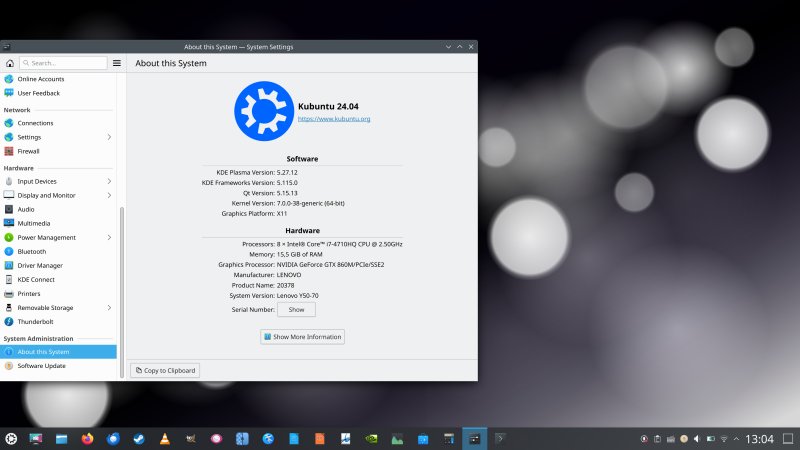
My desktop, before running the upgrade ...
First, the tool couldn't contact the servers, even though my network was fine:
Checking for a new Ubuntu release
Could not download the release announcement
Please check your internet connection.
Then, it kicked off, but the download was only about 1/3rd of my peak speed. Then, there was also this worrying message early on, but it's merely unnecessary Python vomit that should never be shown to the end user.
Continue [yN] y
Get:1 Upgrade tool signature [833 B]
Get:2 Upgrade tool [965 kB]
Fetched 966 kB in 0s (0 B/s)
/usr/lib/python3/dist-packages/DistUpgrade/DistUpgradeFetcherCore.py:237: Warning: W:Download is
performed unsandboxed as root as file 'resolute.tar.gz.gpg' couldn't be accessed by user '_apt'. -
pkgAcquire::Run (13: Permission denied)
result = fetcher.run()
authenticate 'resolute.tar.gz' against 'resolute.tar.gz.gpg'
extracting 'resolute.tar.gz'
Then, it told me about unknown packages - the thing is, apt had just cleaned the old Nvidia drivers, and I was using the 580 branch, which could explain why the upgrade utility got confused. Nonetheless, the message makes little sense:
The following unofficial packages are currently installed:
go-mtpfs.................Installed from: unknown origin
libnvidia-cfg1-550.......Installed from: unknown origin
libnvidia-common-550.....Installed from: unknown origin
...
nvidia-utils-550.........Installed from: unknown origin
xserver-xorg-video-nvidi.Installed from: unknown origin
It is recommended to install supported versions from the Ubuntu
archive, and try the upgrade again.
Do you want to continue the upgrade anyways?
I continued and let the system run. Now, I had disabled the screen locking manually, because I've already been bitten by the screen lock bug in an Ubuntu upgrade a while back. However, it would seem the Ubuntu team has learned their lesson, too, as I got a similar notification from the tool:
Lock screen disabled
Your lock screen has been disabled and will remain disabled during
the upgrade.
The upgrade process, no more than 30 minutes
During the entire procedure, I did have to answer two questions, whether I wanted to keep the old GRUB configuration, and another package, which I had no idea what it is and what it goes - I think it's that go-mtpfs. The do-release-upgrade utility also spat out a lot of text about new Rust-based packages, and then, there was an encouraging Nvidia-related driver compilation block of text, which told me that my ancient card was most likely going to survive the experiment nicely.
...
Found pre-existing /lib/modules/6.17.0-35-generic/kernel/nvidia-580/nvidia-peermem.ko, archiving
for uninstallation
Installing /lib/modules/6.17.0-35-generic/updates/dkms/nvidia-peermem.ko.zst
Running depmod... done.
Building initial module nvidia/580.178.04 for 7.0.0-38-generic
Sign command: /usr/bin/kmodsign
Signing key: /var/lib/shim-signed/mok/MOK.priv
Public certificate (MOK): /var/lib/shim-signed/mok/MOK.der
...
I was a little worried about different apps, though. Their icons had all disappeared from the task manager, but let's wait until after everything finishes. However, on my Slimbook Executive, the upgrade from 22.04 to 24.04, and then in several other virtual machines, had always resulted in programs being "discarded" post-upgrade, including those that come from the archives. We shall see.

And then, roughly 30 minutes later, all included, two manual prompts plus a single reboot, my machine had been upgraded to the latest Kubuntu LTS release. Compare that, if you will, with a Windows 11 "upgrade" on a much newer device. So yeah.
Session name: Wayland
I got logged into the Wayland session, as Kubuntu 26.04 does not ship with the X11 session by default, but as I've shown you in the distro review (see link early on in the article), the legacy thingie works great. My desktop scale was retained, but the panel was all weird.
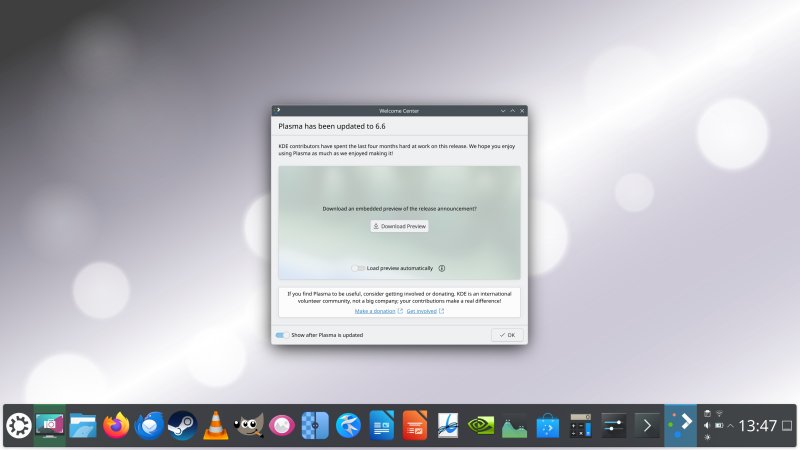
Session name: X11
I quickly installed the lovely Plasma X11 session:
sudo apt install plasma-session-x11
I logged out, and logged back into the old and trusty X. So far so good. But here, too, the panel was huge, and I had to reduce its height in half, from 108 to 54 pixels. That helped.
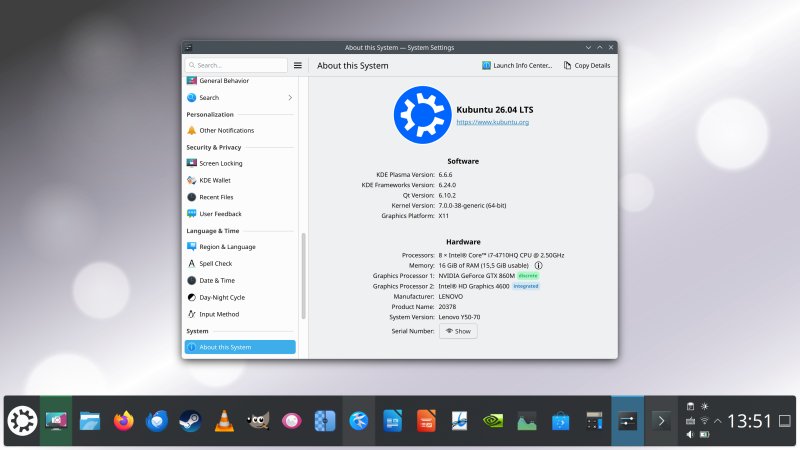
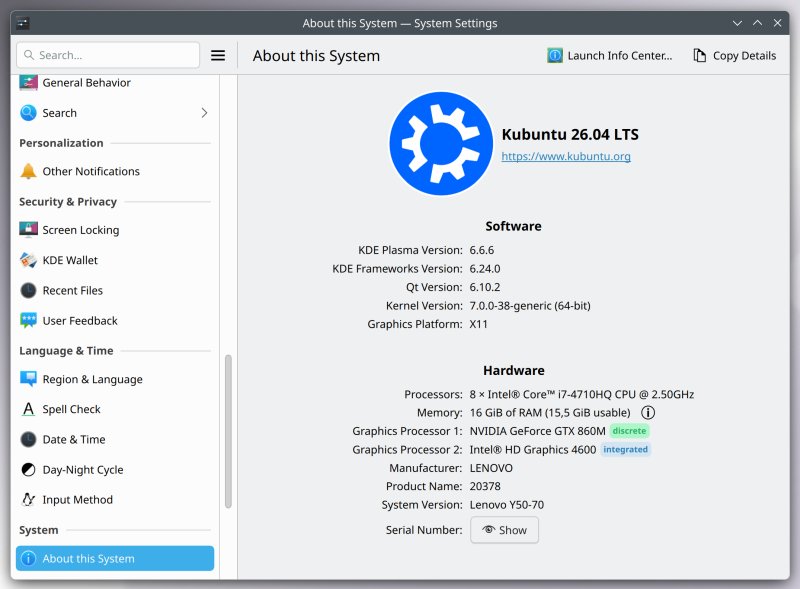
Wait, why not Wayland?
Well, the reason is simple. X11 works, I know what to expect, and it gives me 100% functionality I require, which isn't the case with Wayland. The simplest example: window position on session restore. Plus, my machine runs a hybrid graphics setup, there's Steam, WINE, Xephyr, I want all those to work seamlessly.
Equally importantly, if I can run X11 on this ancient machine with its somewhat "complex" graphics configuration, then I can be confident I will be able to accomplish the same on other, newer systems. That means peace and quiet at least until 2031, and with Ubuntu Pro, until 2036. Excellent.
Sorting the finer details
I spent another 30 minutes or so polishing up the desktop. I set the system to log into X11 by default. I prettified the file manager a little. I also realized that the menu and the system tray applets were still huge, opening almost full screen - a leftover from the earlier 225% scale issue, and probably due to Wayland, as it was the first session. Luckily, all of these applets are resizable, so I changed that easily. Spectacle comes with its new edit mode by default, but you can toggle the window functionality back on, and also, disable shadows, which is great.
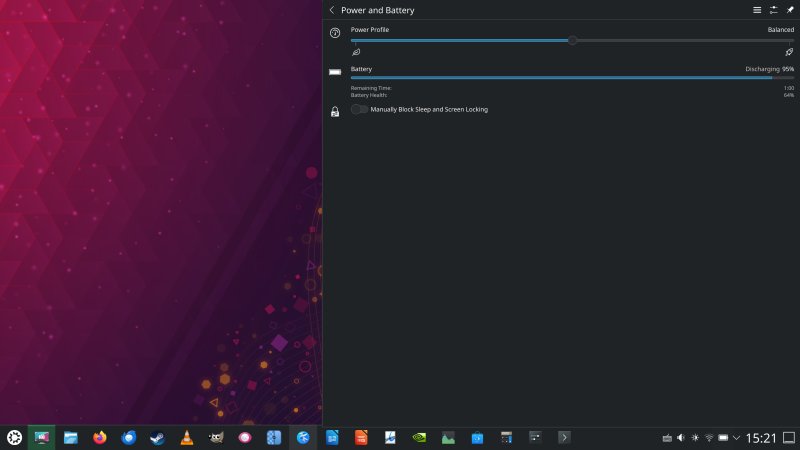
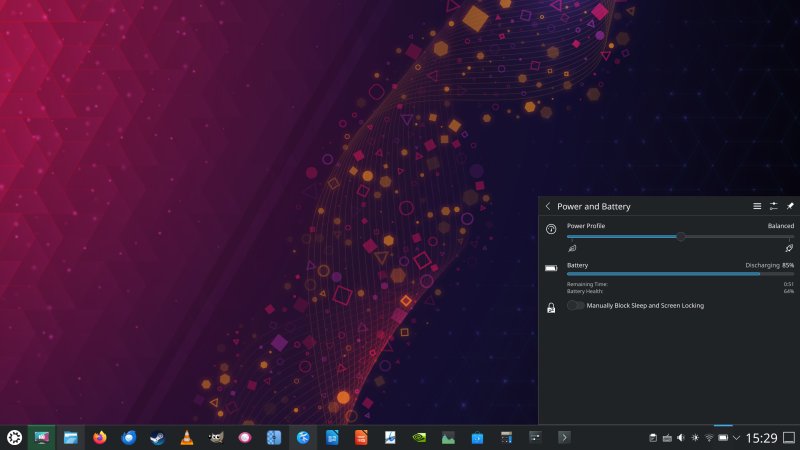
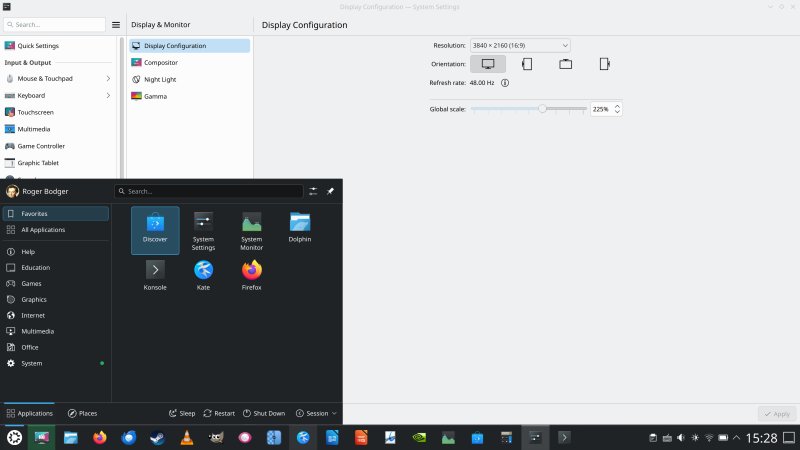
Here's a 2014 laptop with a 3840x2160px screen. Not bad, eh. But this whole 4K thing is overrated.
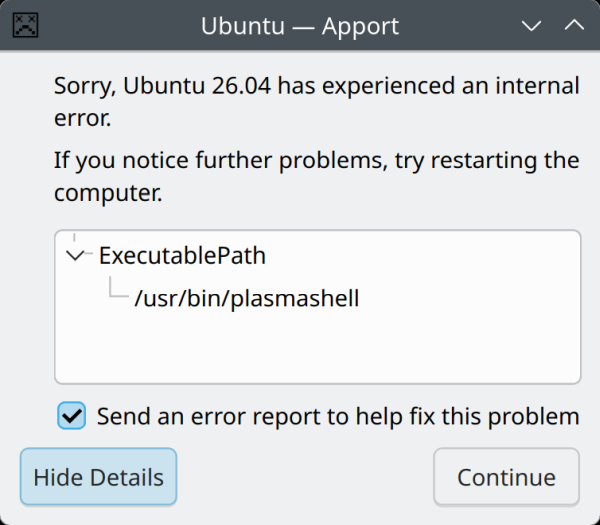
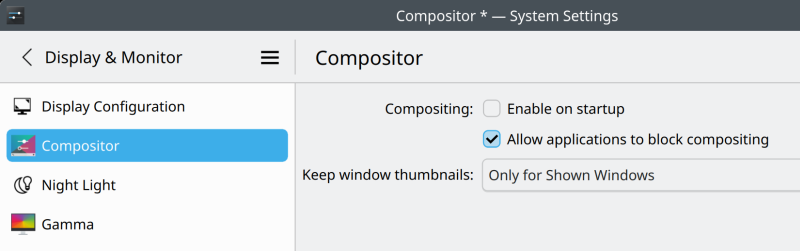
I did encounter some issues with desktop effects. Whenever I tried to toggle them on/off, the session would freeze for a few seconds, and eventually I had a couple of Plasma shell crashes. The crash reporting tool itself also encountered a few hiccups. Now, my system works fine with desktop effects enabled, including wobbly windows and all that. But for the sake of completeness, and extra performance, I disabled compositing completely (which you can in X11). Now, I don't have any fancy effects or anything, and that gives me that much extra oomph on this elderly machine. Also, it's another reassuring aspect of the whole X11-Wayland legacy thing, and the fact you CAN run X11 with compositing turned off in 26.04.
Usability, performance
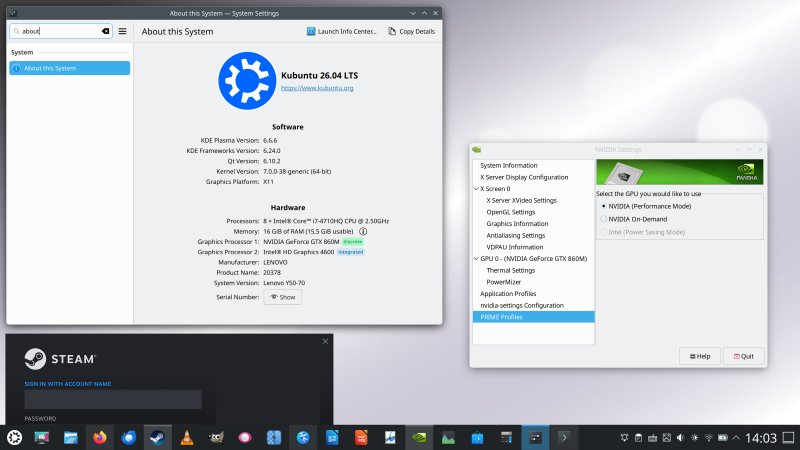
Excellent news! Everything is better than in 24.04. For realz! I have the Nvidia setup working flawlessly. I tested both the Performance and On-demand PRIME modes. No issues. I tested Upscayl, and it did its job quickly, without any struggle. Snapd correctly remembered my snap connections, which is also quite important.
With compositing and window shadows still on ...
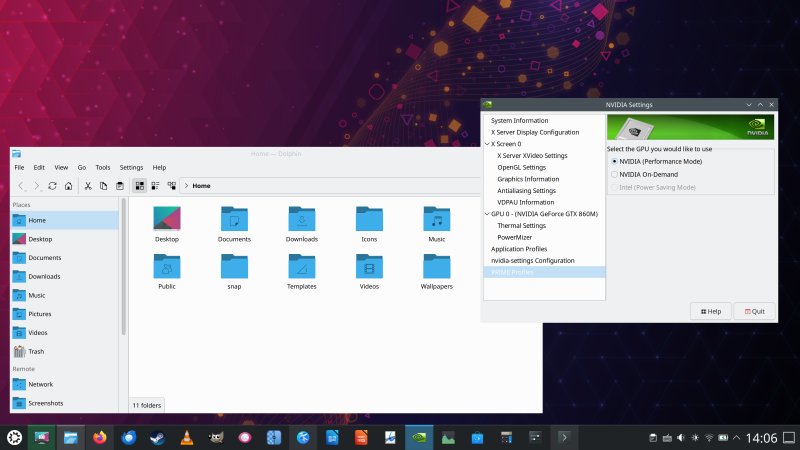
Compositing off, wallpaper changed for dramatic effect.
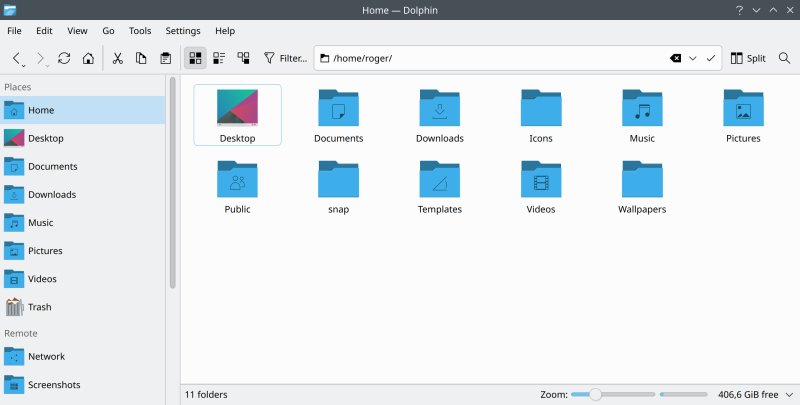
Dolphin made a bit nicer ...
Suspend & resume works fine. All of the hardware is correctly detected, initialized and used. The performance is spectacular. Kubuntu 26.04 is more responsive than its predecessor, and even with compositing still on. I haven't tested any newer kernels, but 7.0 does the job quite well, and I presume, if there are HWE updates, that I will gain still more speed in the process.
I also tested Samba connectivity, and here, I did need to provide the remote server credentials, but that's it. After that, it was smooth sailing. No worries with 4K video playback, although you only get VLC 3.0.23, and neither here, nor in any one of my other Kubuntus has there been .24 update. And this also applies to Pro-enabled machines. Steam also works - it took a while updating, but then, success!
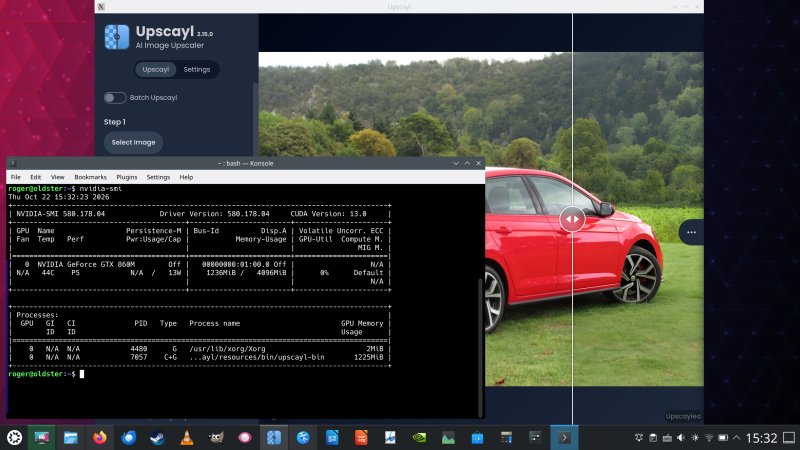
Notice the correct on-demand use of the Nvidia card by Upscayl from the nvidia-smi tool info.
Conclusion
I am very, very happy. I can say that this is probably the pinnacle of my Linux experience in 2026. The upgrade process from Kubuntu 24.04 to 26.04 was fantastic. It was fast, largely painless, mostly bug-free, and with none of the problems I encountered doing the previous LTS-gen upgrade. On top of that, my system is now faster, leaner than before, despite its advanced age. Kubuntu 26.04 brings in a fresh breath of air to my aging silicon. And on top of all that, I managed to achieve all this using the X11 session, with hybrid graphics to boot.
If you think about it, this is great news. One, I have a 2014 system that works majestically twelve years later, and might actually eke it out a full two decades. True, the machine ain't no slouch, and with 16 GB of precious and costly RAM, an i7 eight-core processor, and recently added SSD, it can more than live up to any modern standards, forced obsolescence be damned. And the discrete graphics card, the GTX 860M, if you think it's old, then take into account it can run the likes of ArmA 3, BeamNG, or Cities Skylines on highest settings without any problems. Some relevant links there for ye to ponder and explore, if you like. Steam Proton gaming, another major bonus, and another reason for X11.
Two, speaking of X11, I accomplished my upgrade with the "old" session. No trouble at all. Given this is the LTS release, things ought not to change for the entire duration of the support cycle, so if you want to use Kubuntu and run X11, you can, and you can do that in the latest LTS, free of fret and worry. I already verified this on a system with an integrated AMD card, now you have a rather more complex hybrid Nvidia setup, too, so that pretty much covers it. 2036, here we go!
Three, all of my software works. Nothing broke. The performance is great, and better than expected. The system is more responsive than ever. I've yet to encounter any hardware-related issues, and there probably won't be any. The only downside is an aging battery, but that's easy to solve really. All in all, it's as if someone has gifted me a brand new machine. What else could anyone ask for? Indeed, I only have praise, this time around. Well-deserved praise. This probably means, next time I feel grumpy, I must remember that Linux for old hardware promise is still valid, most of the time. Forget any fancy new atomic distros and such. Grab your classic image, and enjoy it. Plus, when you think about it, you also have to give some praise to Ubuntu, too, because I'm quite certain the combo of good and long support they offer surpasses anything else in the Linux desktop space. With these cheerful words, I'm out.
Cheers.